


Hi, this is Darius. Filming a twelve minute video is the quick part. After that the pauses and retakes have to come out, captions have to go in, and every title card and music cut gets built by hand, which takes most of the week.
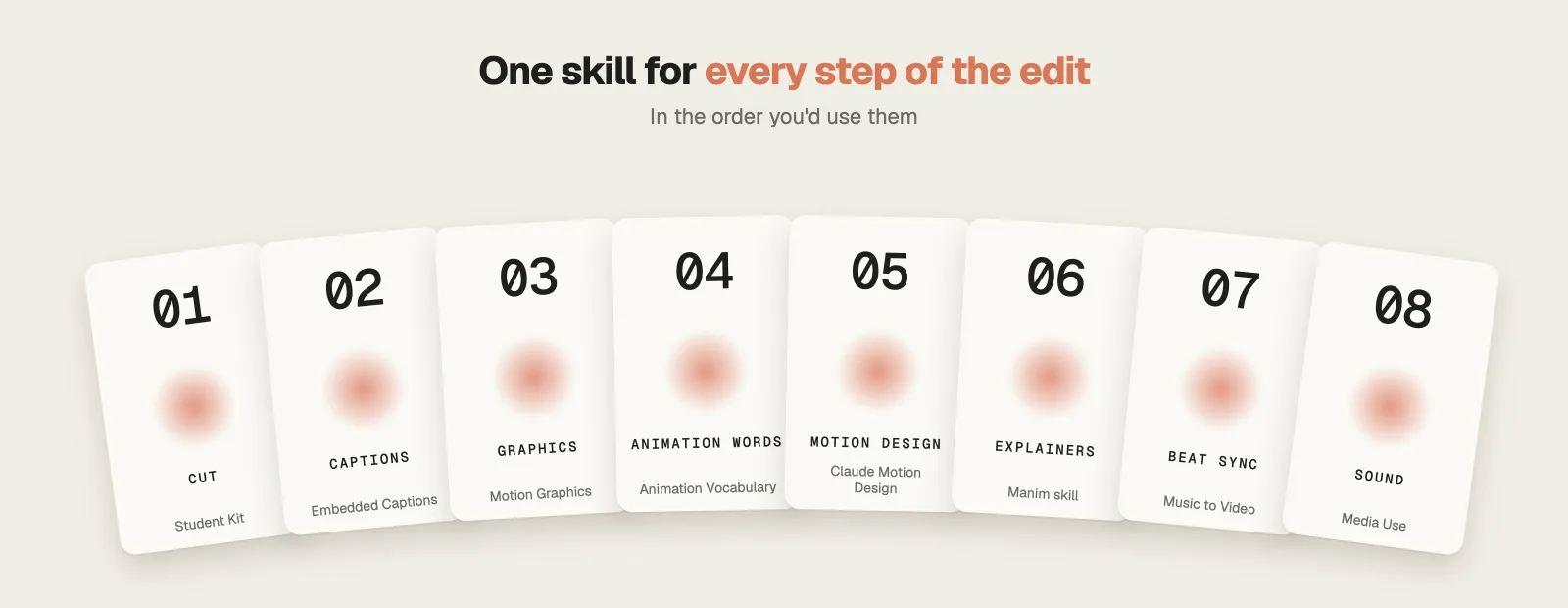
Claude can now handle a large share of that work. These are the 8 Claude video editing skills I’d use, all free and open source on GitHub, in the order you edit, from the raw footage to the music and sound effects. Every license allows paid work, and four of them come from one repo with almost 56,000 stars. Most graphics in the video below are the real output of these skills, which I ran myself.
Watch the full video: Claude Video Editing: 8 Free Skills That Do the Work · 9:38
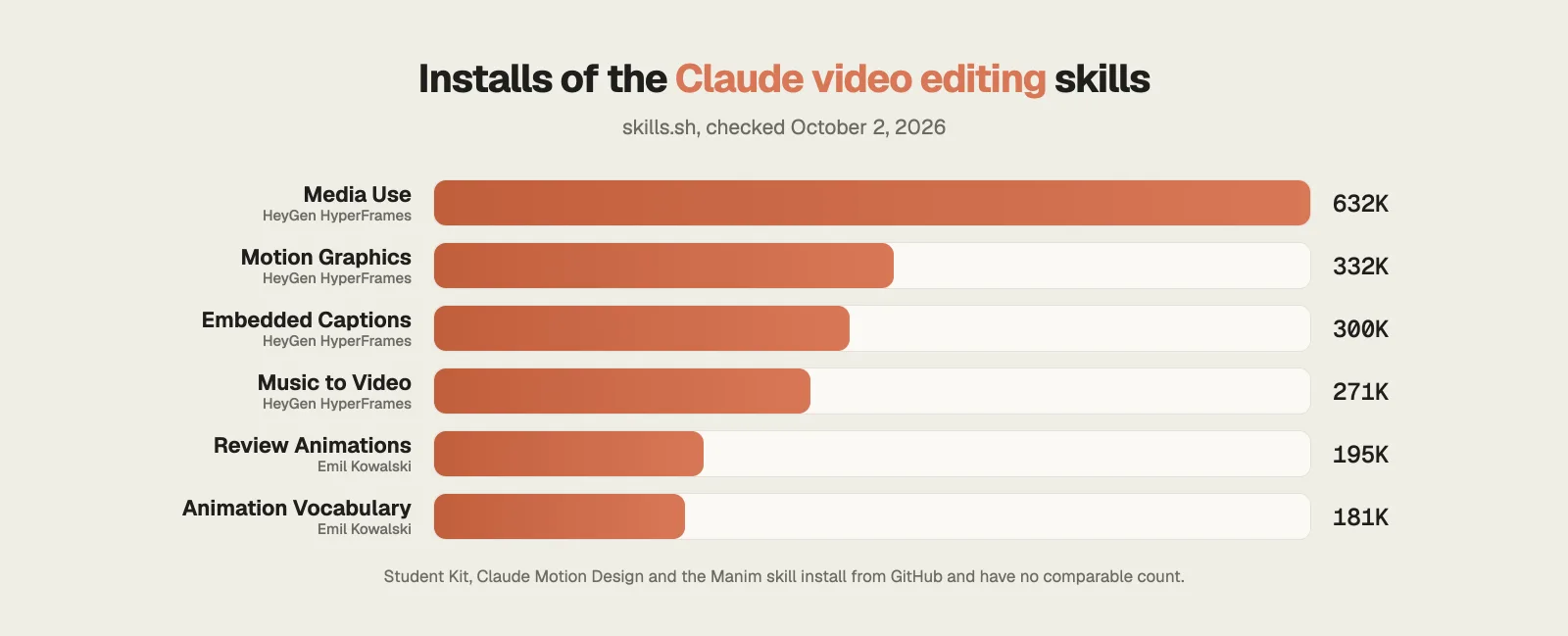
How popular are these Claude video editing skills?
Install counts show which of these skills people use most. Four of the eight come from HeyGen’s HyperFrames repo, which has 55,800 stars on GitHub.
1. HyperFrames Student Kit: cut silences and retakes
Raw footage is full of dead air, false starts and the line you said three times before you got it right.
The HyperFrames Student Kit by Nate Herk is a free starter kit of 15 skills built on HeyGen’s HyperFrames.
What it does
- Cut Silences removes the dead air between sentences.
- Cut Mistakes finds your retakes and lists the proposed cuts before anything renders, so you approve each one.
- Video Storytelling plans the structure, and Short Form Edit turns the same recording into a 9:16 reel with a hook and a payoff.
- It also ships 406 draft motion graphics cards in two styles, ready for you to fill in.
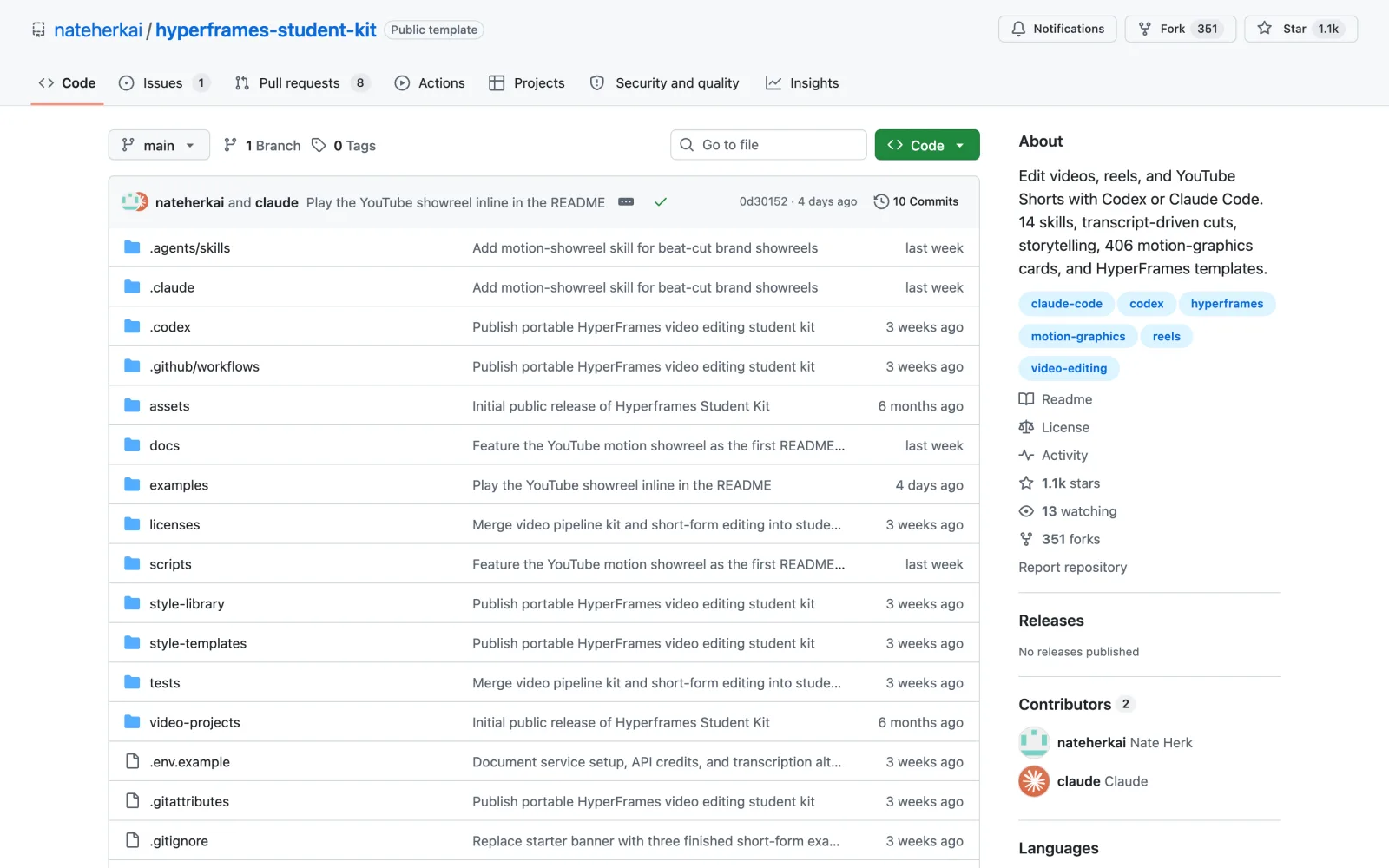
Install this skill: and paste github.com/nateherkai/hyperframes-student-kitgit clone https://github.com/nateherkai/hyperframes-student-kit.git
Already cut the footage and only need graphics on top? HyperFrames Talking Head Recut is the last step in my guide to Claude Code skills for YouTubers.
2. Embedded Captions: 35 caption styles, run on your computer
Many people watch with the sound off, so a video without captions loses them in the first seconds.
Embedded Captions is one of the skills in HeyGen’s open source HyperFrames project.
What it does
- You give it your talking head and choose a style from a catalog of 35.
- The default is a quiet subtitle line along the bottom. The cinematic styles place the words behind you by cutting you out of the background, so the text sits between you and the wall.
- The transcript and the cutout both run on your own computer, and it leaves your original footage untouched.
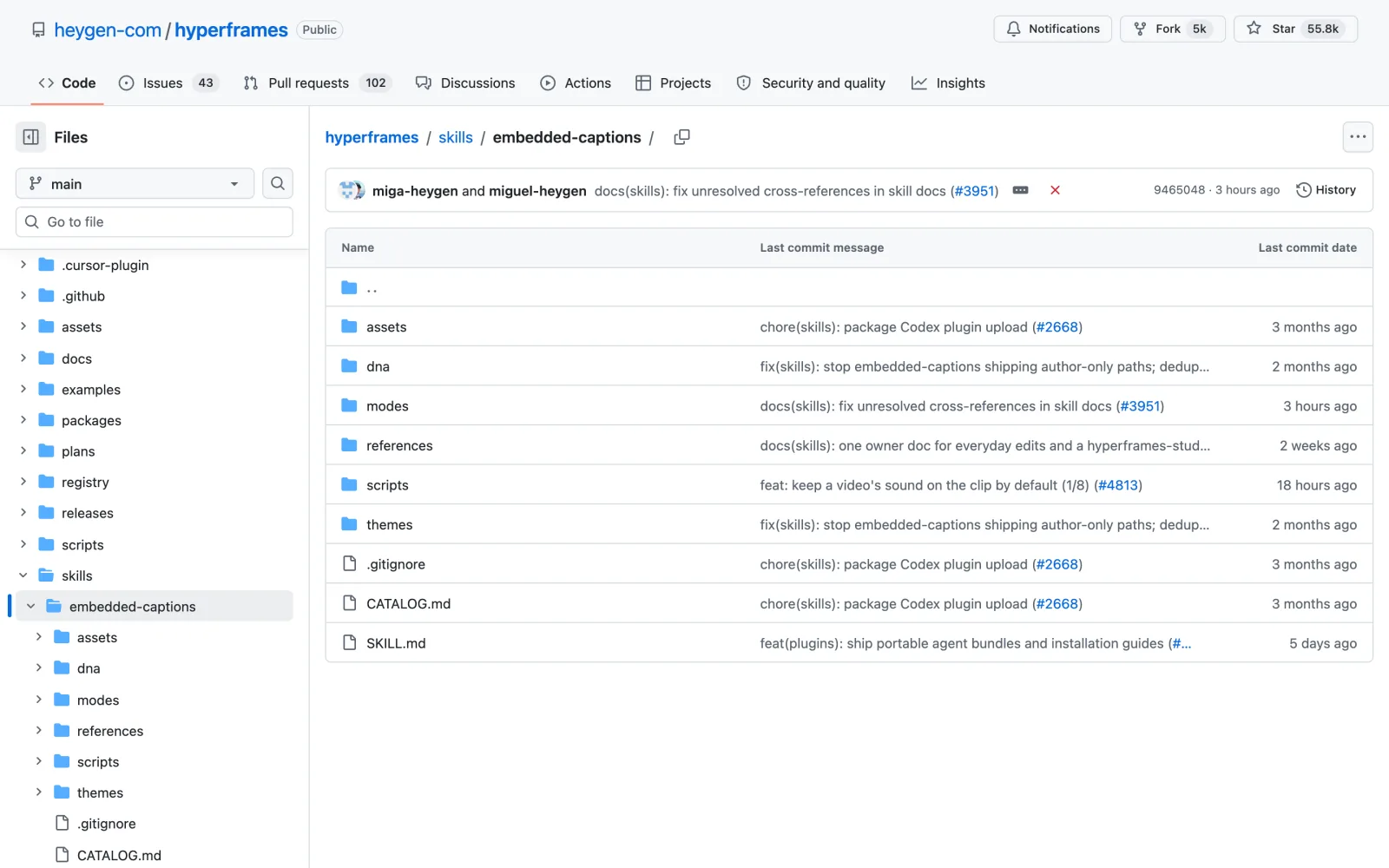
Install this skill: and paste github.com/heygen-com/hyperframes/tree/main/skills/embedded-captionsnpx skills add https://github.com/heygen-com/hyperframes --skill embedded-captions
3. Motion Graphics: titles, counters, charts and maps
Numbers and key points are easier to follow on screen, but building every title and stat card by hand takes hours.
Motion Graphics, also from HyperFrames, builds one short animated graphic from a plain description.
What it does
- It handles a title that types itself out, a number that counts up, a chart, a logo reveal, a lower third, an animated map or a headline.
- It asks at most one question, builds the graphic and checks its own frames before showing you anything.
- It renders an MP4, or a transparent overlay you can drop on top of your edit.
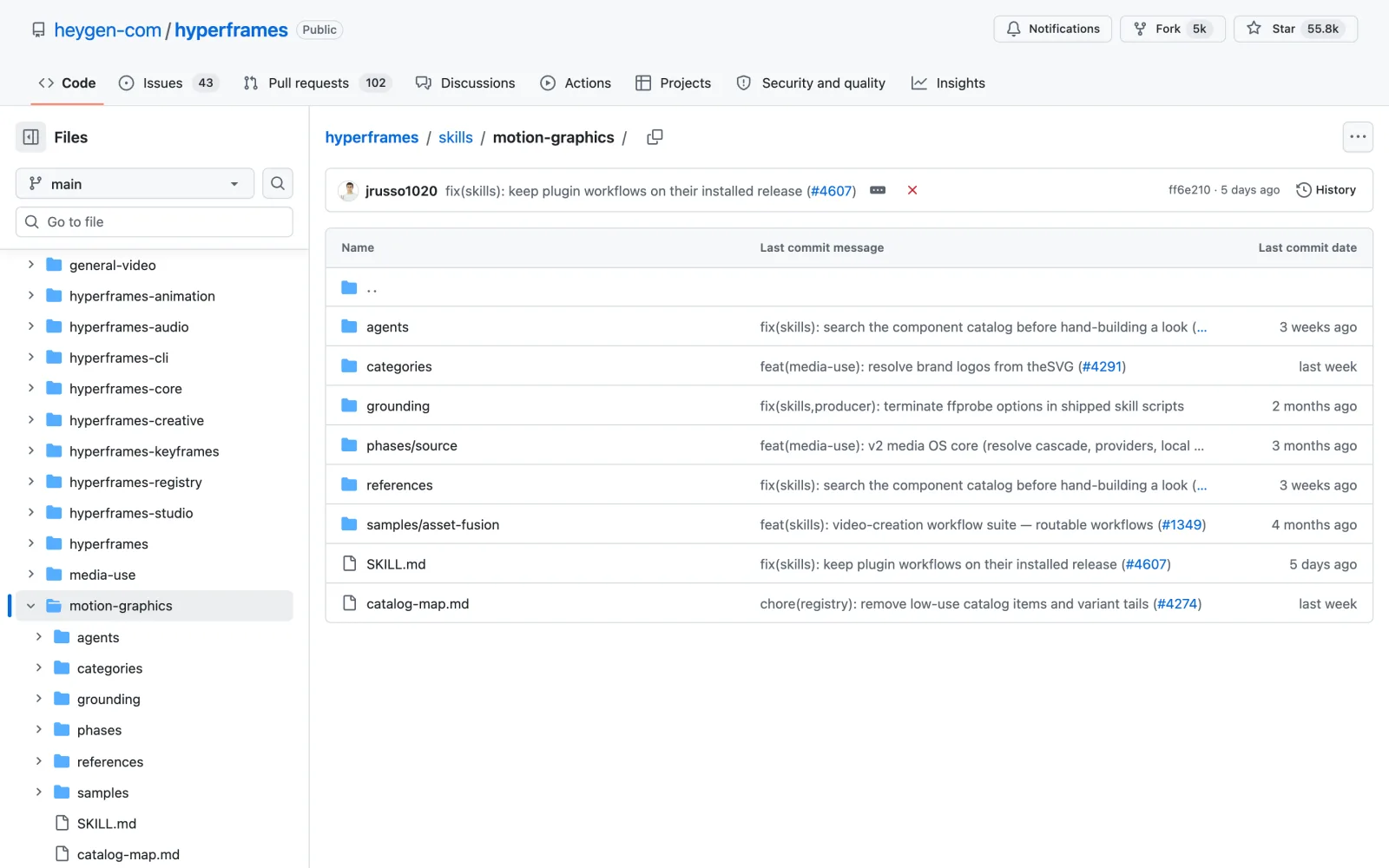
Install this skill: and paste github.com/heygen-com/hyperframes/tree/main/skills/motion-graphicsnpx skills add https://github.com/heygen-com/hyperframes --skill motion-graphics
Need an animated logo without any code? I tested a paid tool for that in my Logo Animyze review.
4. Animation Vocabulary: the right words for every animation
You can see that a graphic looks cheap, but without the right words you can’t tell Claude what to change.
Animation Vocabulary is by Emil Kowalski, who has built interfaces at Vercel and Linear. His skills repo has 42,800 stars on GitHub.
What it does
- You describe a motion the way you see it, like “the bouncy thing when a popup opens”, and it gives you the exact term.
- With the right term you can ask Claude for precisely that motion.
- Its partner skill, Review Animations (195K installs), checks animation code against ten non-negotiable standards. One example: an entrance should slow down as it lands, never speed up.
- Review Animations flags problems first and only approves an animation once it meets the standards.
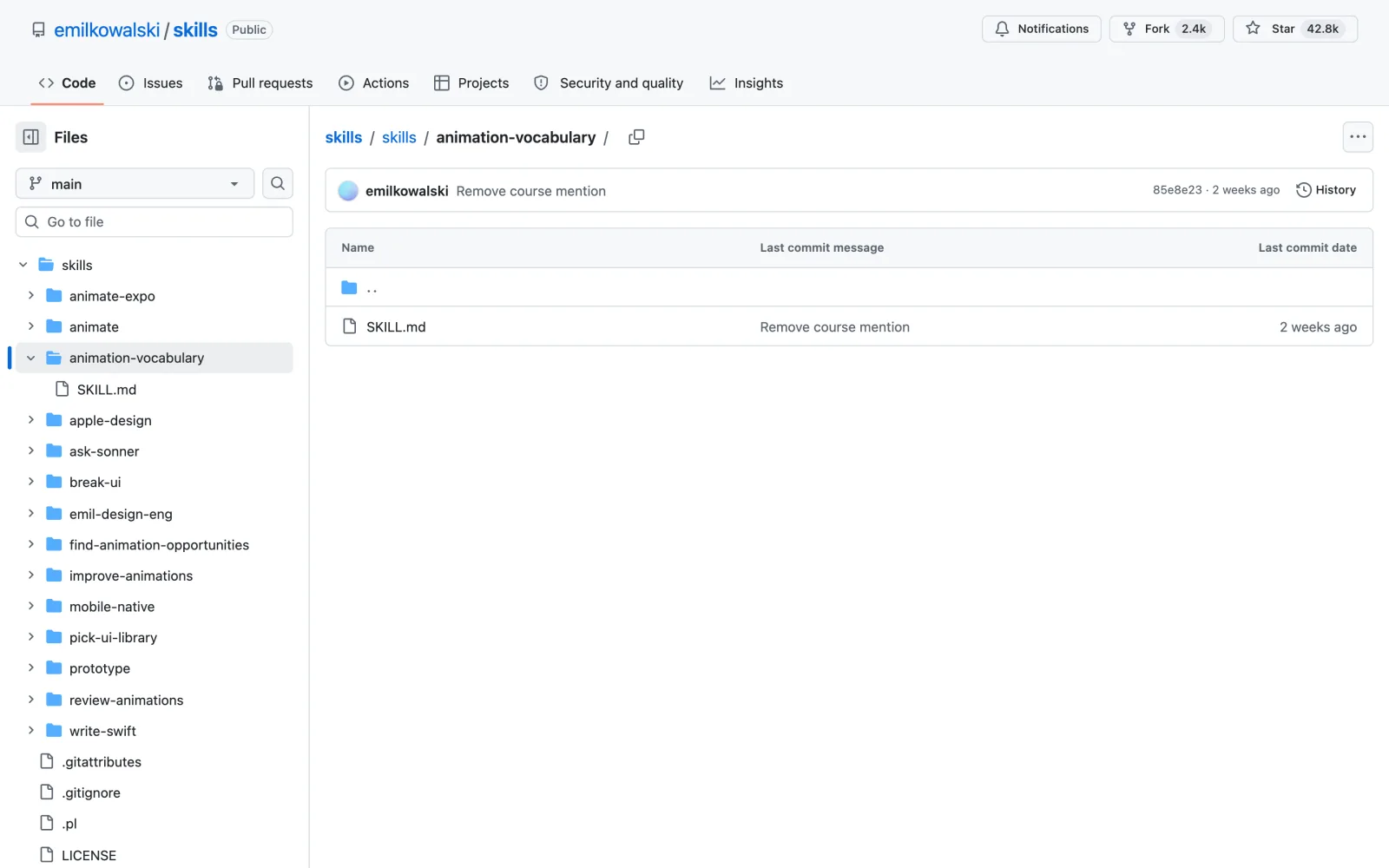
Install this skill: and paste github.com/emilkowalski/skills/tree/main/skills/animation-vocabularynpx skills add https://github.com/emilkowalski/skills --skill animation-vocabulary npx skills add https://github.com/emilkowalski/skills --skill review-animations
5. Claude Motion Design: launch films in pure code
Product videos usually mean After Effects, a paid license and a lot of manual keyframing.
Claude Motion Design is by Raphaël Aubry, the founder of Howseen. It was released on September 27, 2026.
What it does
- It makes motion design videos with HTML, a browser and FFmpeg, without After Effects.
- Every frame is calculated from the time code and blended for motion blur, and cuts land on the beat of the music.
- Each sound effect is placed on its measured peak, and the audio is mixed to -14 LUFS, the loudness YouTube plays at.
- A remake mode copies the timing of any launch video shot by shot and rebuilds it for your brand. Aubry made the project’s own launch video with it in five rounds.
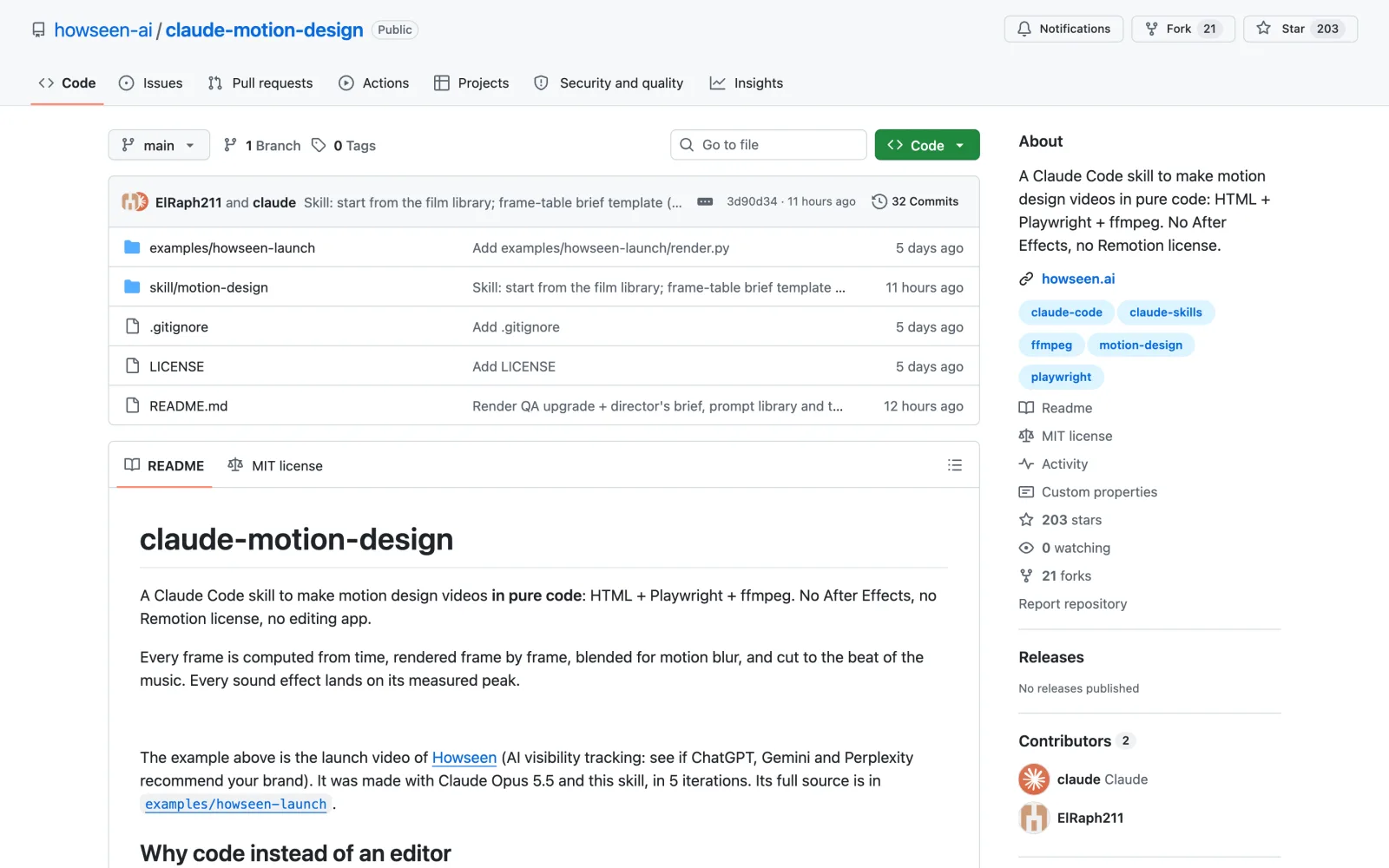
Install this skill: and paste github.com/howseen-ai/claude-motion-designgit clone https://github.com/howseen-ai/claude-motion-design.git mkdir -p ~/.claude/skills && cp -r claude-motion-design/skill/motion-design ~/.claude/skills/ pip install playwright imageio-ffmpeg numpy pillow && python -m playwright install chromium
6. Manim skill: 3Blue1Brown-style explainers
Some ideas are hard to explain with a talking head and a few titles, like a formula, a process or a growth curve.
The Manim skill by Yusuke uses Manim, the animation engine behind the 3Blue1Brown math videos.
What it does
- You describe the idea, and Claude plans the scenes, writes the Python code and renders them.
- If a scene fails, it fixes the code and renders again until every scene works.
- It then opens the clips in your browser, where you write what to change, and it does another round.
- You can plan the video first in plan mode or let it design the scenes itself.
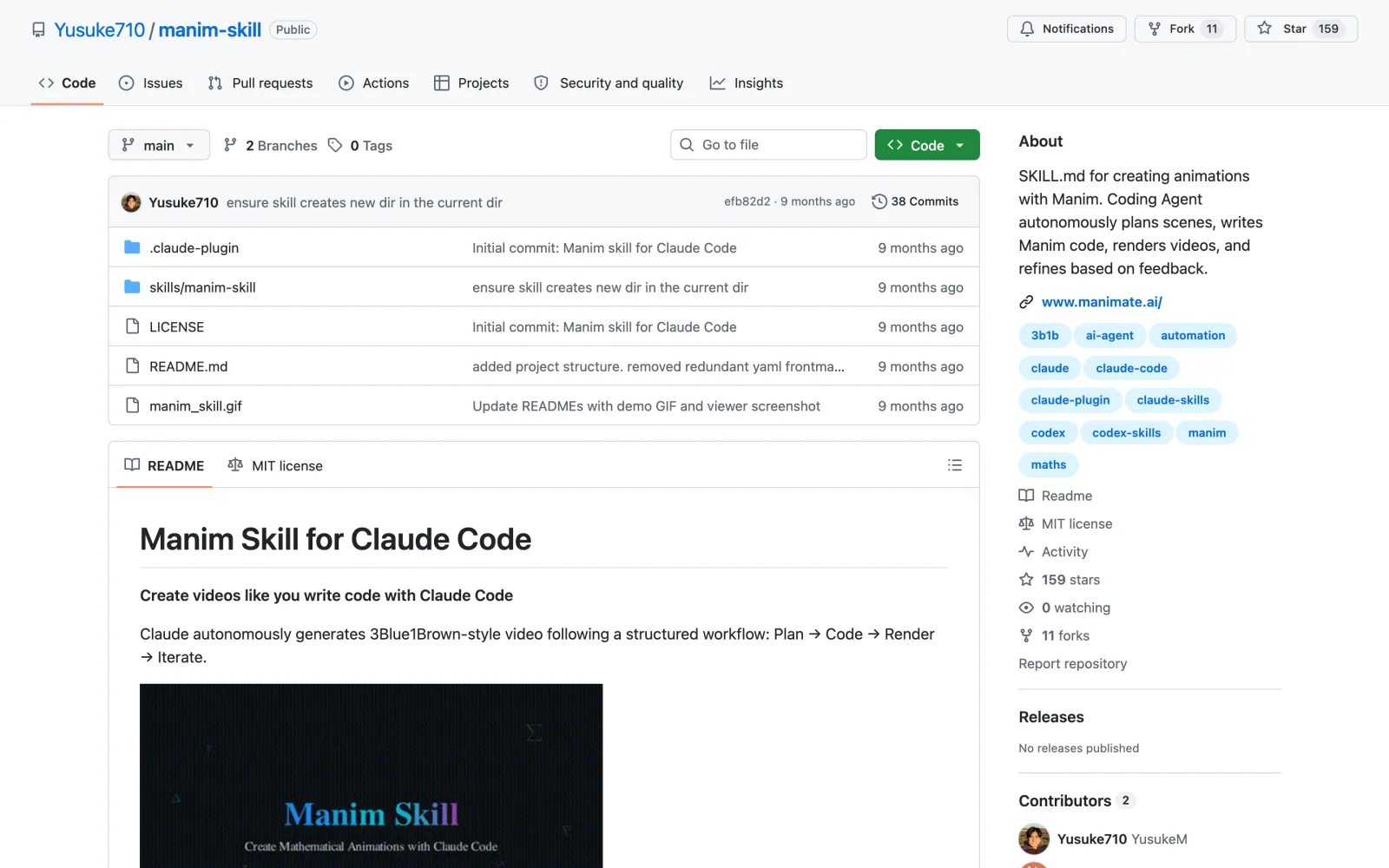
Install this skill: and paste github.com/Yusuke710/manim-skill/plugin marketplace add Yusuke710/manim-skill /plugin install manim-skill/manim-skill
7. Music to Video: your clips synced to a track
Cutting clips to the beat by hand means scrubbing the waveform for every cut.
Music to Video is another HyperFrames skill, and it plans the whole edit around a music track.
What it does
- You give it a track. It analyzes the music once and maps every beat, drop and quiet section.
- It plans the video frame by frame and cuts your own clips and images onto those beats.
- Lyric videos, slideshows and fast promos all work, and if you have no track, it can generate one from a mood you describe.
- You approve twice: once for the plan and once before the final render.
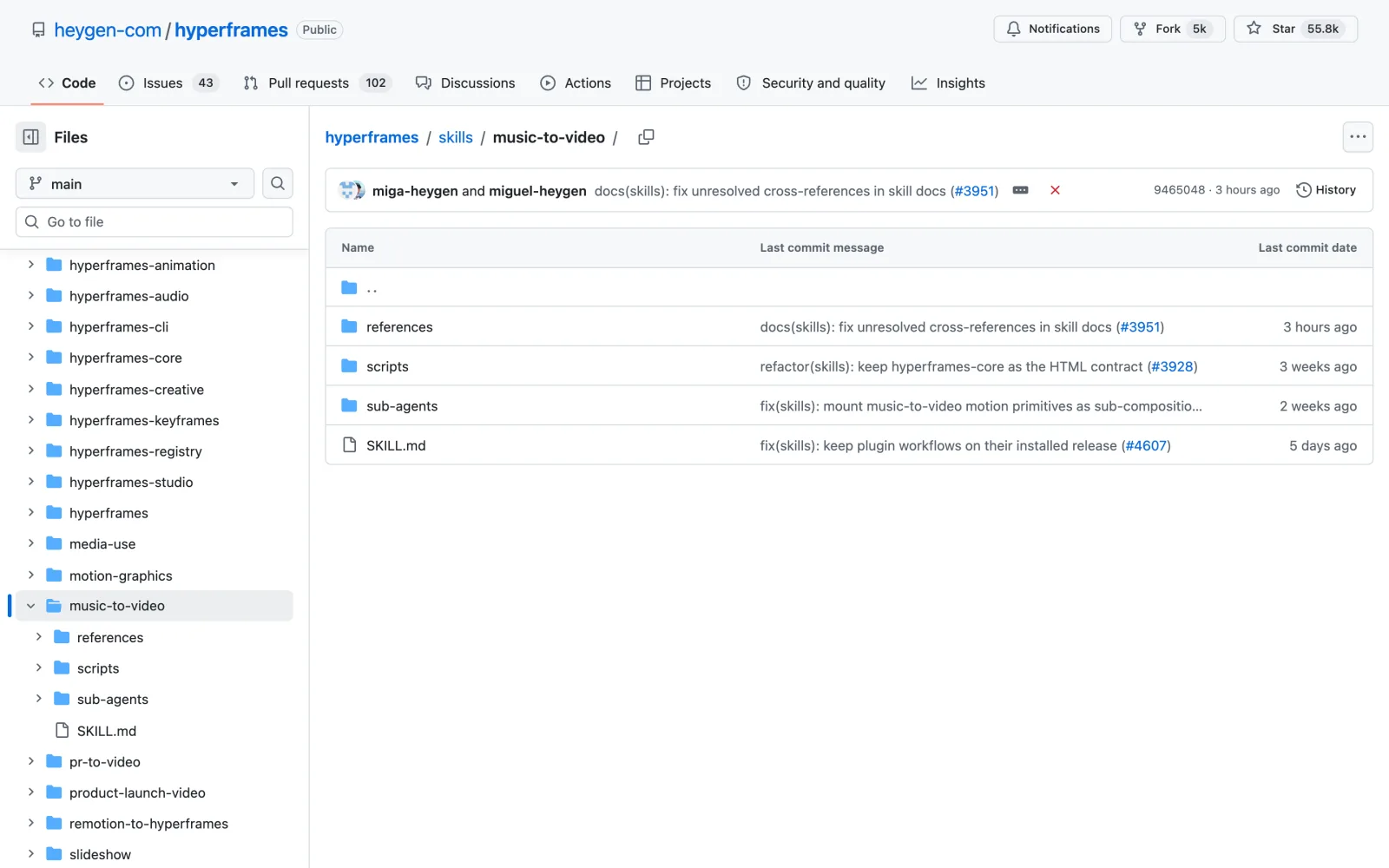
Install this skill: and paste github.com/heygen-com/hyperframes/tree/main/skills/music-to-videonpx skills add https://github.com/heygen-com/hyperframes --skill music-to-video
8. Media Use: music, sound effects and voiceover
The last part of an edit is everything you hear: the music bed, the whooshes and sometimes a voiceover.
Media Use is the media skill for the whole HyperFrames pack and the most installed skill in this article.
What it does
- Ask for background music, a sound effect, a voiceover, an icon, a logo or a color grade. It finds the file, saves it into your project and logs it, so you can reuse it in your next video.
- It also transcribes, writes captions and removes backgrounds.
- With a free HeyGen account it searches HeyGen’s music and sound library.
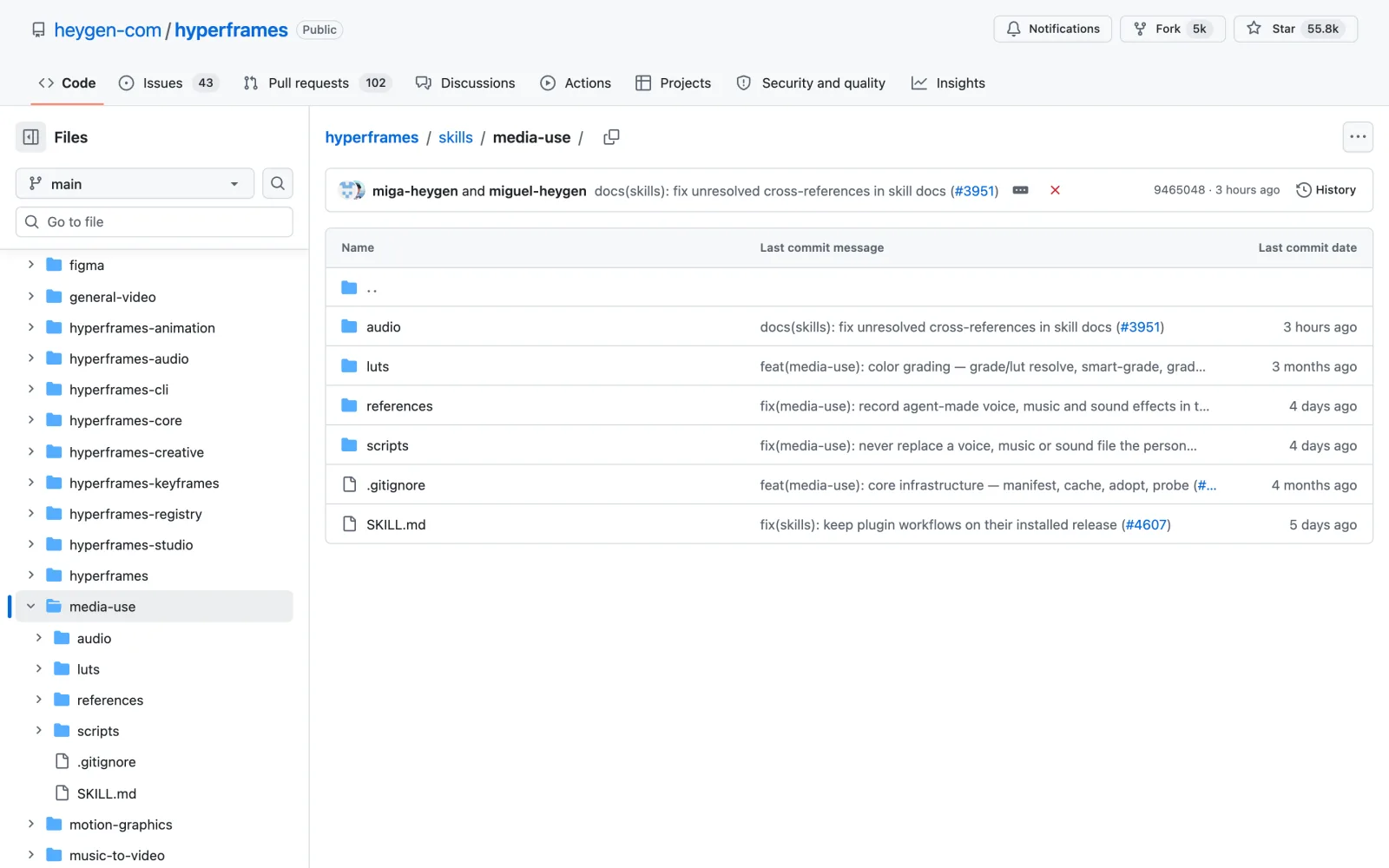
Install this skill: and paste github.com/heygen-com/hyperframes/tree/main/skills/media-usenpx skills add https://github.com/heygen-com/hyperframes --skill media-use
If you’d rather have one paid app handle script, voice and music, see my Superclips AI review.
How to install Claude video editing skills
You can install every skill here by asking Claude:
- Open Claude Code in the desktop app, the terminal or your code editor.
- Type
Install this skill:and paste the skill’s GitHub link from this article. - Claude downloads it, installs what it needs and tells you how to use it. Start a new chat so the skill loads.
- Ask for the edit in plain English, such as “cut the silences from this video”.
Each section above also lists the exact commands. Install Node 22 or newer and FFmpeg first, because most Claude video editing skills here render on your own computer.
Frequently asked questions
Can Claude edit videos?
Yes, with the right skills. Claude Code can cut silences and retakes, add captions, build motion graphics and sync clips to music. It works on your footage with tools like FFmpeg and HyperFrames on your own computer, and there is no timeline for you to drag clips around on.
Are these Claude video editing skills free?
Yes. All eight are free and open source under MIT or Apache licenses, so you can use them for paid work. Some can connect to paid services, such as ElevenLabs in the Student Kit or a HeyGen account in Media Use, but each one also has a free local option.
Do I need Premiere Pro or After Effects?
No. These skills render video from code on your computer. You can still bring the results into Premiere, Resolve or Final Cut, for example as transparent overlays from Motion Graphics.
What do I need installed for Claude video editing?
Most of these skills need Node 22 or newer and FFmpeg. Some need more: the Student Kit also needs Git and Chrome, the Manim skill needs Cairo and Manim, and Claude Motion Design needs Python with Playwright.
Which Claude video editing skill should I install first?
Start with the step that takes you the longest. For most people that is cutting the raw footage, so the Student Kit is a good first install. If your footage is already cut, start with Motion Graphics.
Final verdict: are these Claude video editing skills worth it?
For a creator who edits their own videos, yes. The four HyperFrames skills (Embedded Captions, Motion Graphics, Music to Video and Media Use) are the base, since they install the same way and share one renderer. Add the Student Kit for the rough cut, Emil Kowalski’s two skills to make your graphics look intentional, and Manim or Claude Motion Design when a video needs an explainer or a launch film.
Install the skill for your slowest step and try it on your next video. For the steps before the edit, from the idea to the thumbnail, see my guide to Claude Code skills for YouTubers.