


Hi, this is Darius. You sit down to make one video, and somehow it takes the whole week. A day on the idea, a night on the script, and the thumbnail at 1 a.m. because you forgot about it.
Claude Code can now do a lot of that work for you if you give it the right skills. These are the 9 Claude Code skills for YouTubers I’d install first, one for each step of making a video, in the order you’d use them. For each one you get what it does, a real example, what it costs, and the catch nobody mentions.
Watch the full video: 9 Claude Code skills for every step of a YouTube video · 11:59
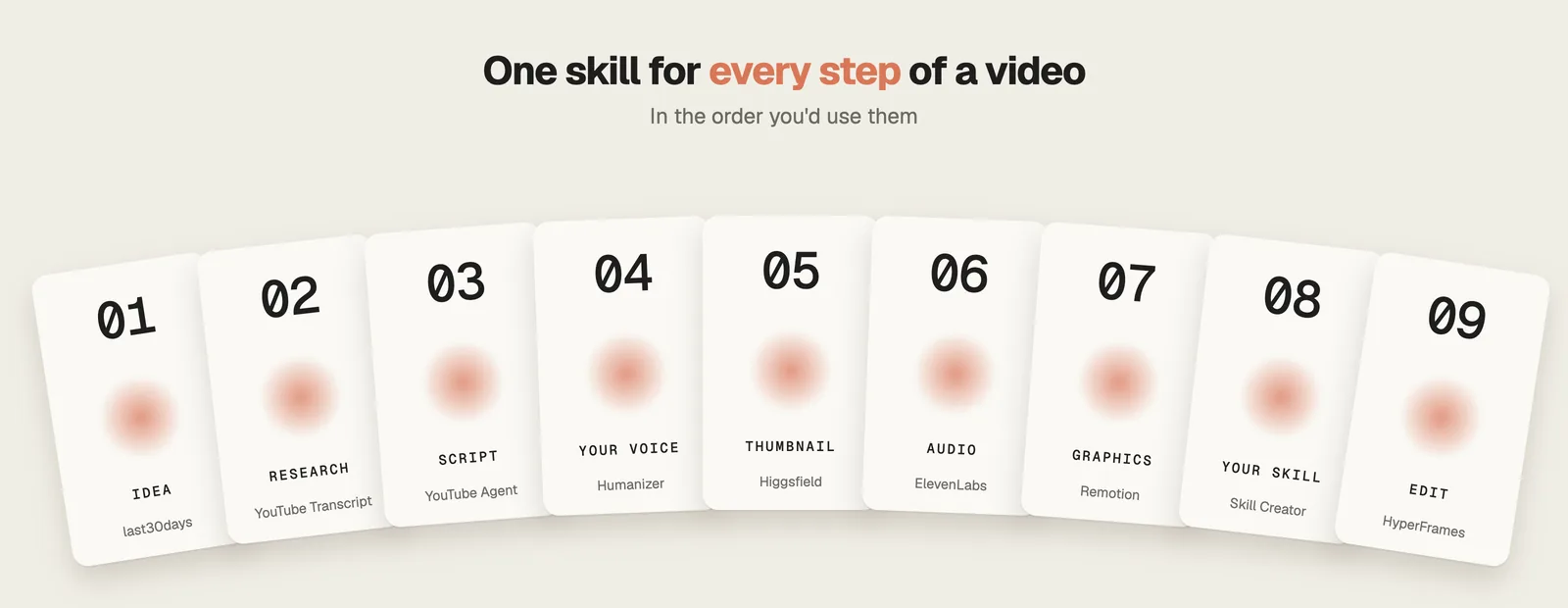
The 9 Claude Code skills for YouTubers at a glance
| # | Skill | Step | GitHub stars | License | Cost |
|---|---|---|---|---|---|
| 1 | last30days | Find the idea | 63.4K | MIT | Free (some sources need keys) |
| 2 | YouTube Transcript | Research | 26.3K | MIT | Free, no API key |
| 3 | YouTube Agent Skill | Write the script | 308 | MIT | Free, no API key |
| 4 | Humanizer | Sound like you | 53.6K | MIT | Free |
| 5 | YouTube Thumbnail | Thumbnail | 1.2K | MIT | Needs a Higgsfield account and credits |
| 6 | ElevenLabs Voice Isolator | Clean audio | 464 | MIT | Paid for commercial use (from $6/month) |
| 7 | Remotion Best Practices | Graphics | 4.8K | Remotion license | Free for individuals and teams up to 3 |
| 8 | Skill Creator | Your own skill | 179.4K | Apache-2.0 | Free |
| 9 | HyperFrames Talking Head Recut | The edit | 55.7K | Apache-2.0 | Free, runs on your computer |
All 9 Claude Code skills for YouTubers, with stars checked on GitHub and skills.sh on October 2, 2026.
1. last30days: find the idea
Most video topics come from what you already know. That is how you end up making the video everyone made last year.
last30days, from mvanhorn, is the Claude Code skill for this step.
What it does
- Type
/last30daysand a topic, and it searches Reddit, X, YouTube, TikTok, Hacker News, Polymarket and GitHub at the same time. - It scores what it finds on upvotes, likes and real money, so you see what people are arguing about this month.
- It hit #1 on GitHub Trending.
/last30days claude code skills before you plan your next video, and you get a ranked list of what people are talking about right now.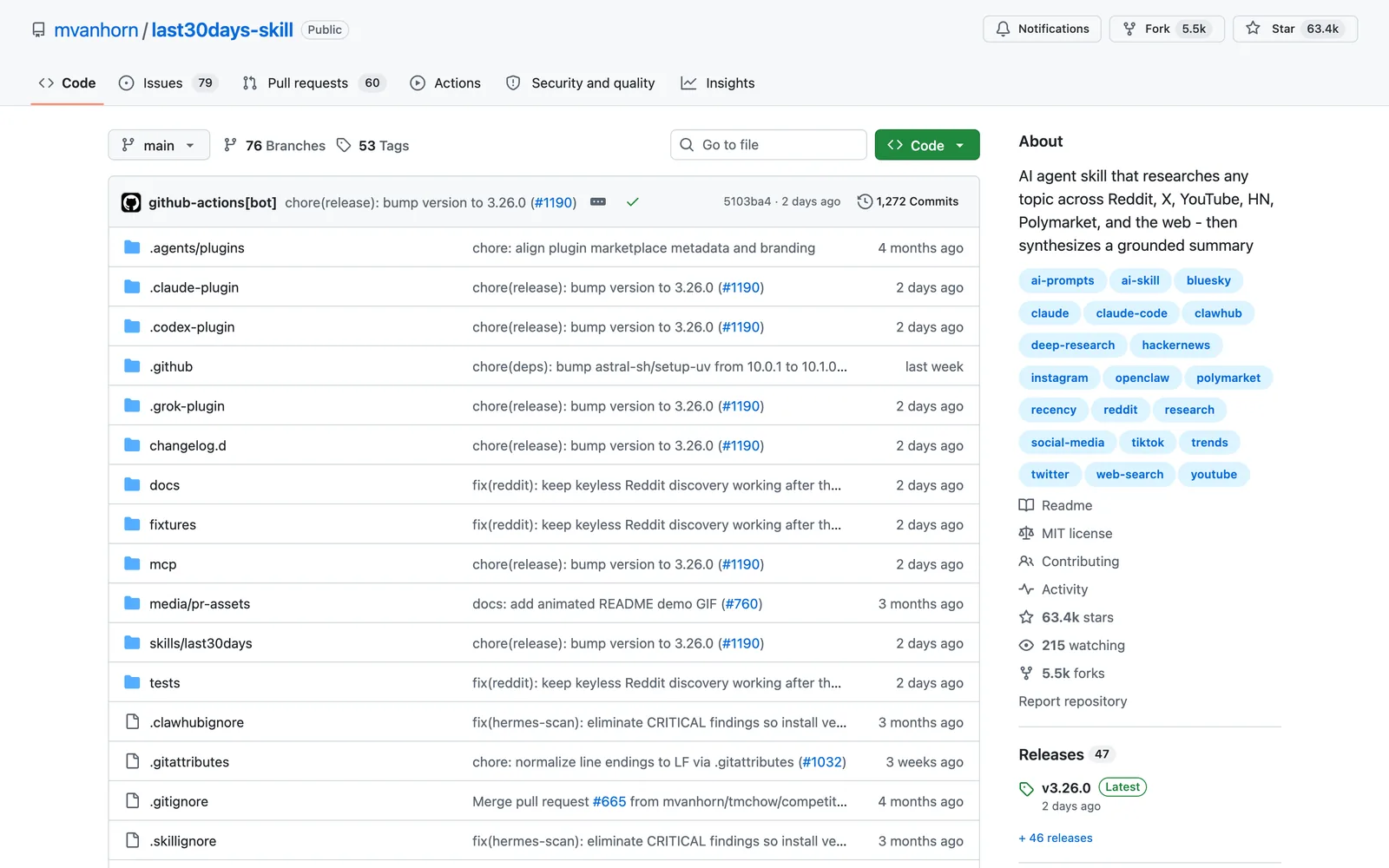
Install this skill: and paste github.com/mvanhorn/last30days-skill/plugin marketplace add mvanhorn/last30days-skill /plugin install last30days
2. YouTube Transcript: research
Watching ten competitor videos to see how they open takes a whole afternoon.
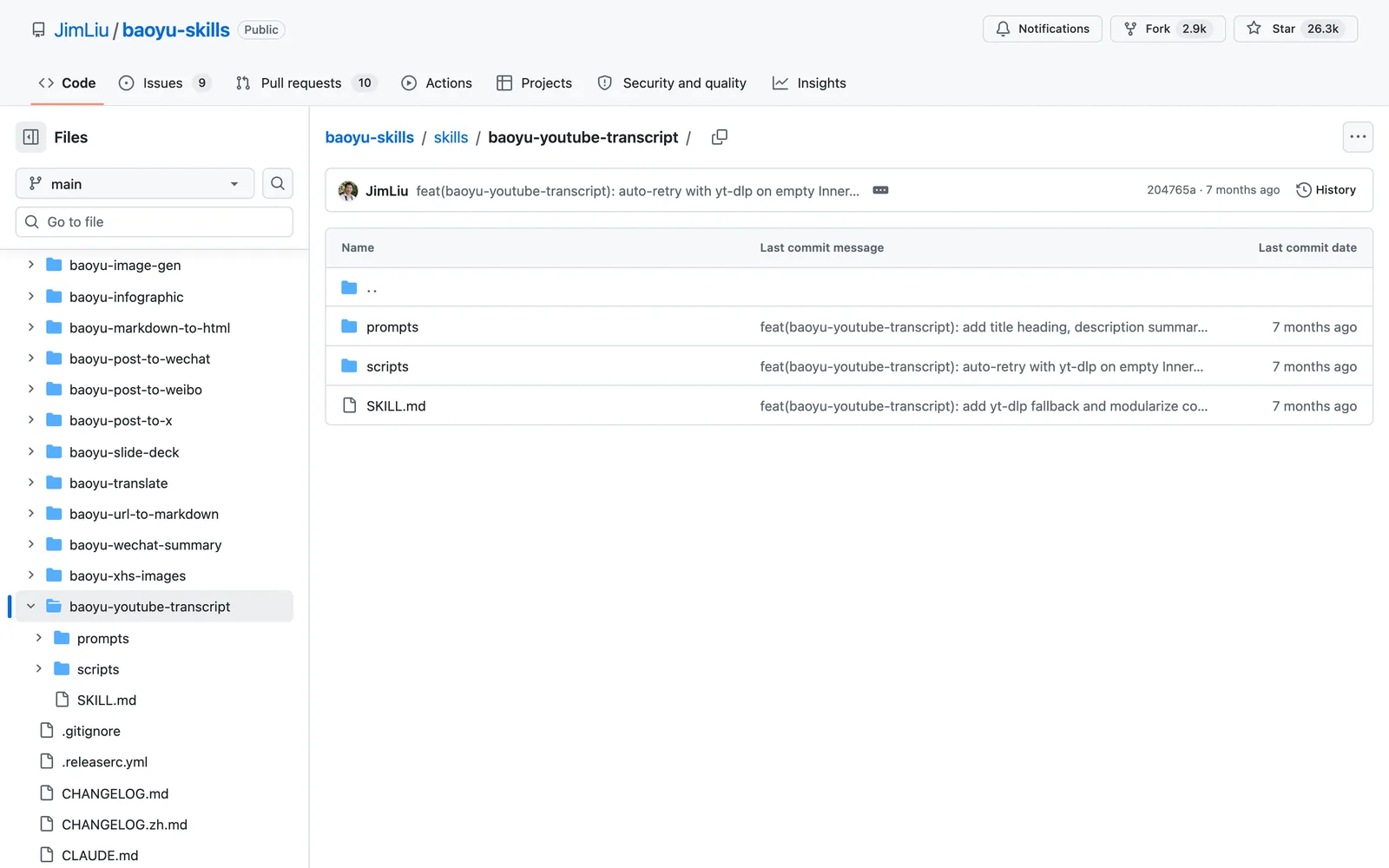
YouTube Transcript, from JimLiu (the baoyu skills pack), is the Claude Code skill for this step.
What it does
- Paste a YouTube link and it pulls the full transcript with timestamps, plus the title and the thumbnail image.
- It works on auto captions too. It can split the text into the video’s chapters, mark who is speaking and translate it.
- It caches what it downloads, so you can reformat a transcript later without pulling it again.
Install this skill: and paste github.com/jimliu/baoyu-skills/tree/main/skills/baoyu-youtube-transcriptnpx skills add https://github.com/jimliu/baoyu-skills --skill baoyu-youtube-transcript
3. YouTube Agent Skill: write the script
You probably write the hook last, even though it is the first thing viewers hear.
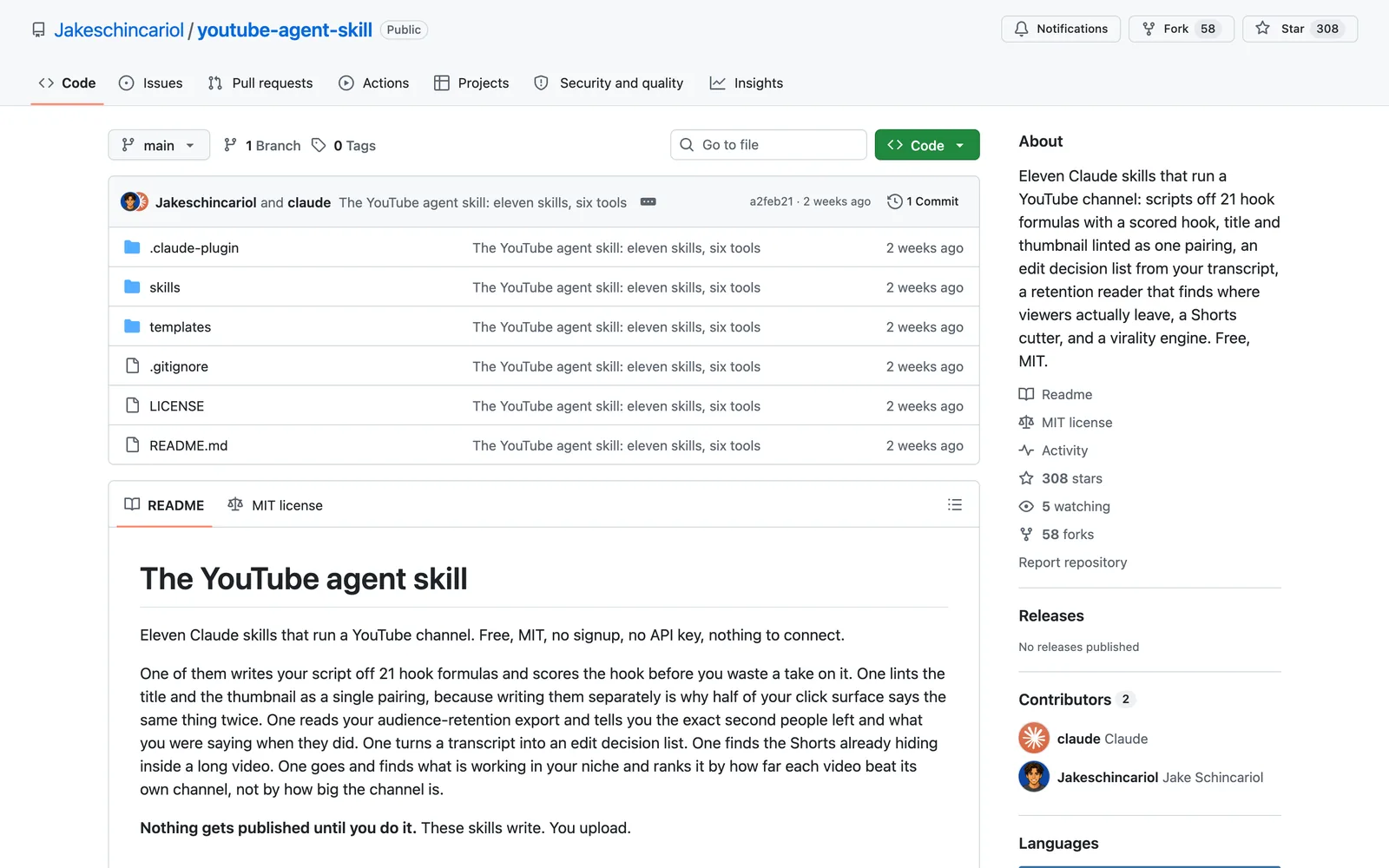
YouTube Agent Skill, from Jakeschincariol, is the Claude Code skill for this step.
What it does
- It is 11 skills in one free pack.
/yt-scriptwrites five hooks from 21 formulas, like the statistic or the mistake, scores each one, then writes the script with the retention beats marked./yt-packagechecks your title and thumbnail as one pair, so they don’t repeat each other./yt-retentionreads your YouTube Studio export and shows the exact second people left and what you were saying.
Install this skill: and paste github.com/Jakeschincariol/youtube-agent-skillnpx skills add https://github.com/Jakeschincariol/youtube-agent-skill
4. Humanizer: sound like you
Read an AI script out loud and your viewers can hear it, even if they can’t say why.
Humanizer, from blader, is the Claude Code skill for this step.
What it does
- It finds the patterns that give AI writing away, taken from Wikipedia’s guide to spotting AI text. The em dash is the famous one. Fake contrasts and one-line closers are worse, because they show up in every paragraph.
- It marks every pattern, rewrites the draft, then checks the new version against the patterns again before it writes the final one.
- Run
/humanizer, or just say “humanize this text”, or point it at a file.
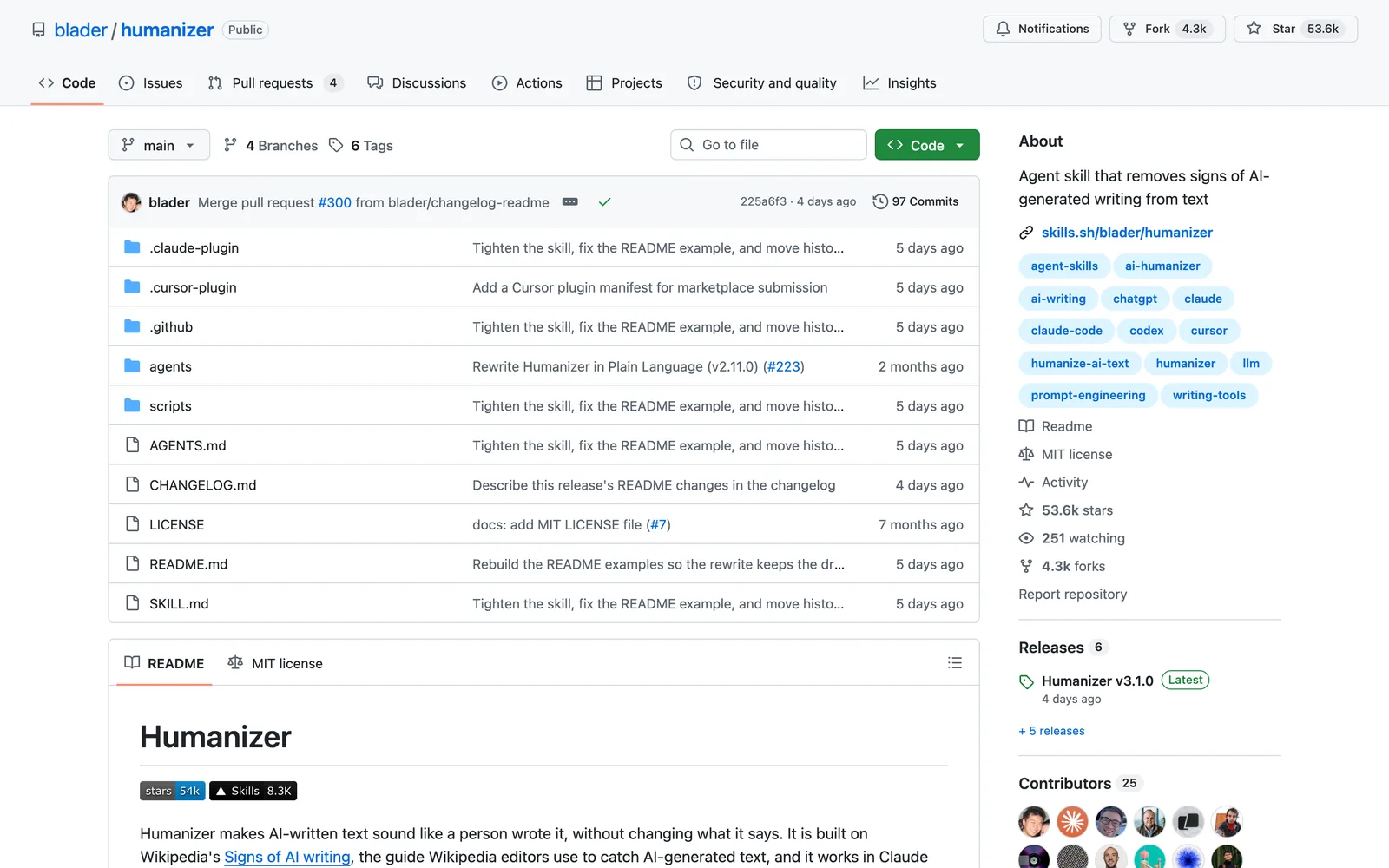
Install this skill: and paste github.com/blader/humanizernpx skills add blader/humanizer --global
5. YouTube Thumbnail: thumbnail
The thumbnail usually gets made last, when you’re tired. Make it before you film, so the video delivers what it promises.
YouTube Thumbnail, from Higgsfield (official), is the Claude Code skill for this step.
What it does
- Give it your topic and a photo of your face. It comes up with at least five concepts, each built on a real curiosity gap, keeps the strongest and renders it with models like Nano Banana Pro.
- It can keep up to three real people and your logo in the shot, and it makes variants so you can test more than one.
- It won’t put a claim on a thumbnail that isn’t true of the video. Formats: 16:9 for YouTube, 9:16 for Shorts and 4:5 for Instagram.
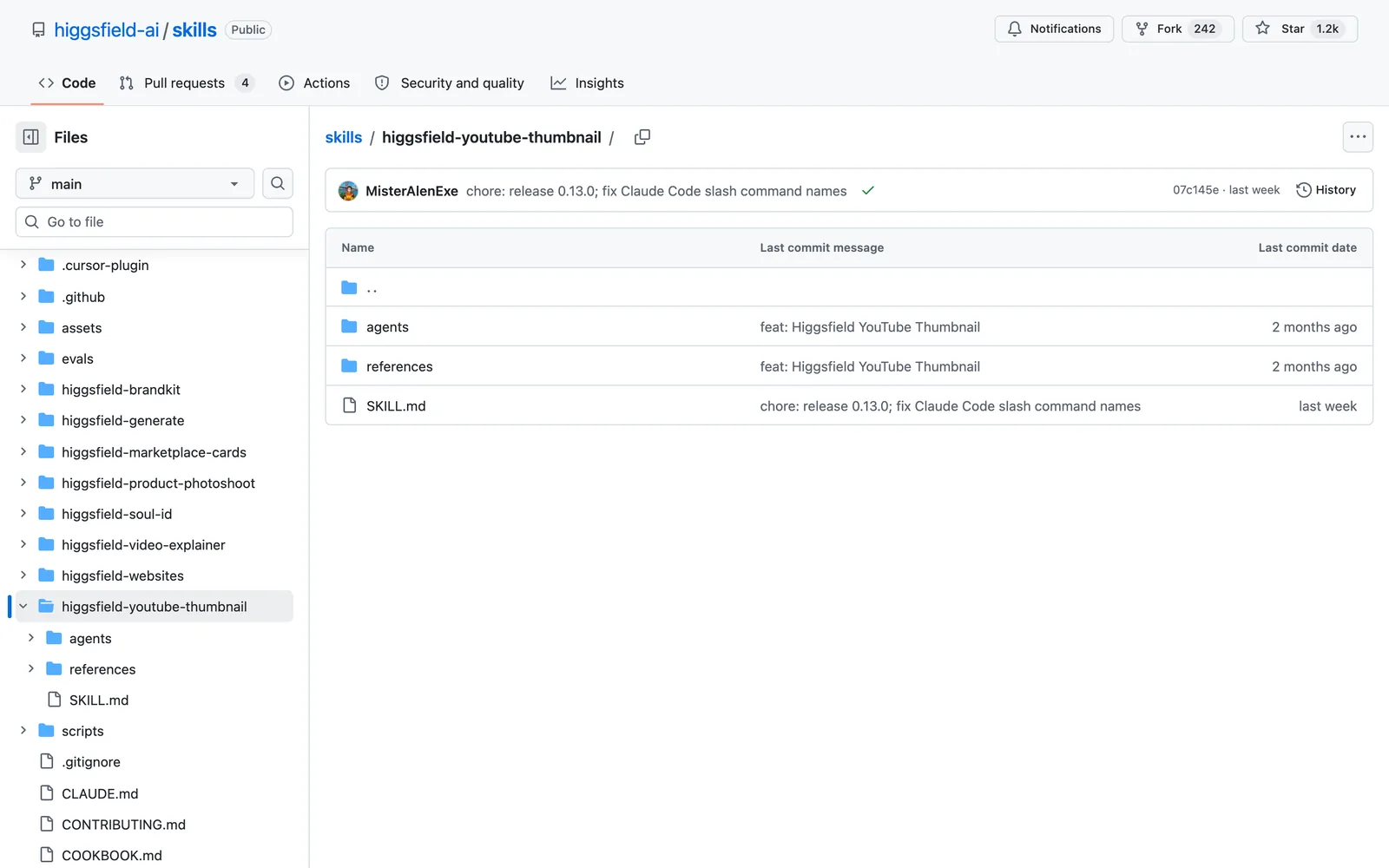
Install this skill: and paste github.com/higgsfield-ai/skills/tree/main/higgsfield-youtube-thumbnailnpx skills add https://github.com/higgsfield-ai/skills --skill higgsfield-youtube-thumbnail
6. ElevenLabs Voice Isolator: clean audio
You film, and the recording picks up the fan in the next room.
ElevenLabs Voice Isolator, from ElevenLabs (official), is the Claude Code skill for this step.
What it does
- Voice Isolator pulls your voice out of the recording and drops everything else.
- The same pack does text to speech, sound effects, music and dubbing.
- Dubbing translates your video into other languages and keeps your own voice, so one video can reach people who don’t speak English.
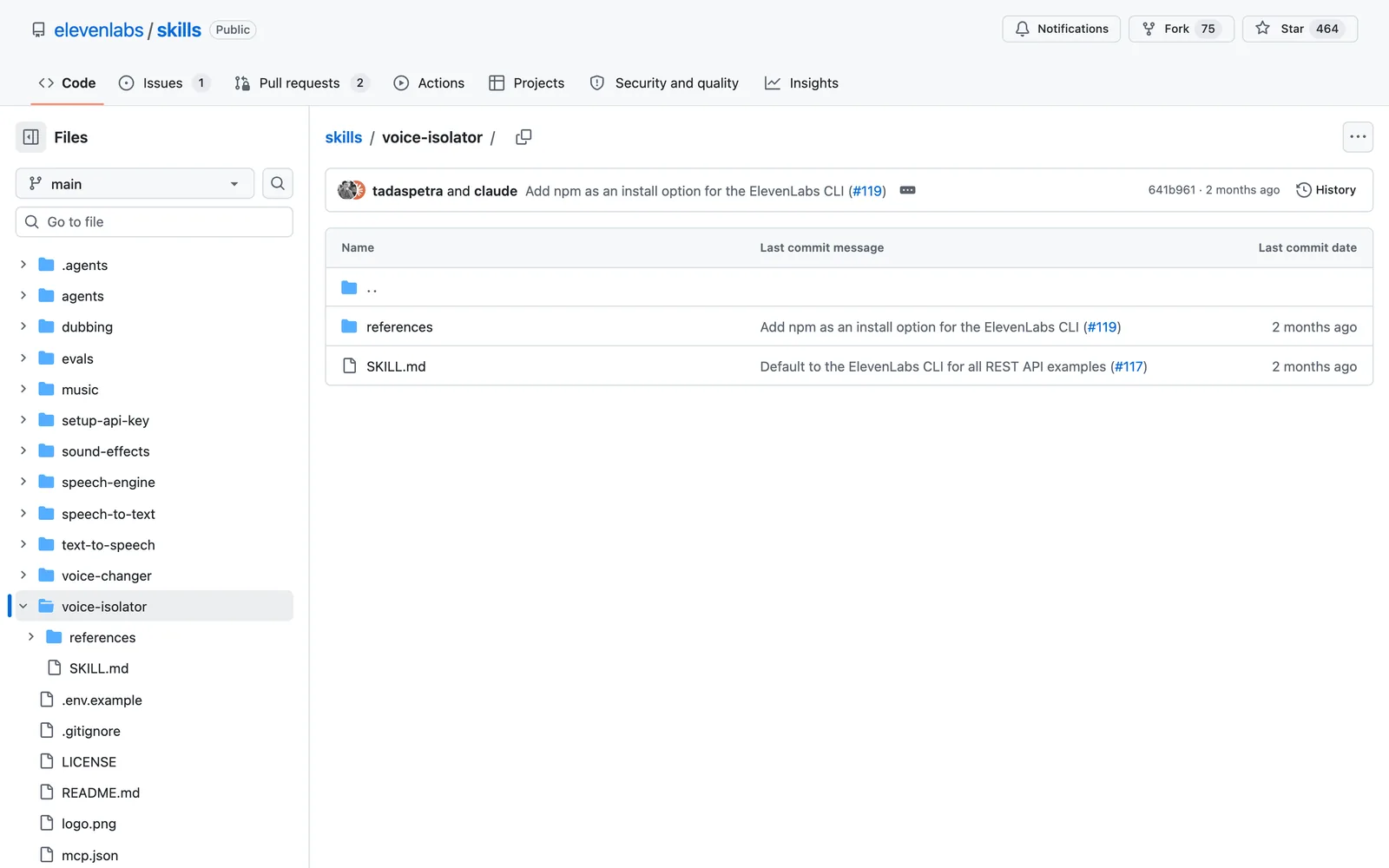
Install this skill: and paste github.com/elevenlabs/skills/tree/main/voice-isolatornpx skills add https://github.com/elevenlabs/skills --skill voice-isolator
7. Remotion Best Practices: graphics
The video needs graphics: the titles and stat cards that give people something new to look at.
Remotion Best Practices, from Remotion (official), is the Claude Code skill for this step.
What it does
- Remotion makes videos out of code, and these skills teach Claude to write that code properly.
- Type
/remotion createand describe what you want, like an animated title card or a number that counts up. Claude builds it and opens a preview in Remotion Studio. - When it looks right,
/remotion renderturns it into a video file you drop into your edit. There is a captions skill in the same pack too.
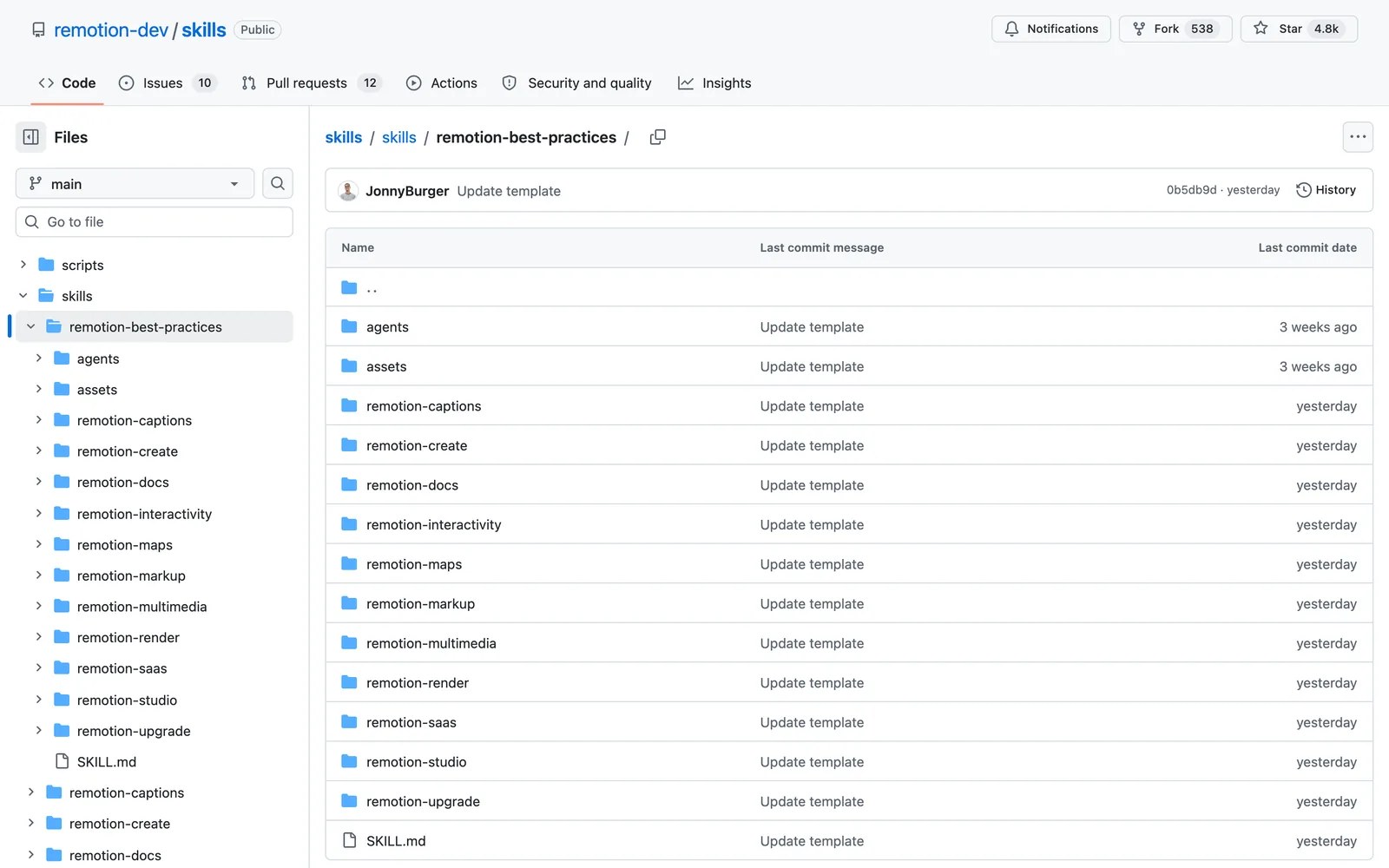
Install this skill: and paste github.com/remotion-dev/skills/tree/main/skills/remotion-best-practicesnpx skills add https://github.com/remotion-dev/skills --skill remotion-best-practices
Want videos without filming at all? I tested a paid tool for that in my MagicFlixAI 2.0 review.
8. Skill Creator: your own skill
By now you’re typing the same instructions into every chat, explaining your tone and your hook rules again each time.
Skill Creator, from Anthropic (official), is the Claude Code skill for this step.
What it does
- It turns the way you work into a skill of your own. It asks what the skill should do and how you do it, then writes a draft.
- It tests the draft on real prompts and shows you the results, so you can say what’s wrong. After each round it rewrites and tests again.
- At the end it tunes the description so Claude knows when to use your skill without you asking. It can improve skills you already have too.
/my-script skill that writes in your format every time. The script of the video above came out of a skill made like this.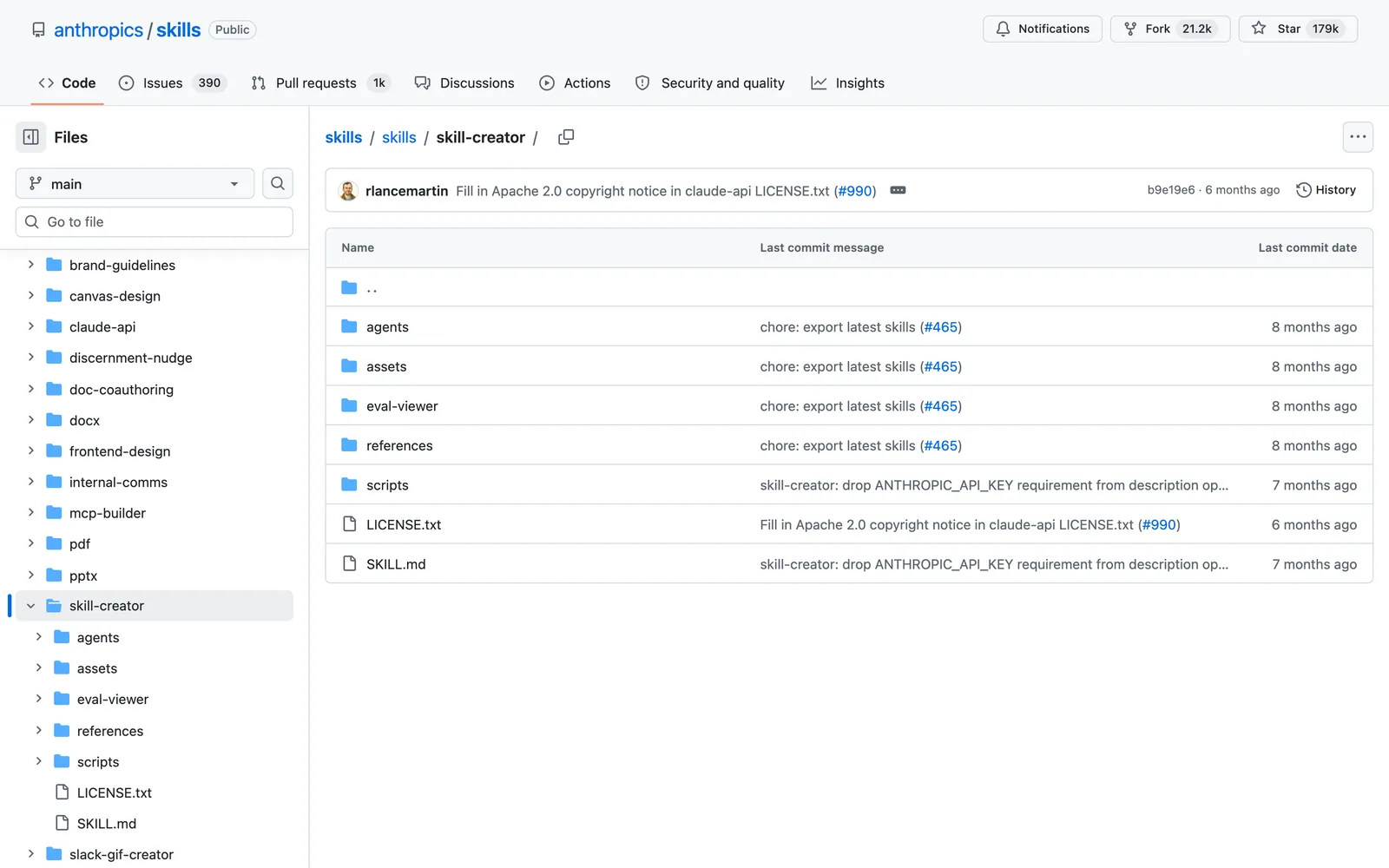
Install this skill: and paste github.com/anthropics/skills/tree/main/skills/skill-creatornpx skills add https://github.com/anthropics/skills --skill skill-creator
9. HyperFrames Talking Head Recut: the edit
That leaves the part that takes the longest: the edit.
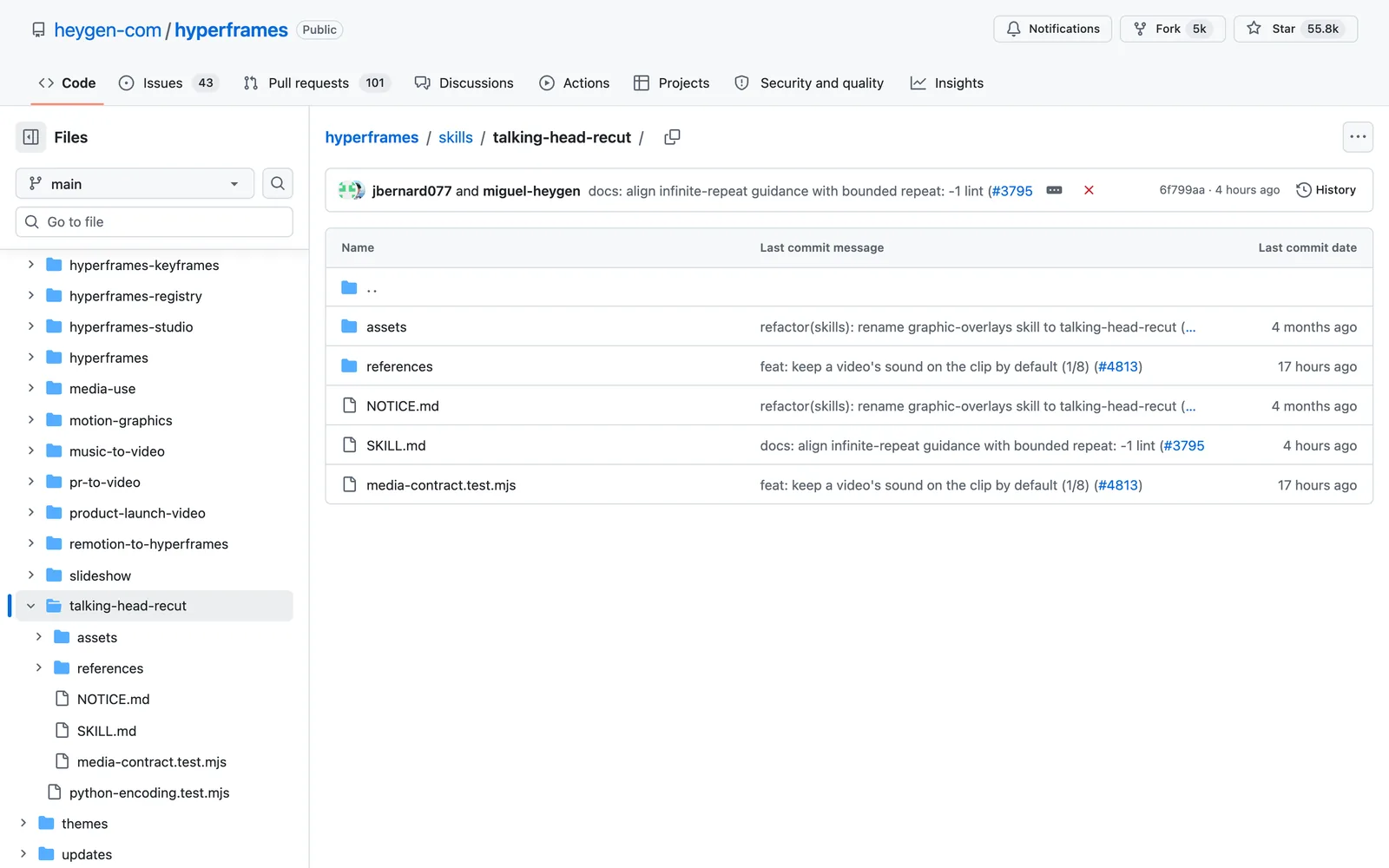
HyperFrames Talking Head Recut, from HeyGen (open source), is the Claude Code skill for this step.
What it does
- HyperFrames is HeyGen’s open source tool that turns web code into video. The skill you want is Talking Head Recut.
- Give it a video you filmed. It transcribes it on your own computer and plans graphic cards from what you say: titles, lower thirds, data callouts, quotes and picture-in-picture.
- It writes each card, times it to your words and renders the final MP4 in 16:9, 9:16 or 4:5. The Embedded Captions skill in the same pack adds subtitles from a catalog of 35 styles.
Install this skill: and paste github.com/heygen-com/hyperframes/tree/main/skills/talking-head-recutnpx skills add https://github.com/heygen-com/hyperframes --skill talking-head-recut
Prefer a paid tool that edits for you? My ReelRemix review covers one that turns five seconds of footage into finished reels.
How to install Claude Code skills for YouTubers
You don’t need to touch a terminal if you don’t want to. This works for all the Claude Code skills for YouTubers in this list:
- Open Claude Code, in the desktop app, the terminal or your editor.
- Type
Install this skill:and paste the skill’s GitHub link from this article. - Claude downloads it, puts it in the right folder and tells you how to use it. Start a new chat so it loads.
- Call it with its slash command, like
/last30days, or just ask for the job in plain English.
Prefer the command line? Every section above has the exact install command, and npx skills add works for skills listed on skills.sh.
Frequently asked questions
What are Claude Code skills?
Skills are folders of instructions and scripts that teach Claude Code how to do one job well, like writing a hook or cleaning audio. Once a skill is installed, Claude loads it when your request matches, or you call it with a slash command.
Are these Claude Code skills for YouTubers free?
Seven of the nine are free to install and use. The Higgsfield thumbnail skill needs a Higgsfield account and spends credits per image, and ElevenLabs needs a paid plan for commercial use, starting at $6 a month. Remotion is free for individuals and companies with up to three employees.
How do I install a Claude Code skill?
The easiest way is to open Claude Code, type "Install this skill:" and paste the skill's GitHub link. Claude does the rest. You can also run the install command shown under each skill in this article.
Do I need to know how to code?
No. You talk to Claude in plain English. Even the Remotion and HyperFrames skills, which build graphics out of code, write and render that code for you.
Which of these Claude Code skills for YouTubers should I install first?
Start with the step that takes you the longest. For most creators that is the idea or the script, so last30days and the YouTube Agent Skill are good first installs. If editing eats your week, start with HyperFrames.
Final verdict: which Claude Code skills for YouTubers should you install?
Don’t install all nine on day one. Pick the step that eats most of your week and start there. If ideas are the problem, install last30days. If the script is, install the YouTube Agent Skill and Humanizer together. If editing takes most of your week, start with HyperFrames. For more AI video tools I have tested, see my ViroFeed AI review.
Every one of these Claude Code skills for YouTubers is on GitHub. Seven are free, and the two paid ones are cheap for what they replace. Install one this week and try it on your next video before you add another.