


Hi, this is Darius. Ask Claude for a landing page and you can usually guess the result before it loads: a cream background, a big serif headline, a purple button and three rounded cards. Anyone who has seen a few AI-built sites recognizes it.
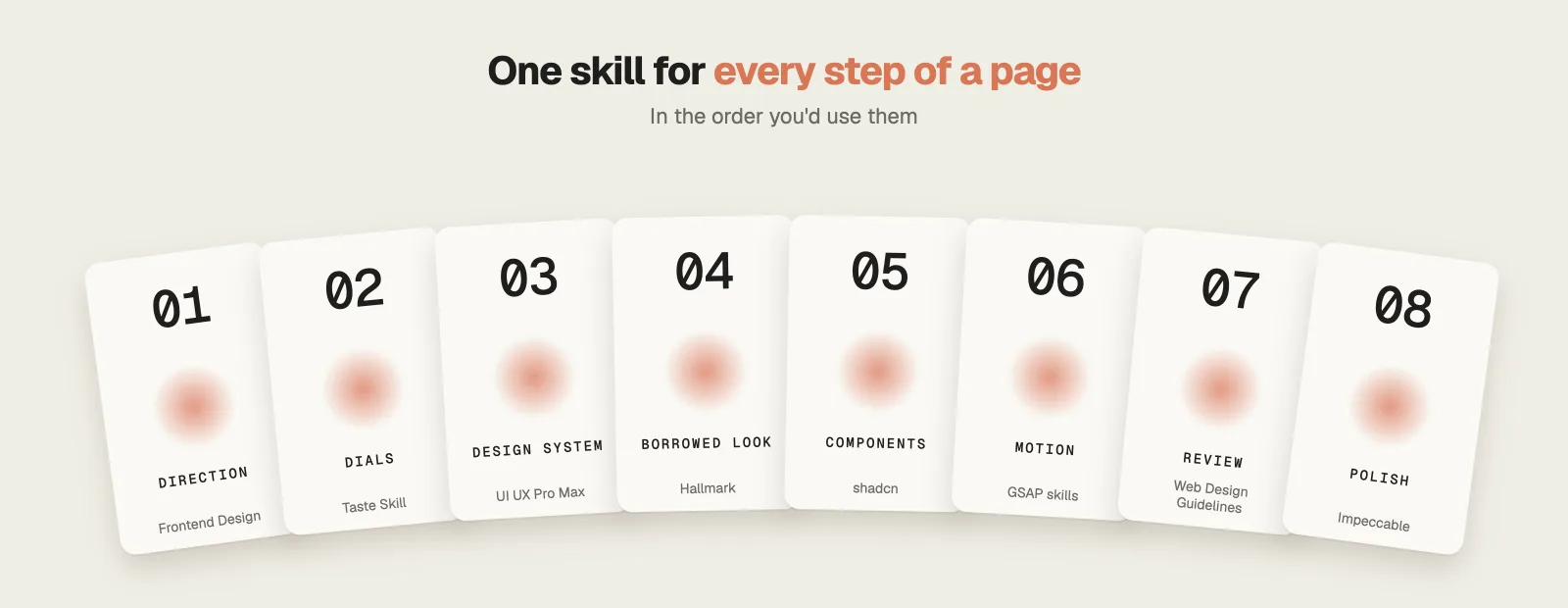
One developer went through 125 Reddit threads asking why AI sites all look the same and found the same 13 tells again and again. The right skills fix most of them. These are the 8 Claude Code design skills I’d install, all free on GitHub, in the order you’d build a page, from the first design direction to the final polish. For each one you’ll see what it does, an example, the cost and the limitation to know about.
Watch the full video: Best Claude Code Design Skills (8 Free, No More AI Slop) · 11:42
Why AI websites look the same
Language models choose the most common option when nobody tells them otherwise. In web design that adds up to one recognizable page:
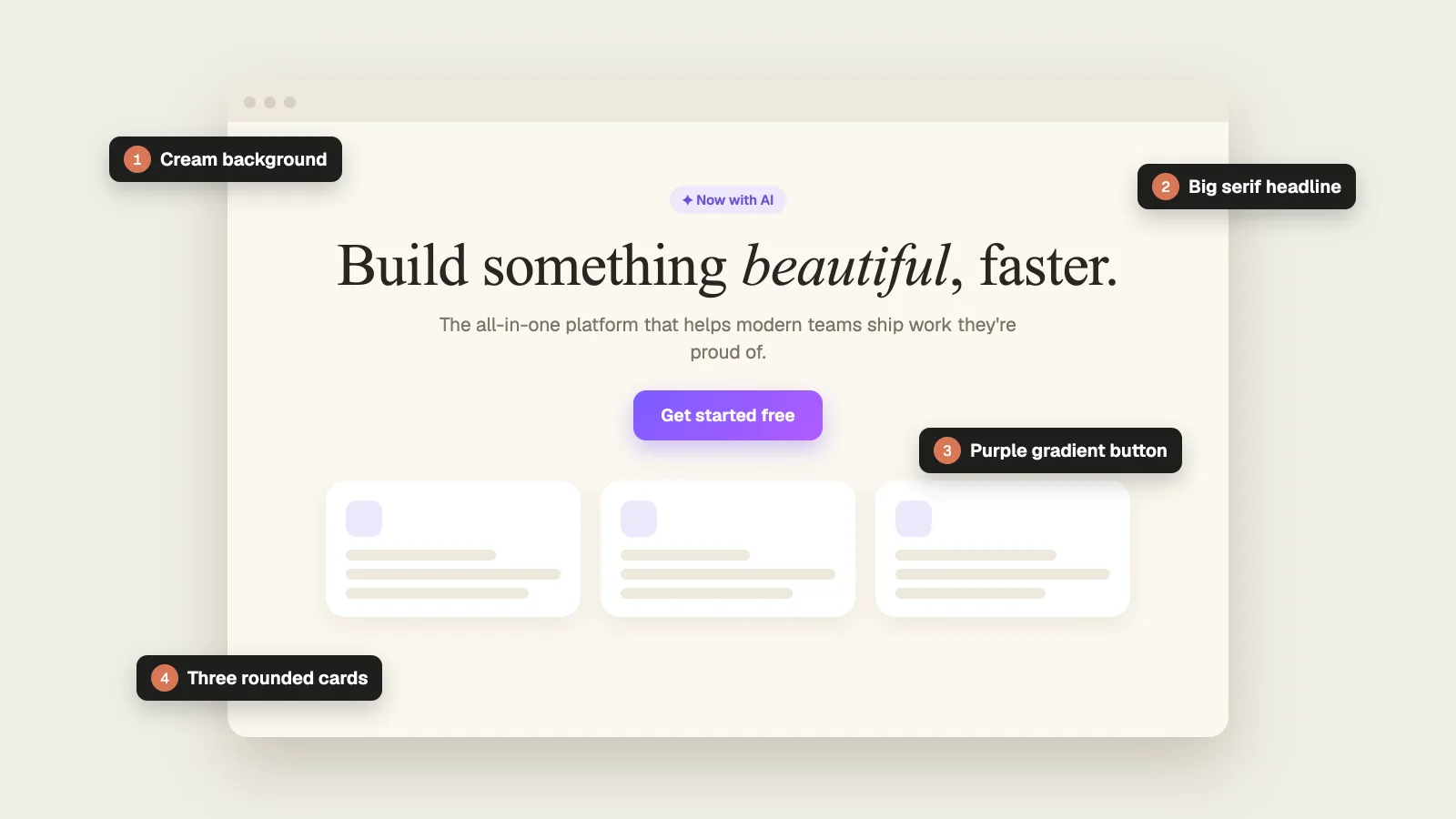
The Unslop UI project counted 13 such tells across 125 Reddit threads and more than 3,000 comments. Each skill below removes some of them, whether by planning the design first, restricting the defaults or reviewing the result.
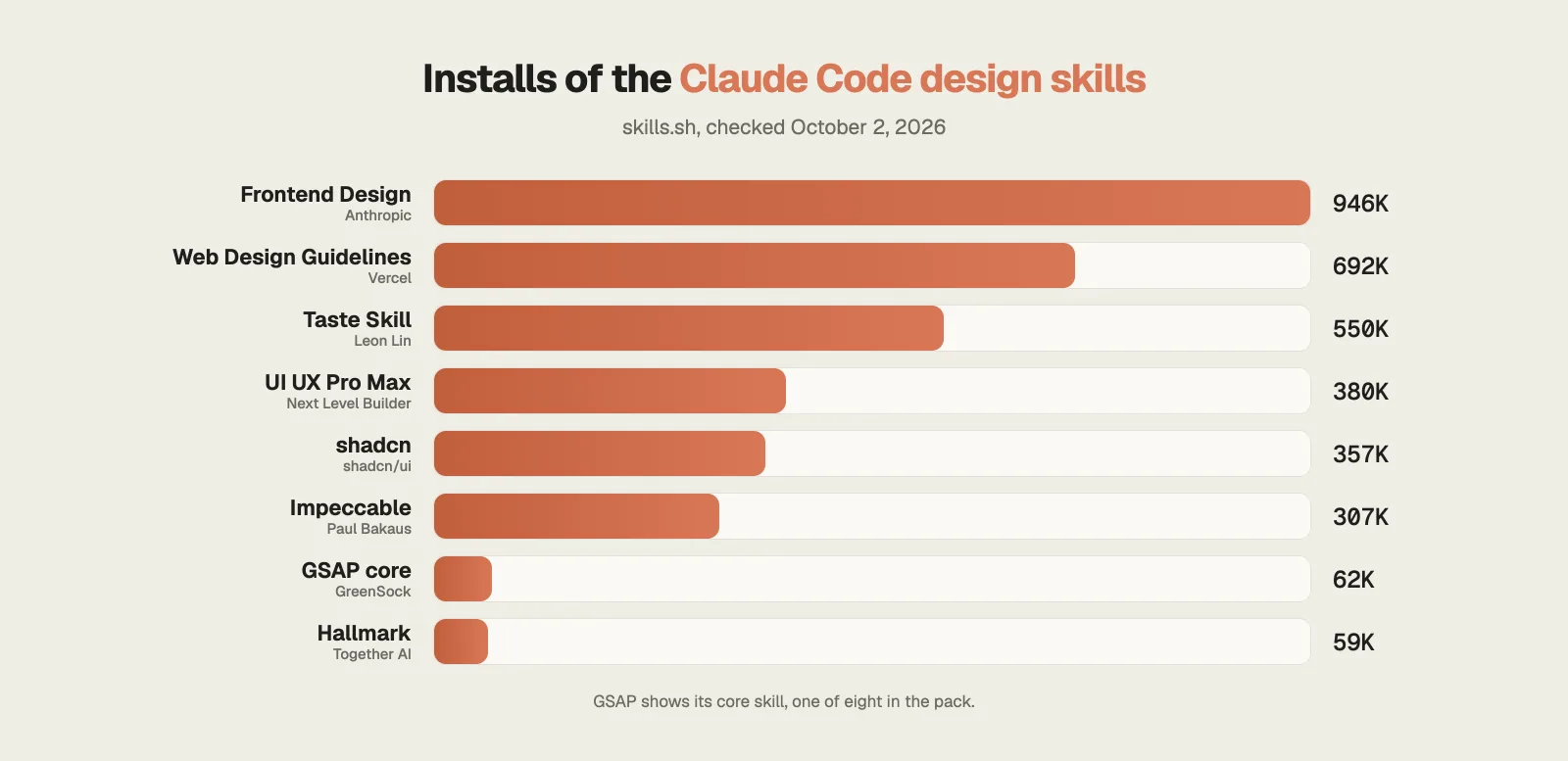
How popular are these Claude Code design skills?
Install counts show which of these skills people use most. Anthropic’s Frontend Design leads with almost a million installs.
1. Frontend Design: Anthropic's own design skill
Without direction, Claude reaches for the same safe design every time, which is why so many AI sites look alike.
Frontend Design is Anthropic’s official design skill and the most installed skill in this list. It asks Claude to work like a design lead whose client has already rejected anything that looks like a template.
What it does
- Before it writes code, Claude drafts a short plan: four to six named colors, the typefaces and a rough layout sketched in plain text.
- It then reviews that plan against your brief and replaces anything generic before building.
- The skill names the five looks AI design keeps falling into. One of them uses Claude’s own orange.
- The subject decides the style, so a toy shop and a finance dashboard come out looking nothing alike.
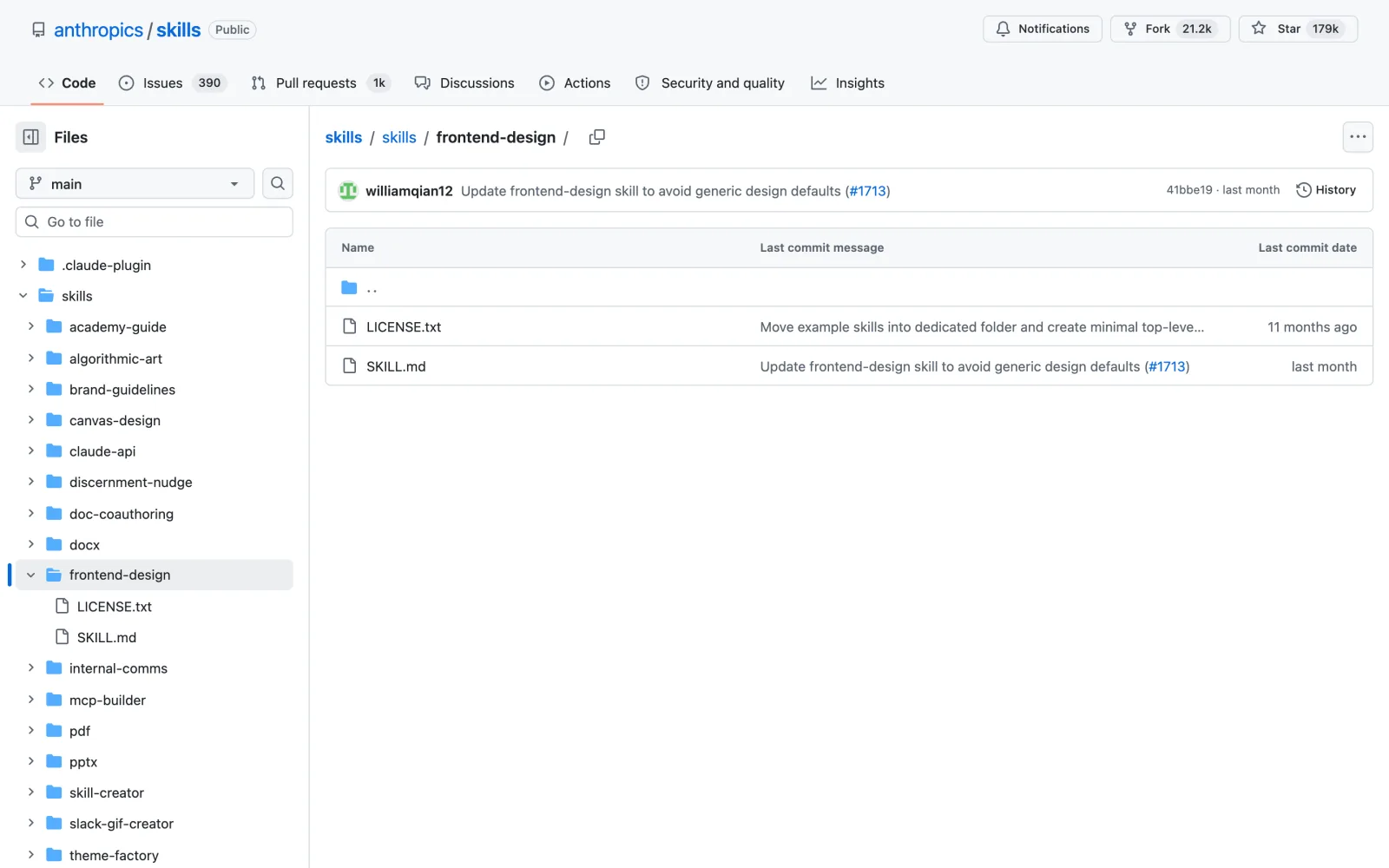
Install this skill: and paste github.com/anthropics/skills/tree/main/skills/frontend-designnpx skills add https://github.com/anthropics/skills --skill frontend-design
Would rather skip the code entirely? I reviewed a no-code option in my Webira review.
2. Taste Skill: three dials for how bold it gets
AI design tends to come out either bland or overdone, and a prompt gives you no precise way to ask for something in between.
Taste Skill by Leon Lin replaces vague adjectives with three numbered dials, each running from 1 to 10.
What it does
- Variance runs from strict symmetry to artistic chaos. Motion runs from static to cinematic. Density runs from an airy gallery to a packed cockpit.
- It reads your brief, writes a one-line design read and sets the dials for you. A landing page starts at roughly 8, 6 and 4.
- It blocks the fonts AI picks by default, like Inter and the two serif faces AI loves most, and limits you to one accent color.
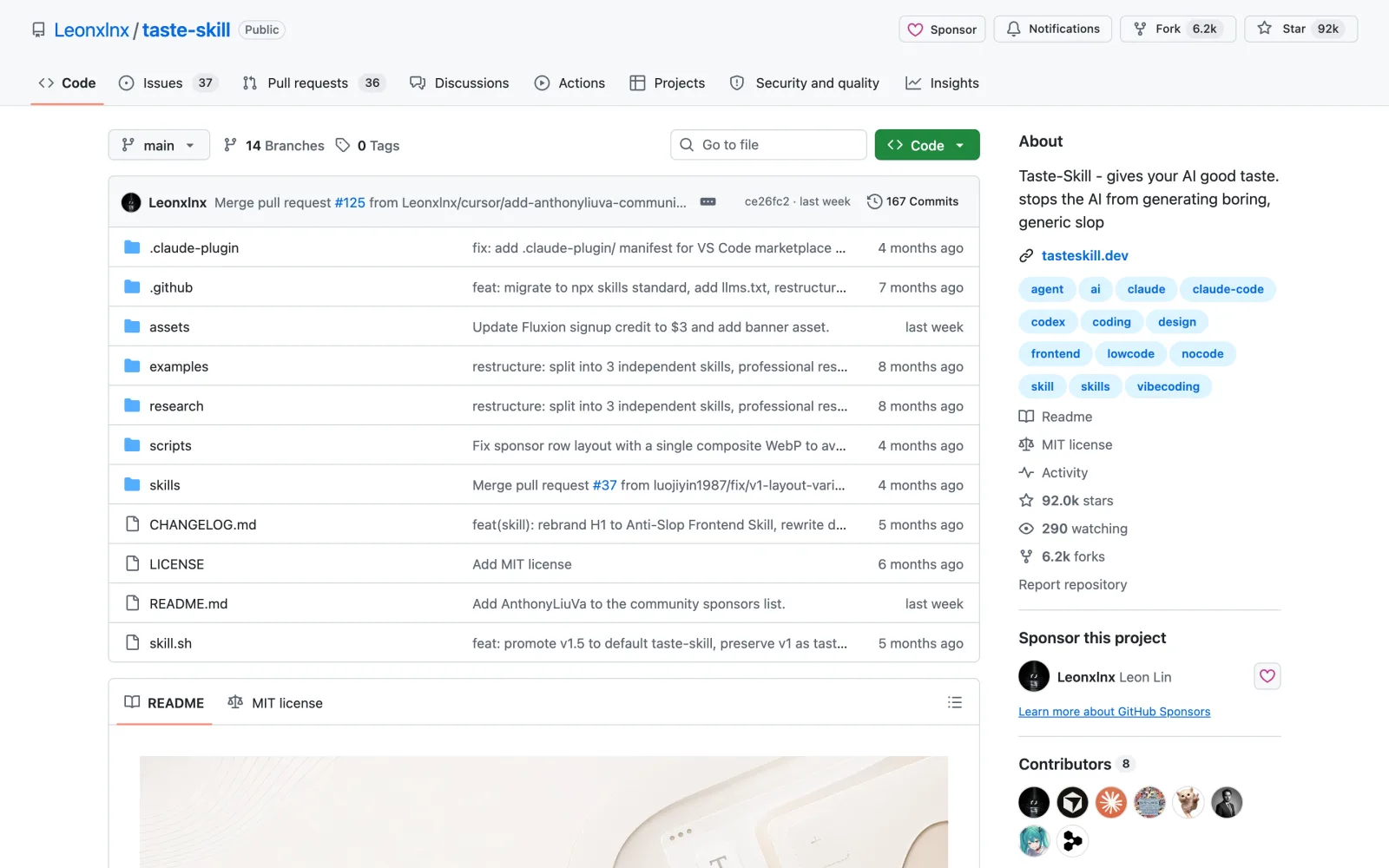
Install this skill: and paste github.com/Leonxlnx/taste-skillnpx skills add https://github.com/Leonxlnx/taste-skill --skill design-taste-frontend
3. UI UX Pro Max: colors and fonts for your industry
A spa and a bank need different palettes, yet AI tends to give both the same one.
UI UX Pro Max from Next Level Builder chooses a design system that suits your type of business.
What it does
- It searches a library of 192 product types, each with its own palette, along with 74 font pairings, 50 styles, 25 chart types and 119 UX guidelines.
- It hands Claude the colors, fonts, layout and a list of mistakes to avoid, like purple and pink gradients on a banking app.
- Claude can then build the result in any of 22 tech stacks.
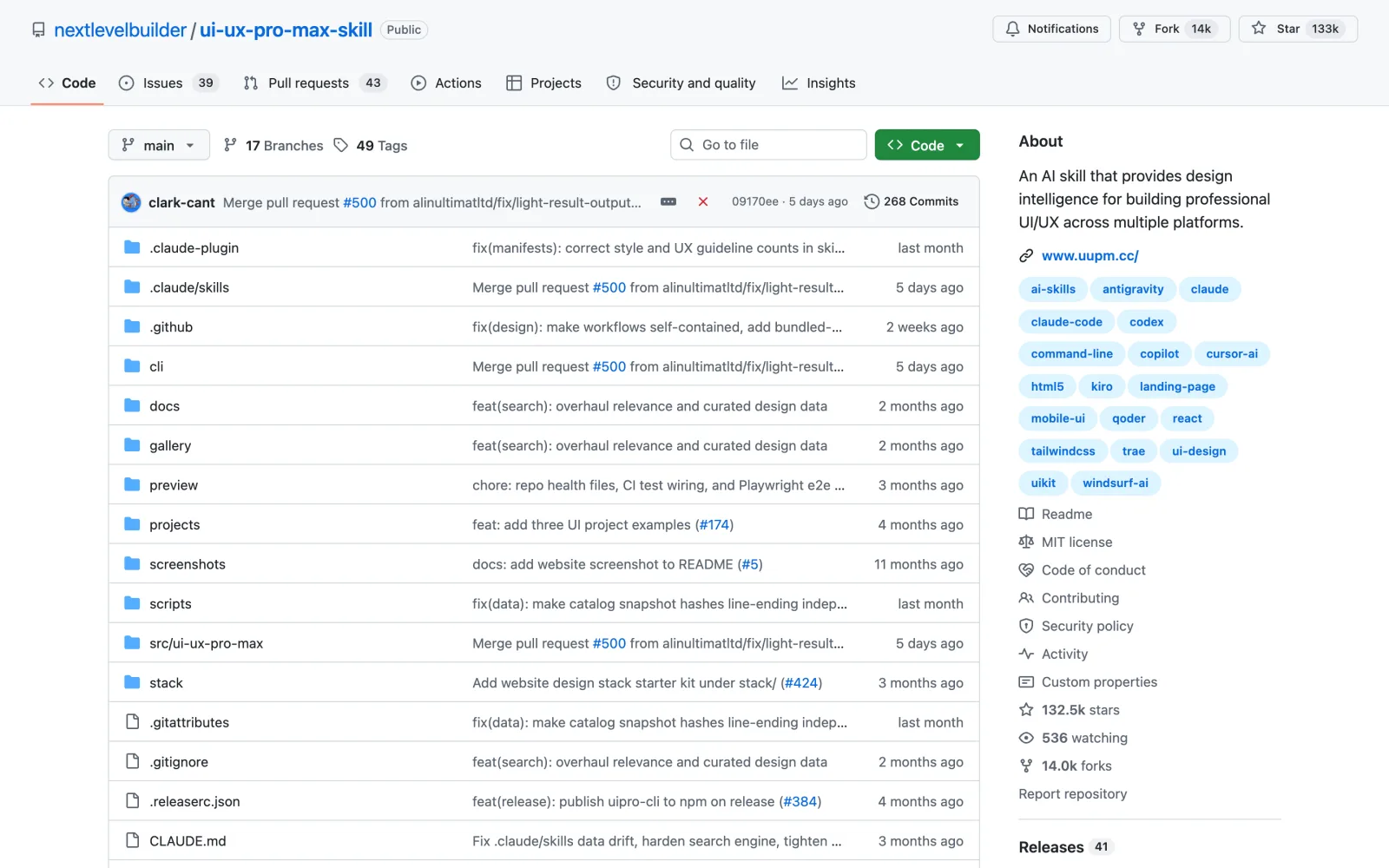
Install this skill: and paste github.com/nextlevelbuilder/ui-ux-pro-max-skill/plugin marketplace add nextlevelbuilder/ui-ux-pro-max-skill /plugin install ui-ux-pro-max@ui-ux-pro-max-skill
4. Hallmark: the feel of a site you love, without copying it
When you ask Claude to make your site look like one you admire, you tend to get a weak copy of it.
Hallmark from Together AI takes a page’s design DNA and leaves its pixels and content behind.
What it does
- Its study mode takes a screenshot or a link, names the layout, the font pairing and the main color, then rebuilds your own content with them.
- It never copies photos and refuses links to paid template marketplaces.
- It can also build from scratch with 21 themes, audit existing code or redesign a page while keeping your copy.
- Before it returns anything, it scores its own work and runs 57 slop tests.
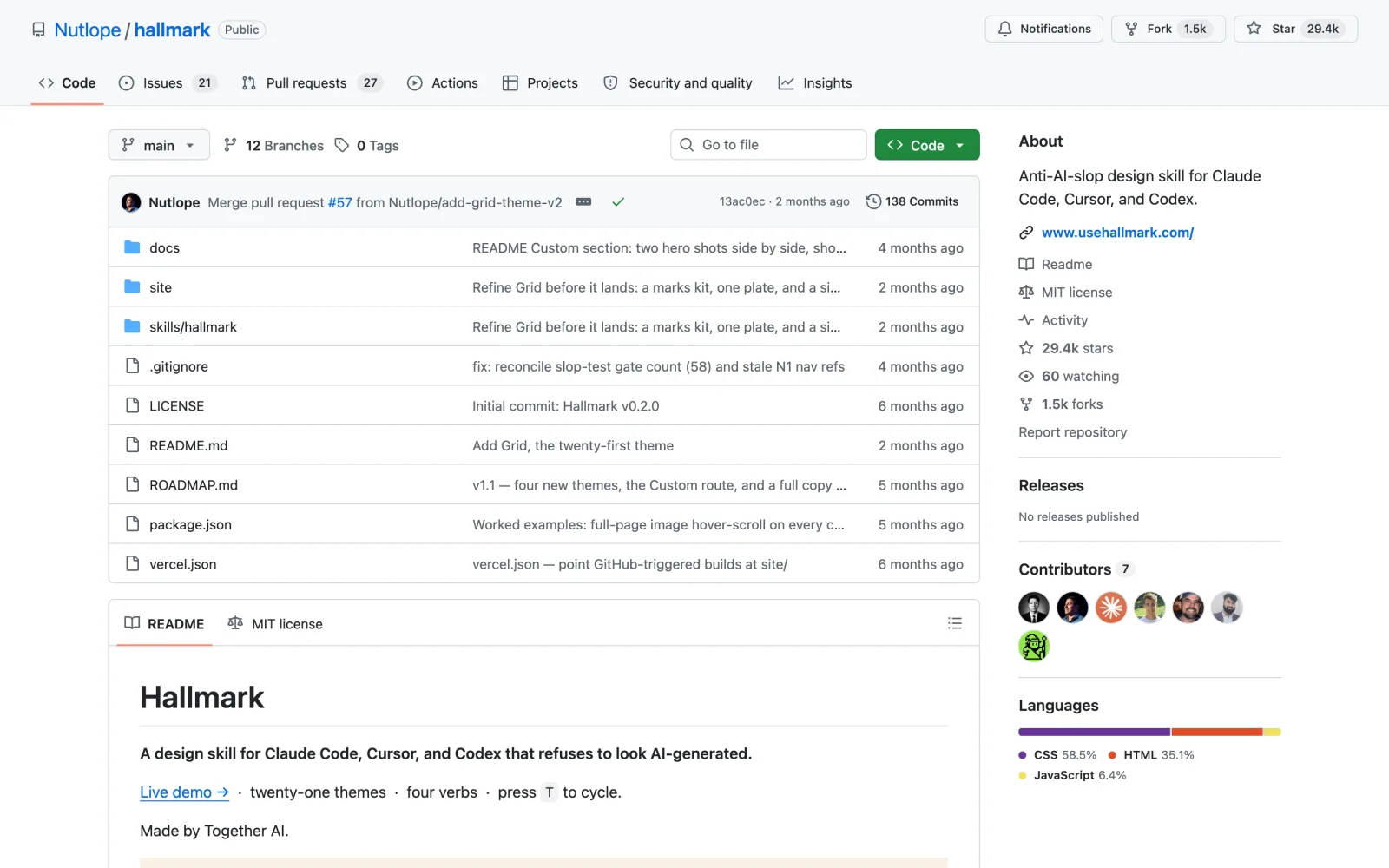
Install this skill: and paste github.com/Nutlope/hallmarknpx skills add nutlope/hallmark
Need logo mockups to go with the new look? See my Claw Brand AI review.
5. shadcn: real buttons, forms and dialogs
AI apps tend to break in the small parts: a popup without a title, a form field without a label, a menu made of plain boxes.
The shadcn skill comes from the team behind shadcn/ui, the open source component library, and it makes Claude use real components in place of hand-built imitations.
What it does
- It reads your project setup first, then pulls the docs and examples for each component it needs.
- It checks every component it adds and follows rules for styling, forms and accessibility, such as every dialog needing a title.
- One preset code can switch the theme and fonts of the whole app.
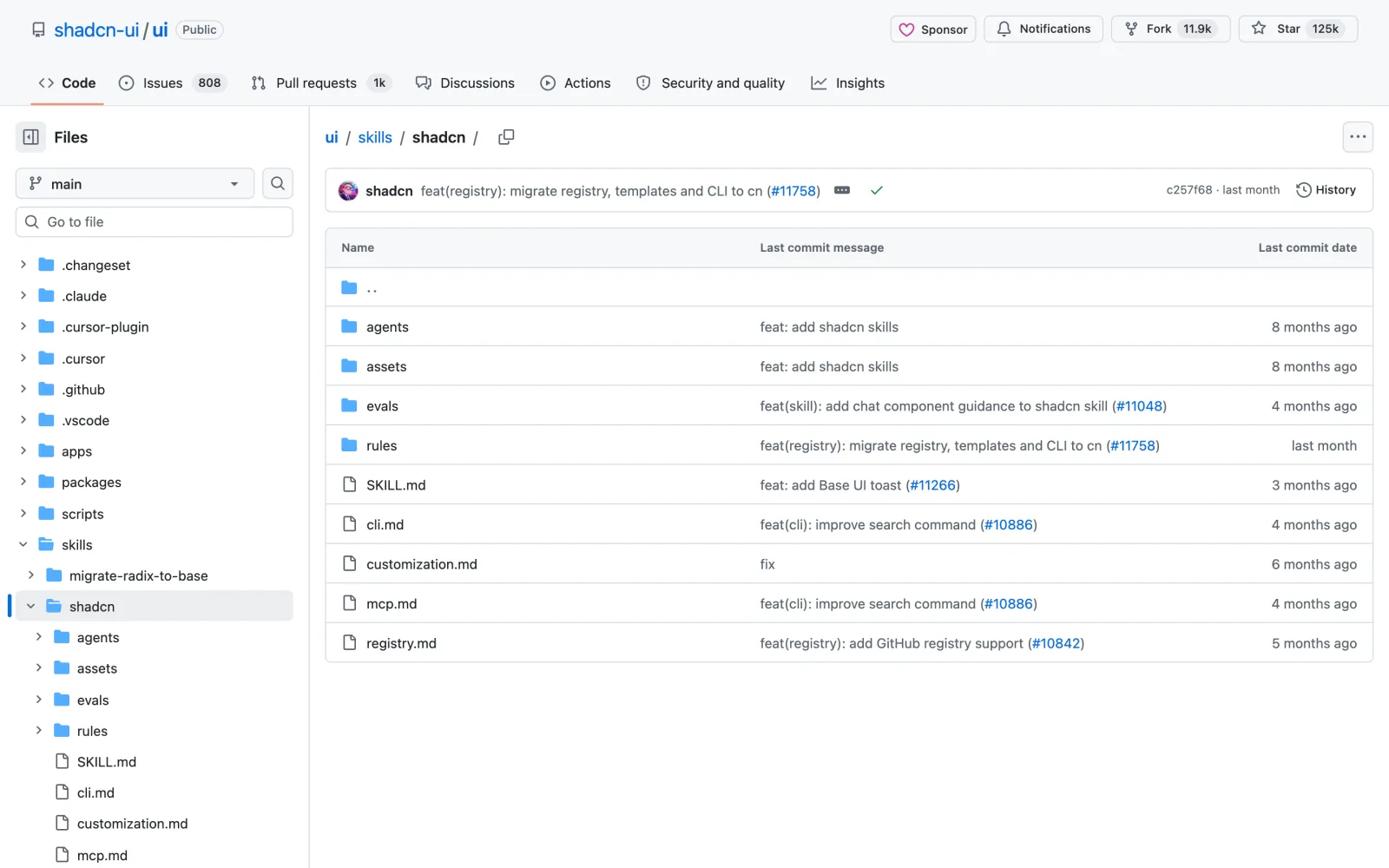
Install this skill: and paste github.com/shadcn-ui/ui/tree/main/skills/shadcnnpx skills add https://github.com/shadcn-ui/ui --skill shadcn
6. GSAP skills: smooth scroll animations with GSAP
Scroll animations from Claude often stutter, or break as soon as the page changes.
The GSAP skills are the official set from GreenSock, the team behind the GSAP animation library.
What it does
- There are eight skills covering timelines, ScrollTrigger for scroll effects, the plugins, React, Vue and Svelte, and performance.
- The performance rules teach Claude to animate position and size without forcing the browser to recalculate the layout.
- They also teach Claude to clean up its animations when a component leaves the page.
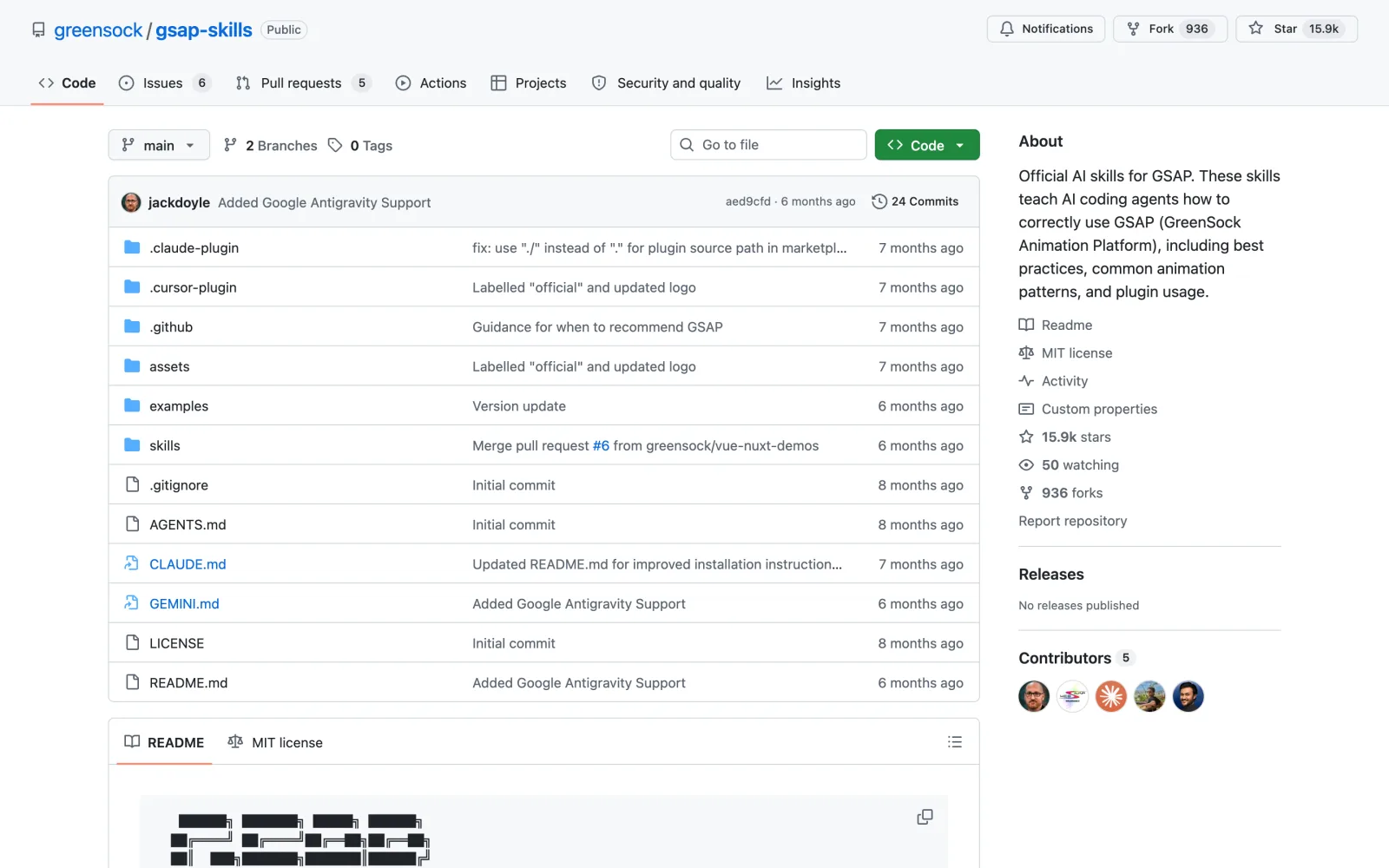
Install this skill: and paste github.com/greensock/gsap-skillsnpx skills add https://github.com/greensock/gsap-skills
7. Web Design Guidelines: about 100 rules from Vercel
A page can look finished and still fail people: a button a screen reader cannot name, an image without a description, text that spills off a phone screen.
Web Design Guidelines from Vercel reviews your UI code against Vercel’s Web Interface Guidelines.
What it does
- The guidelines hold about 100 rules in 17 groups, from accessibility and forms to animation, dark mode and performance.
- It downloads the latest rules before every review, so the checklist stays current.
- Every problem comes with its file and line number, plus an explanation when the fix is not obvious.
Button.tsx:42 with the missing label, ready for Claude to fix.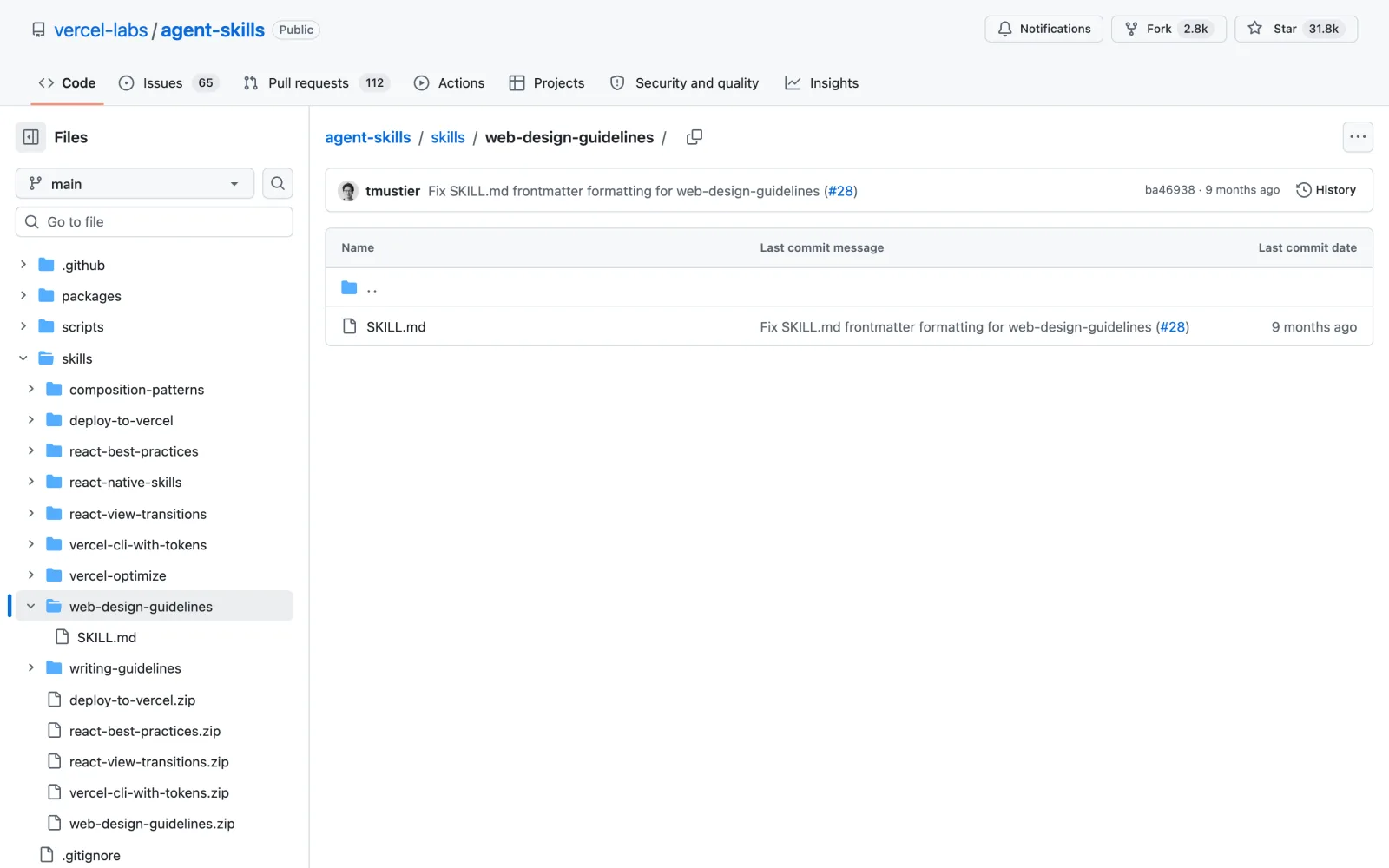
Install this skill: and paste github.com/vercel-labs/agent-skills/tree/main/skills/web-design-guidelinesnpx skills add https://github.com/vercel-labs/agent-skills --skill web-design-guidelines
8. Impeccable: 24 commands and a slop detector
Most design skills help once, at the start. Every fix after that is up to you.
Impeccable is by Paul Bakaus, the creator of jQuery UI. It gives you and Claude a shared design vocabulary of 24 commands that you can use for as long as the project lives.
What it does
polishis the final pass andcritiqueis a UX review.bolderlivens up a dull page,quietercalms a loud one andhardendeals with errors and edge cases.- You run
initonce and it records who the product is for, so every later command takes that into account. - Its detector catches 61 problems, like purple gradients, bounce easing and tap targets that are too small. It runs without AI or an API key, and in Claude Code it checks after every edit.
- Live mode lets you click an element in your browser and try different versions of it.
critique on your landing page to see what a UX reviewer would flag, fix it, then run polish before you ship.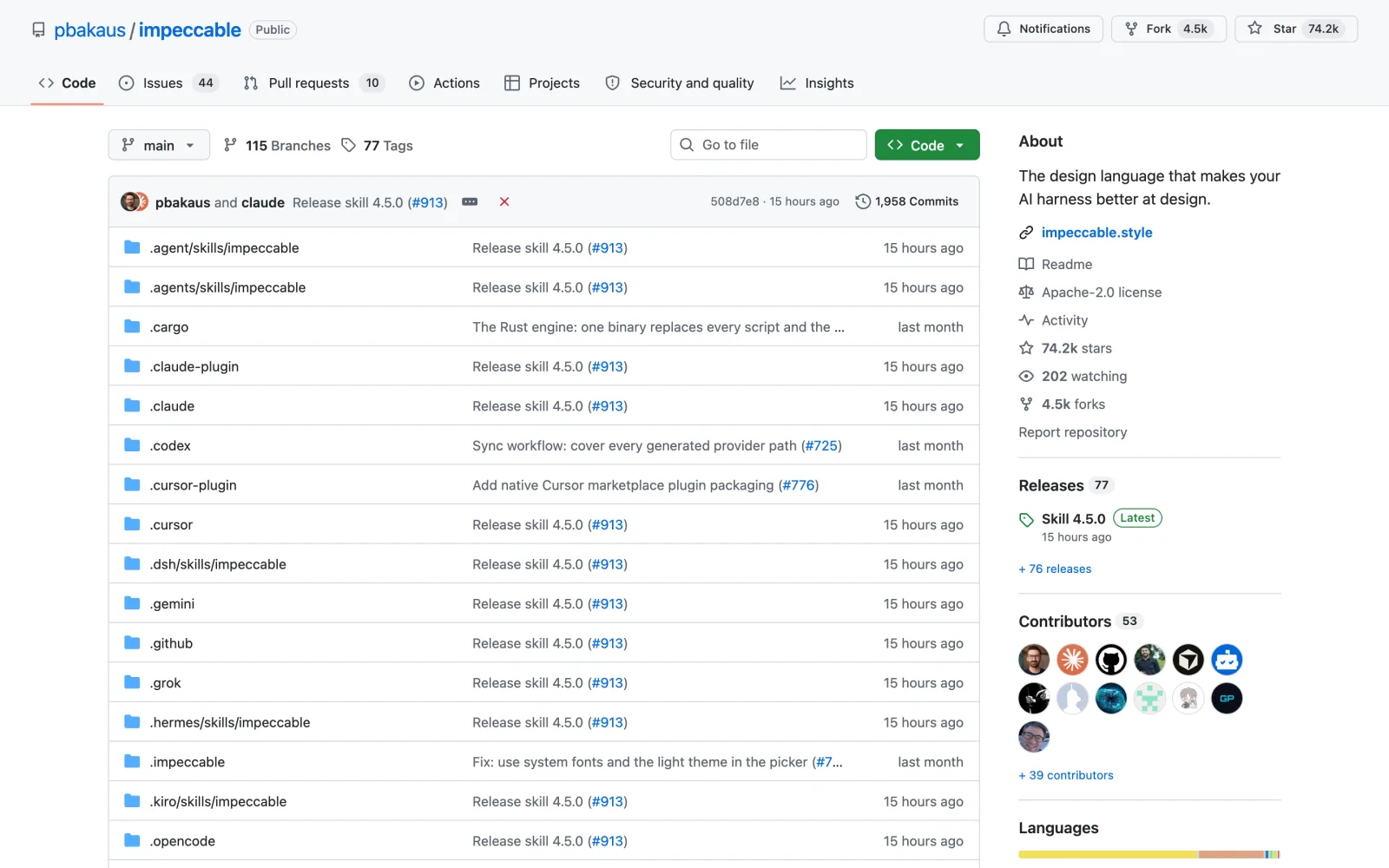
Install this skill: and paste github.com/pbakaus/impeccablenpx impeccable install
How to install Claude Code design skills
You can install every skill on this list without typing a command yourself:
- Open Claude Code in the desktop app, the terminal or your code editor.
- Type
Install this skill:and paste the skill’s GitHub link from this article. - Claude downloads it and puts it in the right place. Start a new chat so the skill loads.
- Ask for the design work in plain English, or call the skill directly, such as
/impeccable critique.
Each section above also lists the exact install command for these Claude Code design skills. Impeccable uses its own installer, npx impeccable install, run from your project folder.
Frequently asked questions
Why do AI-generated websites all look the same?
Without direction, Claude and other models pick the safest common choices: a cream background, a big serif headline, a purple button and three rounded cards. Design skills give the model a plan, rules and a vocabulary, so it makes deliberate choices.
Are these Claude Code design skills free?
Yes. All eight are free on GitHub under MIT or Apache licenses. The GSAP skills rely on the GSAP library, which is free under its own license, paid work included, though it is not open source.
Do I need to be a designer to use them?
No. You describe what you want in plain English. The skills supply the design rules, and tools like the Taste Skill dials or Impeccable’s commands give you simple handles to steer the result.
Can I install several of these Claude Code design skills together?
Yes, and they fit together. A common setup is Frontend Design or Taste Skill for direction, shadcn for components, Web Design Guidelines for the code review and Impeccable for ongoing polish.
Which Claude Code design skill should I install first?
Install Frontend Design first, because it changes how Claude starts every page. Add Impeccable next if you keep returning to fix the same page.
Final verdict: which Claude Code design skills should you use?
Begin with Frontend Design, because it changes how every page starts. Add Taste Skill if you want finer control over the result, or UI UX Pro Max if your site has to fit a specific industry. When the page needs to work as an app, shadcn and the GSAP skills handle the components and motion, Web Design Guidelines catches the issues you can’t see, and Impeccable stays useful long after launch.
All eight Claude Code design skills are free. Install one, rebuild one page you already have, and compare the two side by side. If you make videos as well, see my guide to Claude Code skills for YouTubers.