


Hi, this is Darius. A faceless channel works a bit like a puppet show: viewers follow the story on screen and never see who’s behind the curtain. People search YouTube for faceless channels more than two million times a month, and most of the work behind that curtain can now happen inside Claude.
This Claude faceless YouTube guide covers seven skills, one for each part of running a channel: explainers, niche research, narration, AI clips, thumbnails, a low-cost studio and Shorts. Each section has what the skill does, an example built around a Titanic history channel, the catch and the install command.
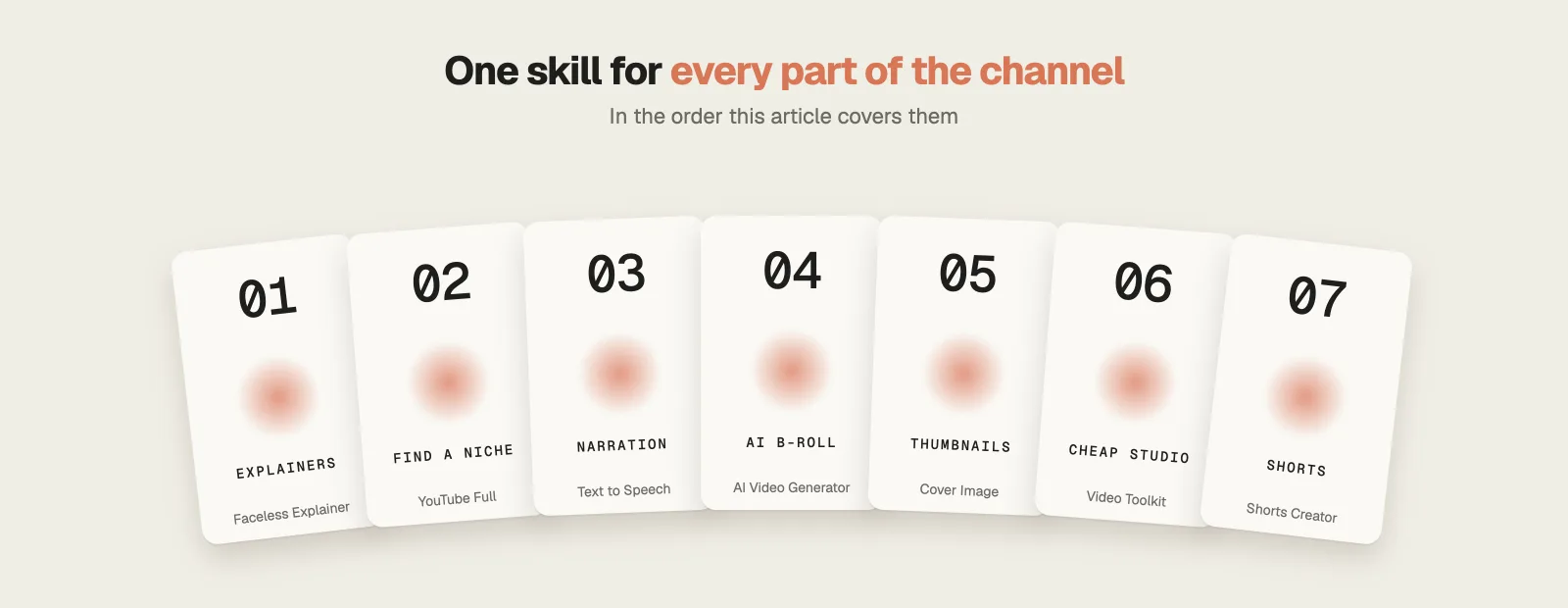
How popular are these Claude faceless YouTube skills?
Among the Claude faceless YouTube skills, HeyGen’s HyperFrames, home of Faceless Explainer, has close to 60,000 GitHub stars, and baoyu-skills, which includes Cover Image, has about 26,500. The single-purpose repos are smaller, from about 2,200 stars for the Video Toolkit down to 271 for the Shorts Creator.
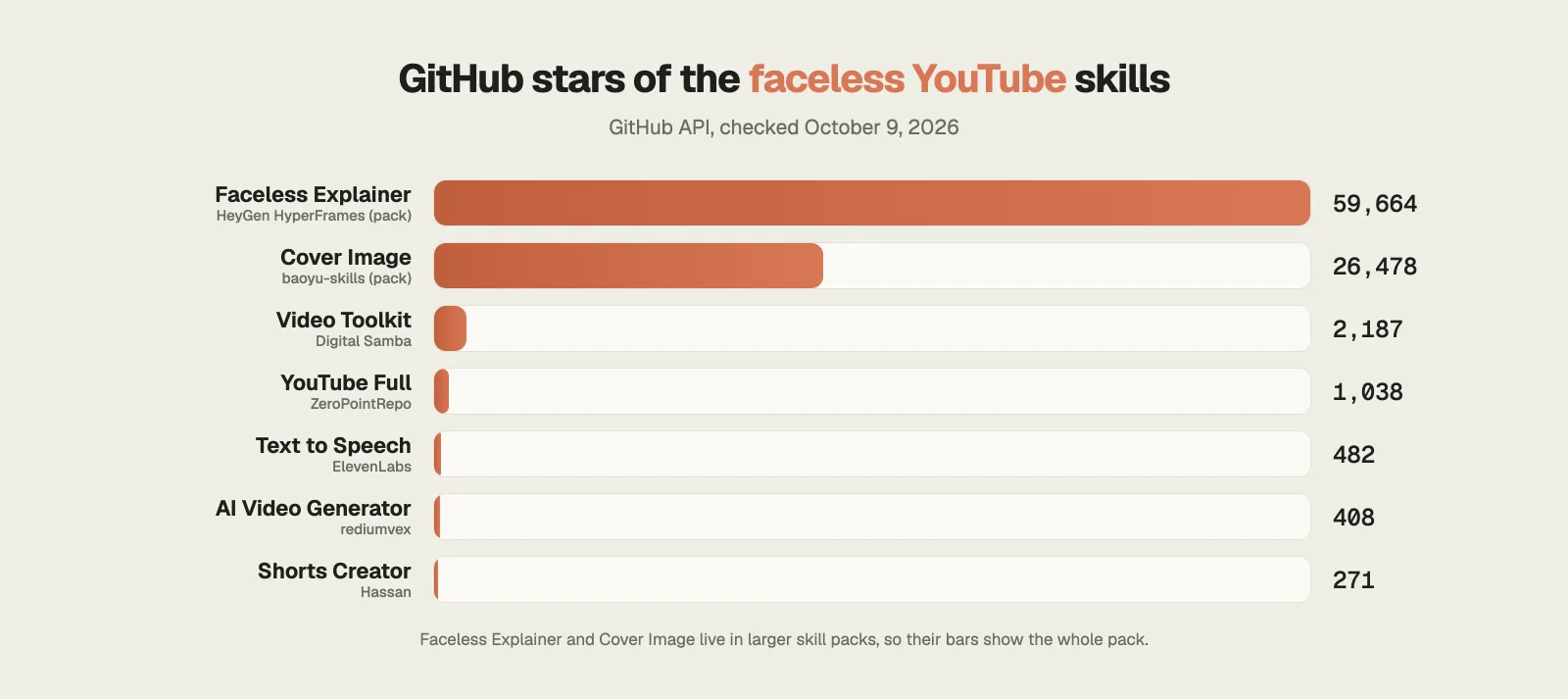
Step 1 · Explainers
1. Faceless Explainer: narrated explainer videos from any text
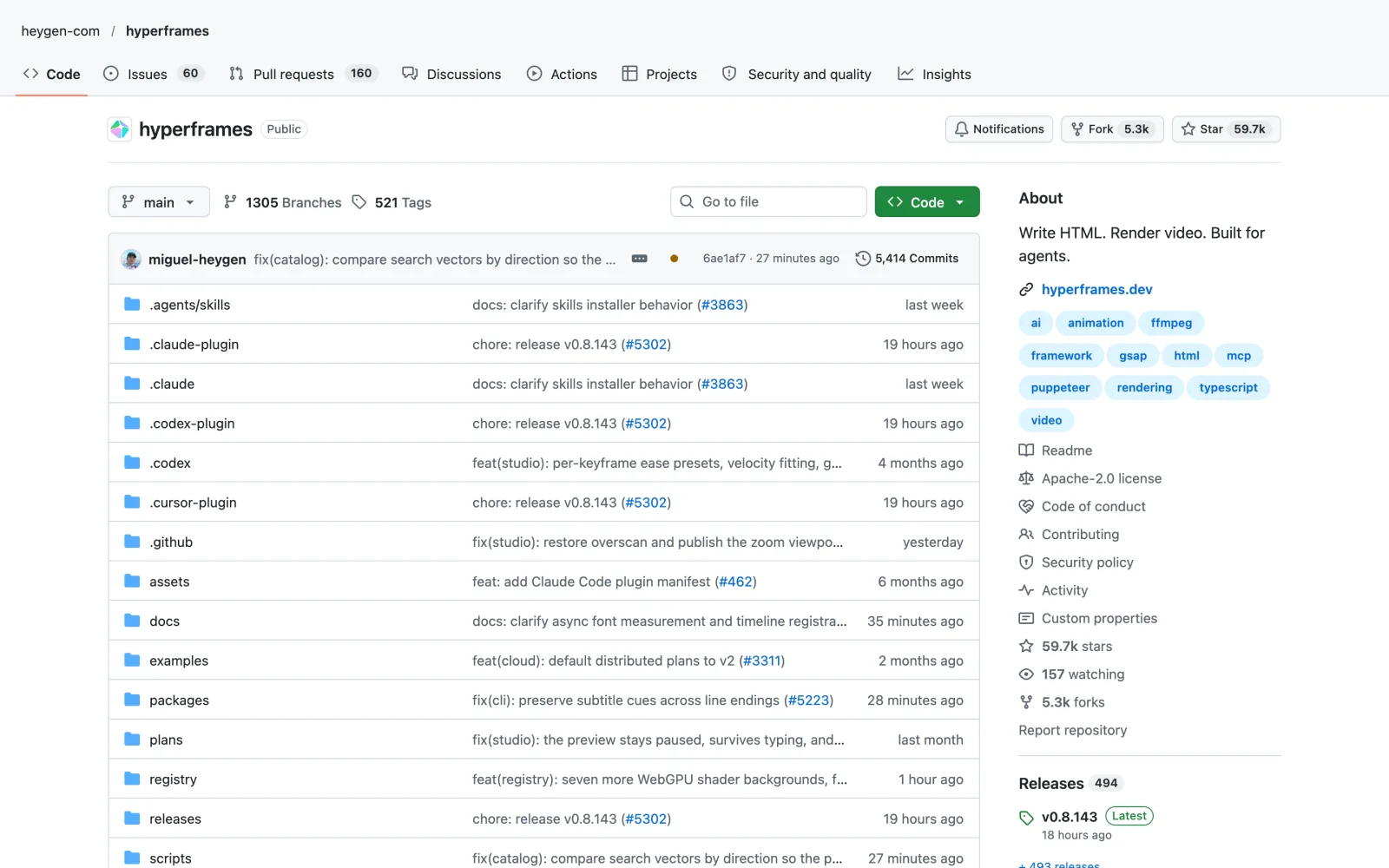
59.7K GitHub stars (HyperFrames)393K installsApache-2.0Free
A single explainer video normally takes a script, a voiceover, music and a separate animation for every line you say.
Faceless Explainer is a skill inside HyperFrames, HeyGen’s free, open source video framework, and it handles that whole chain from inside Claude.
What it does
- You can start from an article, rough notes or just a topic.
- It chooses a design style, then drafts a storyboard and a script for you to approve before anything gets rendered.
- After your OK, it records the narration, times each word, adds background music and builds every scene from type, diagrams and charts made for that video.
Example: Paste in an article about why the Titanic sank, and the result is a narrated explainer with a timeline of the night and a diagram of the ship.
The catch: The better voices and the music library sit behind a HeyGen sign-in. Without one, it uses a free voice that runs locally on your computer.
Install it
Easiest: open Claude Code, type Install this skill: and paste github.com/heygen-com/hyperframes
npx skills add heygen-com/hyperframes --skill faceless-explainerIf you film yourself instead, my list of Claude video editing skills covers cutting real footage.
Step 2 · Find a niche
2. YouTube Full: research what already gets watched
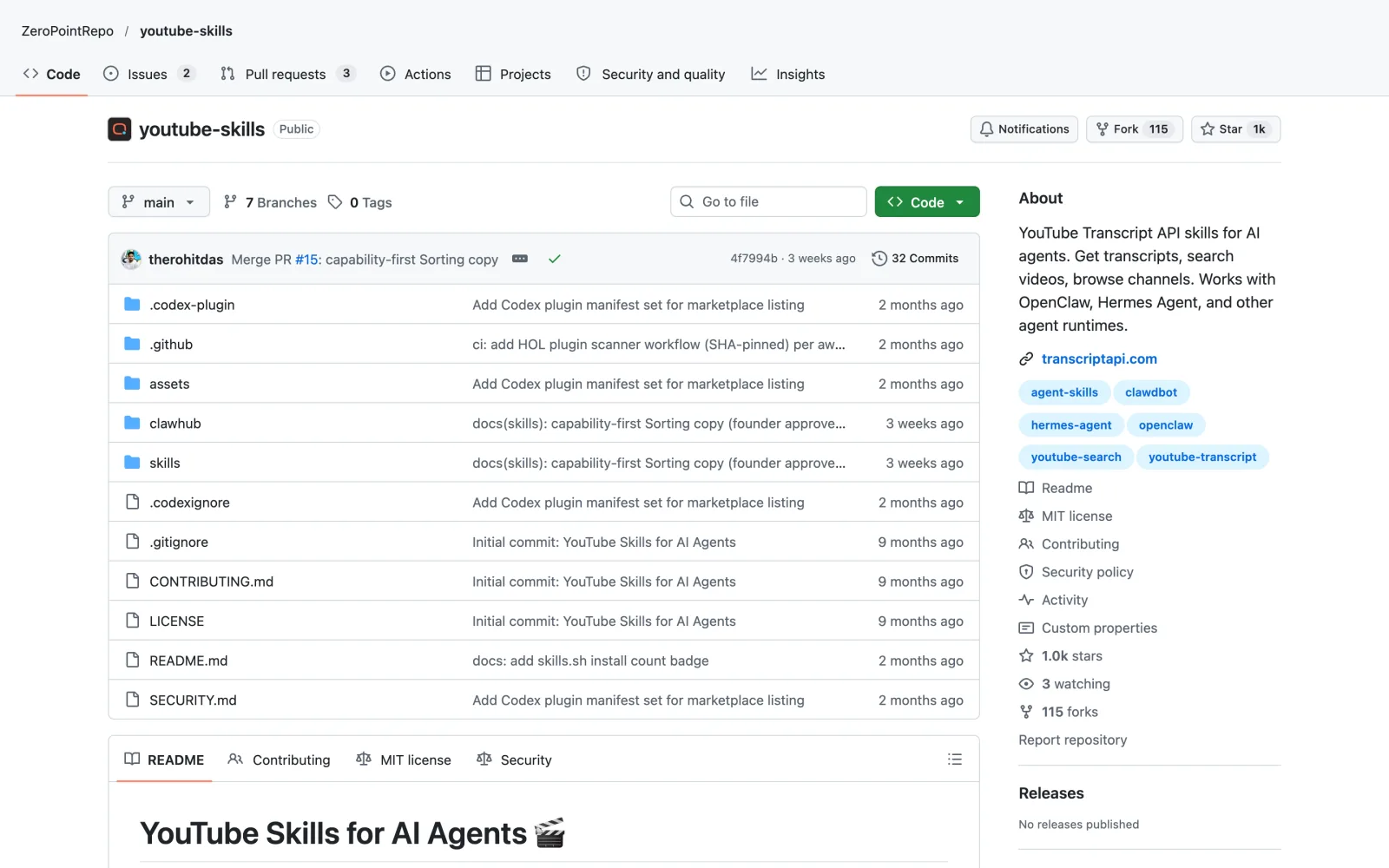
1K GitHub stars2K installsMITFree skill, paid API
Plenty of faceless channels stall because the topic was never something people searched for.
YouTube Full by ZeroPointRepo gives Claude a way to look around YouTube and read what the big videos say.
What it does
- It searches videos, opens any channel and pulls complete playlists.
- It fetches the transcript of any video, so Claude reads the actual words instead of guessing from the title.
- It can also grab the transcripts of every upload on one channel in a single go.
Example: Thinking about a history channel? Ask for the five most viewed Titanic videos and a summary of each, and you can see which stories get clicks and how those videos start.
The catch: It runs on TranscriptAPI. Signing up gives you 100 free credits, and after that the Starter plan is $5 a month for 1,000 credits.
Install it
Easiest: open Claude Code, type Install this skill: and paste github.com/ZeroPointRepo/youtube-skills
npx skills add ZeroPointRepo/youtube-skills --skill youtube-fullStep 3 · Narration
3. Text to Speech: a narrator in more than 90 languages
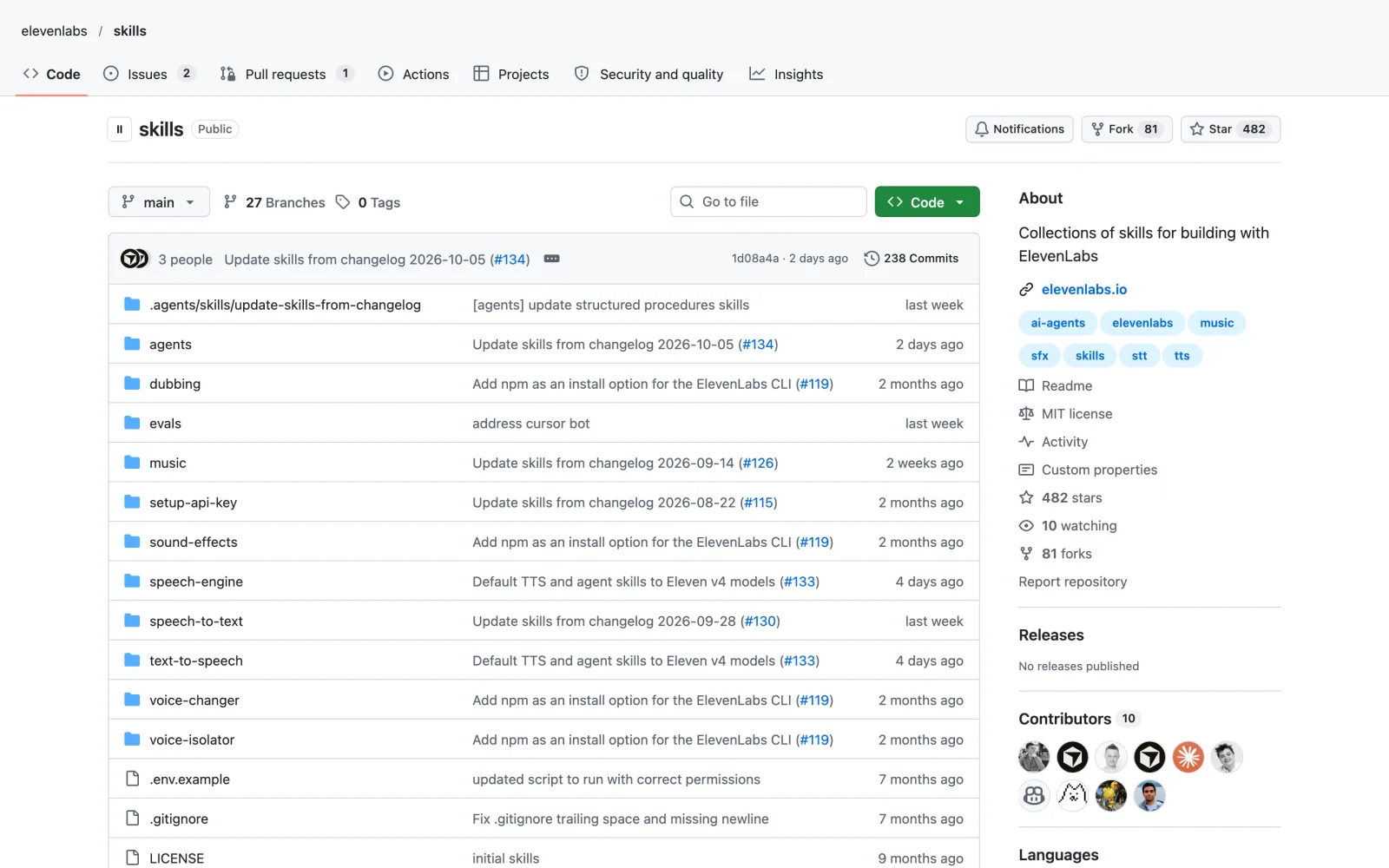
482 GitHub stars14K installsMITFree skill, ElevenLabs plan
With no face on screen, the voice is the only person your viewers ever meet.
Text to Speech is the official ElevenLabs skill for Claude, and it turns a script into finished narration.
What it does
- It speaks more than 90 languages.
- Eleven v4, the company’s newest model, is the default.
- Small tags in the script, such as whispers or laughs, change how a line is read.
Example: Hand it a Titanic script and ask for a calm, low voice, and you get an audio file to lay under the video. The same script can then go out in Spanish.
The catch: The free ElevenLabs plan gives 10,000 credits a month but no commercial license. A channel that earns money needs the Starter plan or higher.
Install it
Easiest: open Claude Code, type Install this skill: and paste github.com/elevenlabs/skills
npx skills add elevenlabs/skillsStep 4 · AI b-roll
4. AI Video Generator: prompts that direct AI video clips
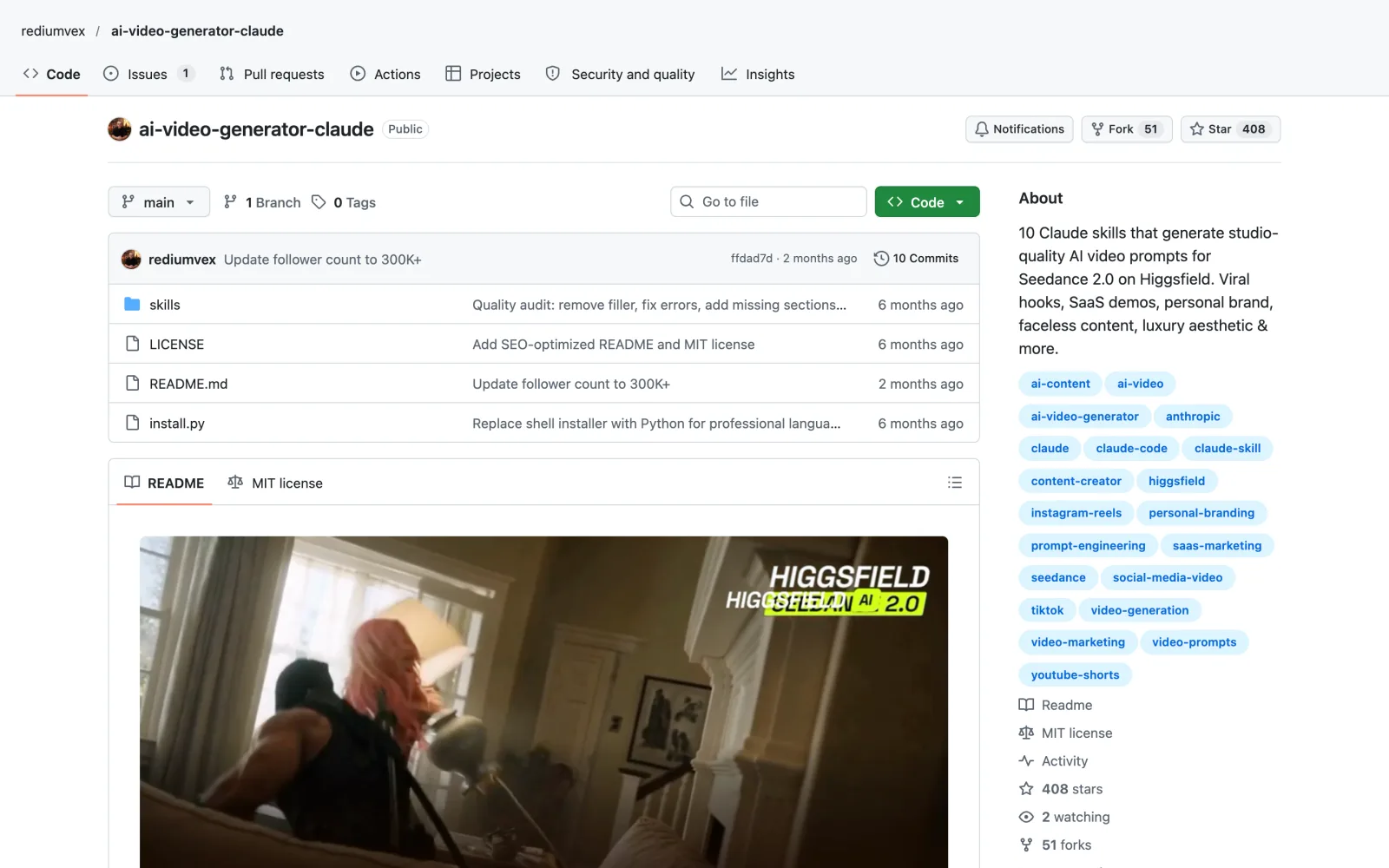
408 GitHub stars10 skillsMITFree skill, paid Higgsfield credits
Viewers have seen the same stock clip of someone typing on a laptop a thousand times.
AI Video Generator by rediumvex is a set of ten skills that make Claude write shot directions for Seedance 2.0, an AI video model available on Higgsfield. One of the ten is built for faceless channels.
What it does
- You describe a scene, and it writes a 15 to 25 line prompt covering the camera move, the lighting, what happens each second and the sound.
- The faceless skill follows three rules: keep the screen moving, treat the first frame as the thumbnail, and let lighting do the work a face would do.
- The creator says he uses the same set for an Instagram page with more than 300,000 followers.
Example: Ask for five seconds of the Titanic’s lights going dark underwater, and it hands you a prompt to paste into Higgsfield.
The catch: The skill writes the prompt and stops there. The clip is made on Higgsfield, which charges credits.
Install it
Easiest: open Claude Code, type Install this skill: and paste github.com/rediumvex/ai-video-generator-claude
git clone https://github.com/rediumvex/ai-video-generator-claude.git ai-video-generatorStep 5 · Thumbnails
5. Cover Image: thumbnails in one consistent style
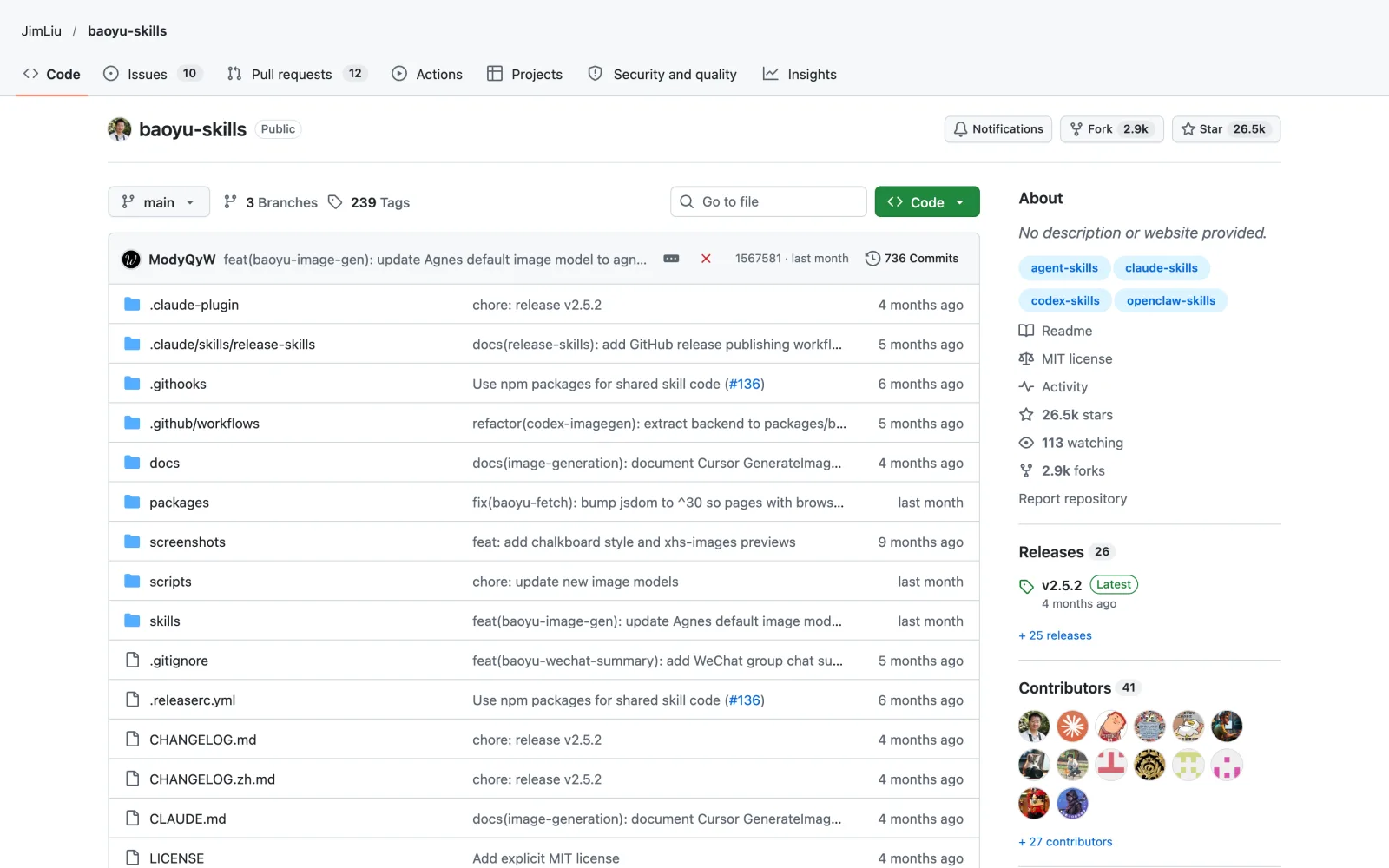
26.5K GitHub stars (pack)31.6K installsMITFree skill, paid image model
If the thumbnail doesn’t get the click, nobody hears the voiceover.
Cover Image comes from Jim Liu’s baoyu-skills pack. It was made for article covers, and it also outputs 16:9, the size of a YouTube thumbnail.
What it does
- You set five things: the image type, the color palette, the drawing style, the text and the mood.
- There are 11 palettes and 7 drawing styles to combine.
- It saves the full prompt to a file and asks you to confirm before it generates, so a weak idea doesn’t eat credits.
Example: For a video called The Night the Titanic Sank, it can make a dark, dramatic cover with the title already set in the image.
The catch: It doesn’t draw anything itself. It needs an image generator connected, such as OpenAI’s image model or the pack’s own image skill, and those cost money.
Install it
Easiest: open Claude Code, type Install this skill: and paste github.com/JimLiu/baoyu-skills
npx skills add jimliu/baoyu-skills --skill baoyu-cover-imageFor titles, descriptions and more YouTube work, see Claude Code skills for YouTubers.
Step 6 · Cheap studio
6. Claude Code Video Toolkit: a full video studio for cents per video
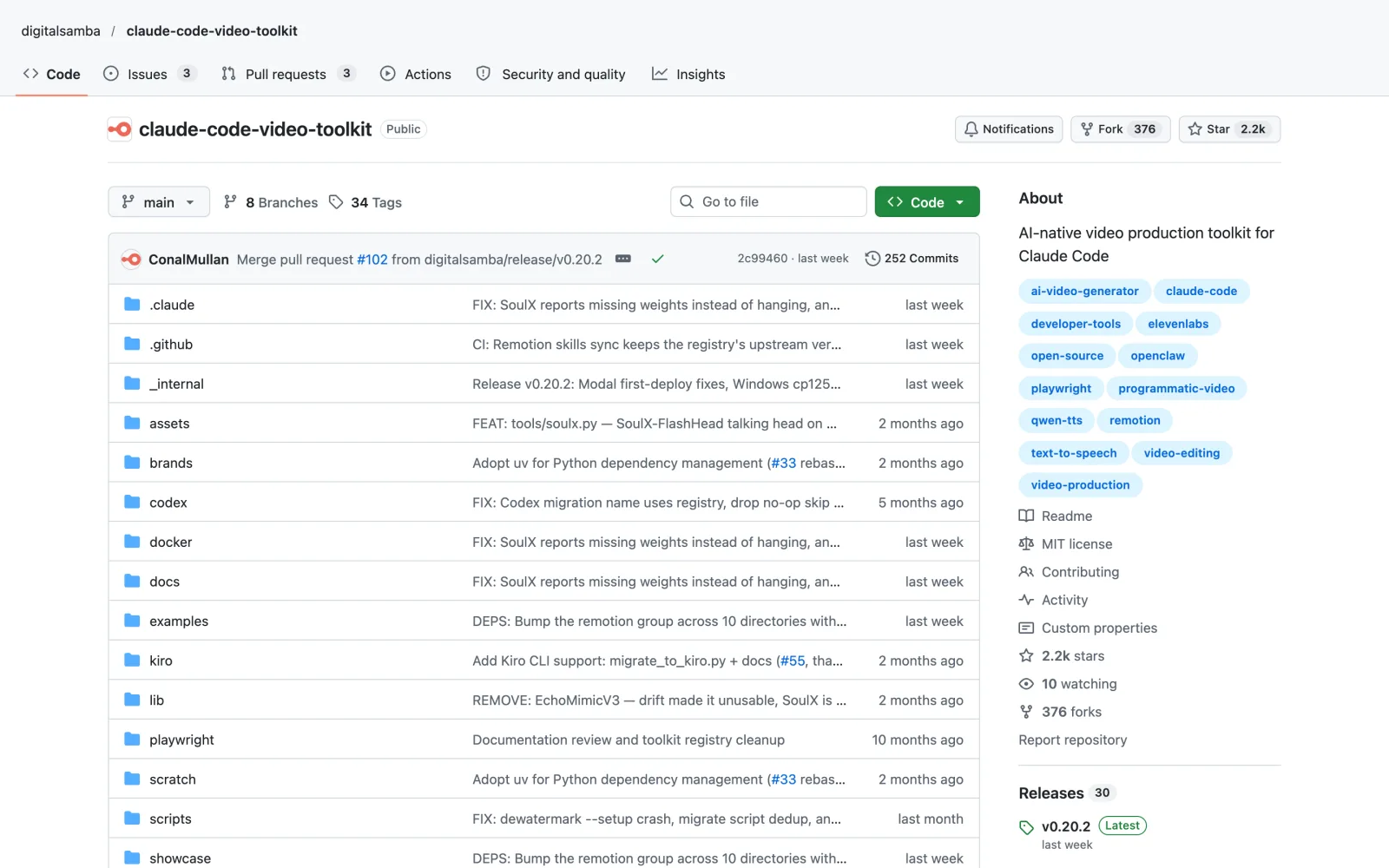
2.2K GitHub starsWorkspace, not a single skillMITFree, pay-per-use cloud
Separate subscriptions for voice, images and video add up quickly.
Claude Code Video Toolkit by Digital Samba is a complete video workspace you open in Claude Code.
What it does
- You describe the video, and Claude writes the script, makes the voice, music and images, and renders the result.
- Costs stay low because it runs open source models on cloud computers rented by the minute.
- The README puts a voiceover at about one cent and an AI video clip at about 23 cents. Their 52 second short on why the sky is blue cost about 80 cents.
- A guided setup walks you through the first video.
Example: Testing a new channel idea costs less than a coffee: describe a one minute short, and the toolkit produces it end to end.
The catch: Setup takes a while. You need accounts with services such as Modal, which includes $30 of free compute a month, and Cloudflare for storage.
Install it
Easiest: open Claude Code, type Install this skill: and paste github.com/digitalsamba/claude-code-video-toolkit
git clone https://github.com/digitalsamba/claude-code-video-toolkit.gitStep 7 · Shorts
7. Claude Faceless Shorts Creator: a Shorts factory inside Claude Code
271 GitHub stars12 example ShortsMITFree skill, paid APIs
A Short gets about one second to stop someone’s thumb.
Claude Faceless Shorts Creator by Hassan turns Claude Code into a production line for faceless Shorts.
What it does
- Three styles: graphics drawn with code, one AI character that stays the same in every video, and Vox-style paper collages.
- Every Short follows six beats: hook, setup, quiz, reveal, twist and a loop back to the start. Frame one is the thumbnail.
- ElevenLabs provides the voice, and captions light up on the exact word being spoken.
- Claude renders frames at phone size and checks them for mistakes. The repo ships 12 finished Shorts, from chess to Excel tricks, including one about multiplying by eleven.
Example: For a Titanic channel, one request returns the script, the visuals, the voice, the captions and the sound for a Short.
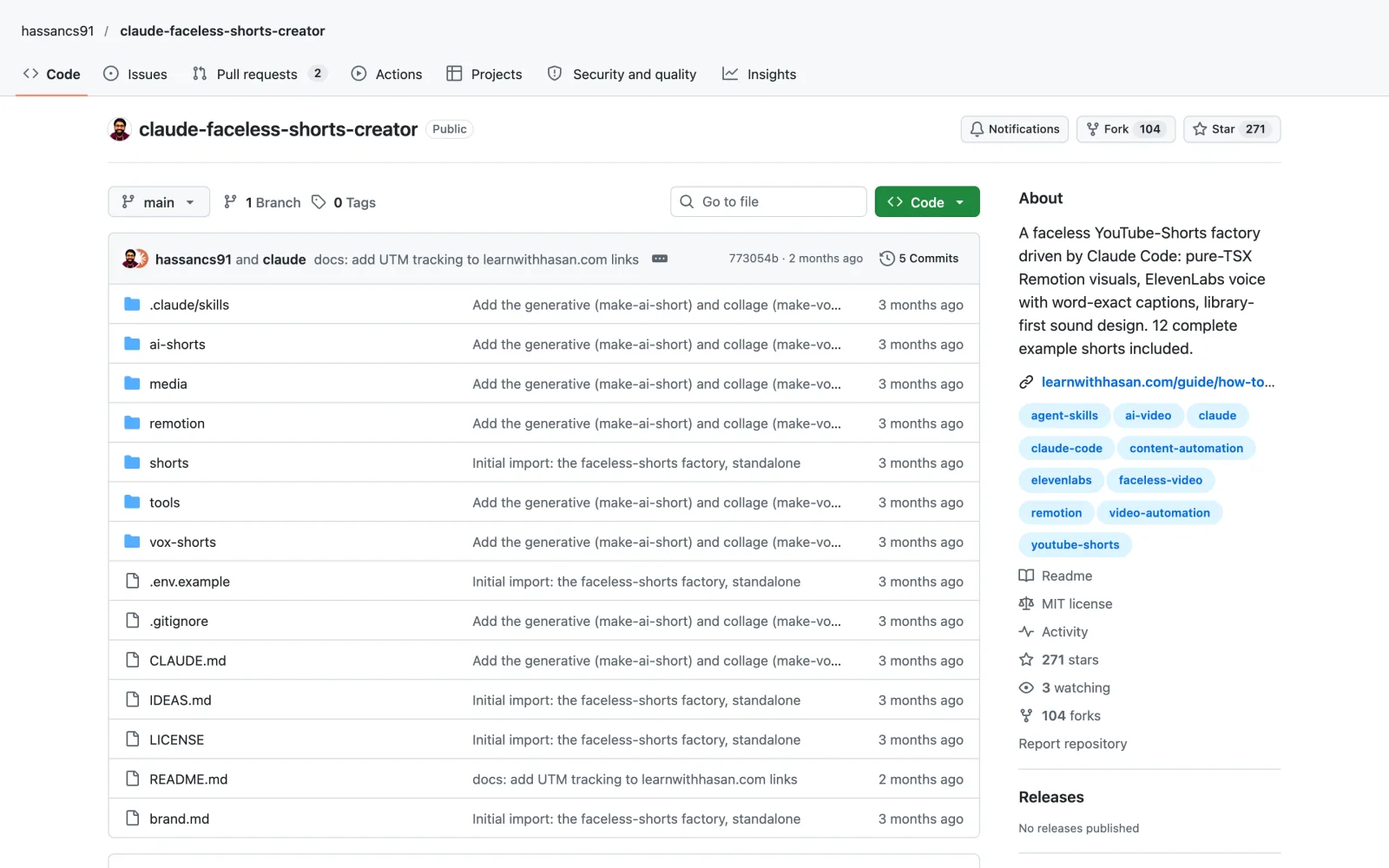
The catch: You need an ElevenLabs key, and the AI character style also uses fal, which charges per clip. It’s built on Remotion, which is free for individuals and companies of up to three people; bigger companies need a paid license.
Install it
Easiest: open Claude Code, type Install this skill: and paste github.com/hassancs91/claude-faceless-shorts-creator
git clone https://github.com/hassancs91/claude-faceless-shorts-creatorWant to post those Shorts everywhere? My guide to Claude for social media handles the scheduling.
How to install the Claude faceless YouTube skills
You can install every skill here without typing a command yourself:
- Open Claude Code in the desktop app, the terminal or your code editor.
- Type
Install this skill:and paste the GitHub link from this article. - Claude installs it and explains how to use it. Start a new chat so the skill loads.
- Then ask in plain English, for example “make a two minute explainer about why the Titanic sank”.
Each section above also lists the exact command, if you’d rather run it yourself.
Frequently asked questions
Can Claude run a faceless YouTube channel on its own?
With the Claude faceless YouTube skills here, Claude can handle most of the production: research, scripts, narration, visuals, thumbnails and Shorts. You still choose the niche, approve the storyboards and upload the videos, and paid services such as ElevenLabs or Higgsfield supply some of the pieces.
Which Claude faceless YouTube skill should I install first?
Faceless Explainer is the best starting point, because one skill gives you a narrated, animated video from plain text. Add YouTube Full when you’re picking a niche, and the Shorts Creator once your long videos are running.
Are these skills free?
All seven Claude faceless YouTube skills are free and open source. Several depend on paid services: TranscriptAPI for YouTube Full, ElevenLabs for narration, Higgsfield for AI clips, an image model for Cover Image, cloud compute for the Video Toolkit and fal for the Shorts Creator’s character style.
Can I make money with AI voices on YouTube?
Yes, but check the license of your voice tool. ElevenLabs’ free plan has no commercial license, so a monetized channel needs the Starter plan or higher.
How do I install a Claude skill?
Open Claude Code, type “Install this skill:” and paste the GitHub link. Claude installs it, and the skill loads in your next chat.
Final verdict: building a Claude faceless YouTube channel
Start with Faceless Explainer, since it turns plain text into a finished video on its own. Use YouTube Full before you commit to a niche, and add Text to Speech when you want a better narrator. Cover Image and the Shorts Creator come next, once you’re posting regularly. If money is tight, the Video Toolkit makes test videos for cents. Whichever part of your Claude faceless YouTube setup is slowest today is the one to fix first.