


Hi, this is Darius. Claude can put together a working website in ten minutes, and then it sits on your laptop. A page on your screen still needs logins, payments, testing and a real address before anyone can use it.
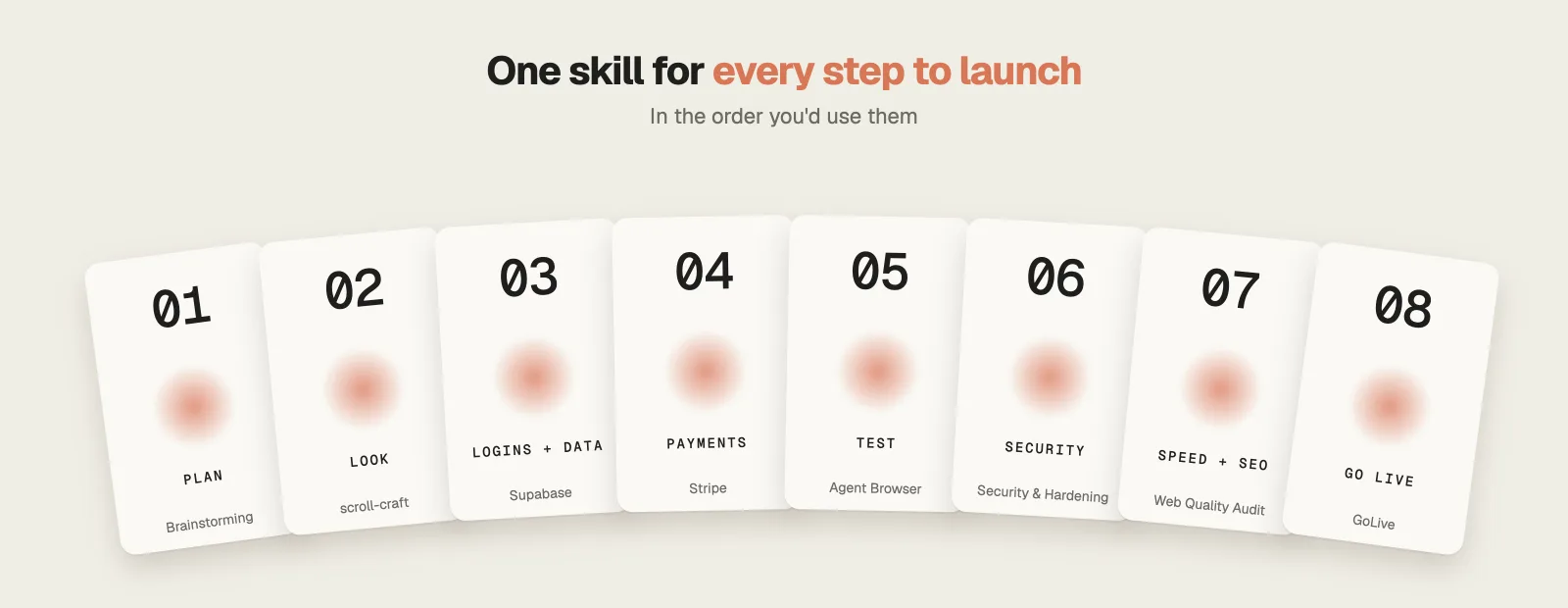
These are the 8 free skills I’d use to build a website with Claude Code and get it live, in the order you need them, from the plan to your own domain. Seven of them have over 1.7 million installs between them on skills.sh. Each section covers what the skill does, an example, the cost and its main limitation.
Watch the full video: Claude Code Website: 8 Free Skills From Idea to Live Site · 12:06
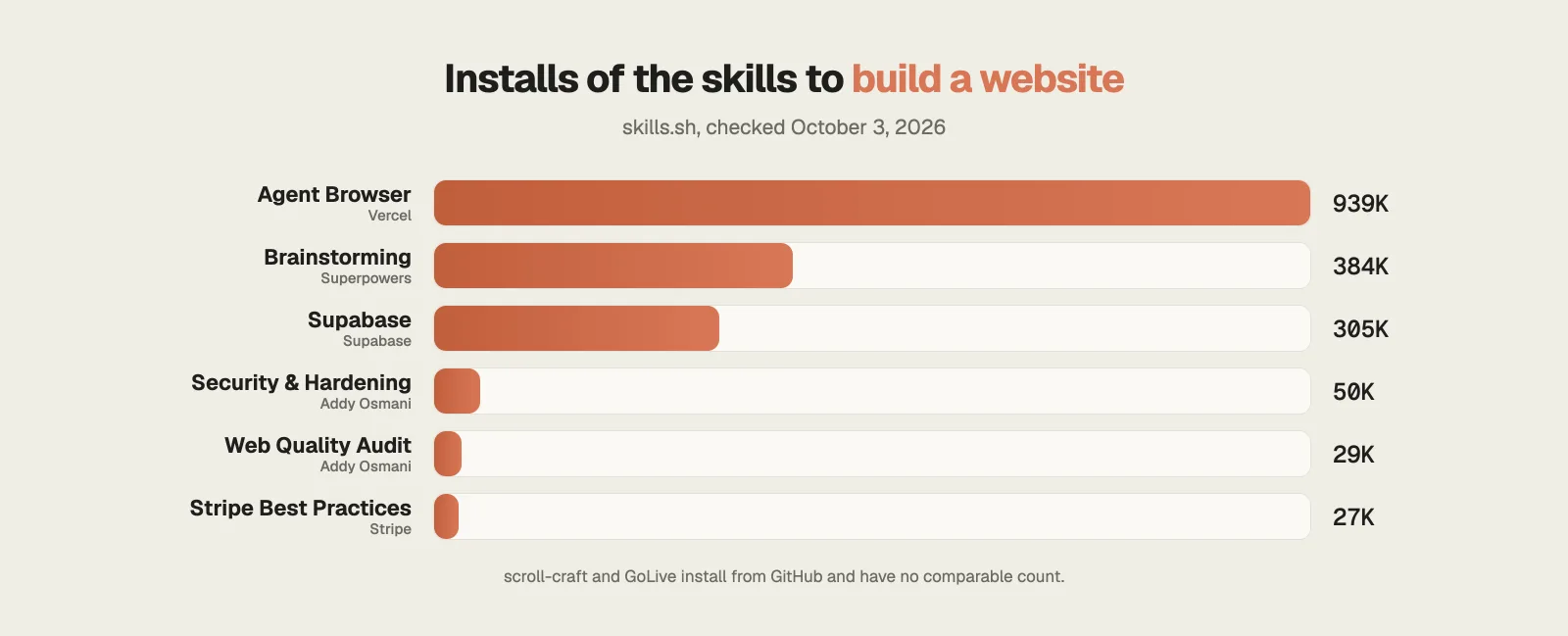
How popular are the skills to build a website with Claude Code?
Install counts show which skills people rely on. Agent Browser and Brainstorming lead, and the official Supabase and Stripe skills are the safest picks for logins and payments.
Step 1 · Plan
1. Brainstorming: agree on the site before any code
294.5K GitHub stars384K installsMITFree
A one-line request like “make me a website” leaves Claude to guess the audience, the pages and what every button does.
Brainstorming is part of Superpowers, the plugin by Jesse Vincent, and it makes Claude settle those questions with you first.
What it does
- It asks one question per message, often multiple choice, until it knows the purpose of the site and how you will judge success.
- For a new project it lays out two or three approaches with their trade-offs and recommends one.
- It writes the agreed design into a spec file and removes features you don’t need.
- Nothing gets built until you approve the spec.
Example: You want a booking site for a yoga studio. After a handful of questions you choose an approach, and the spec lists every page and feature Claude will build.
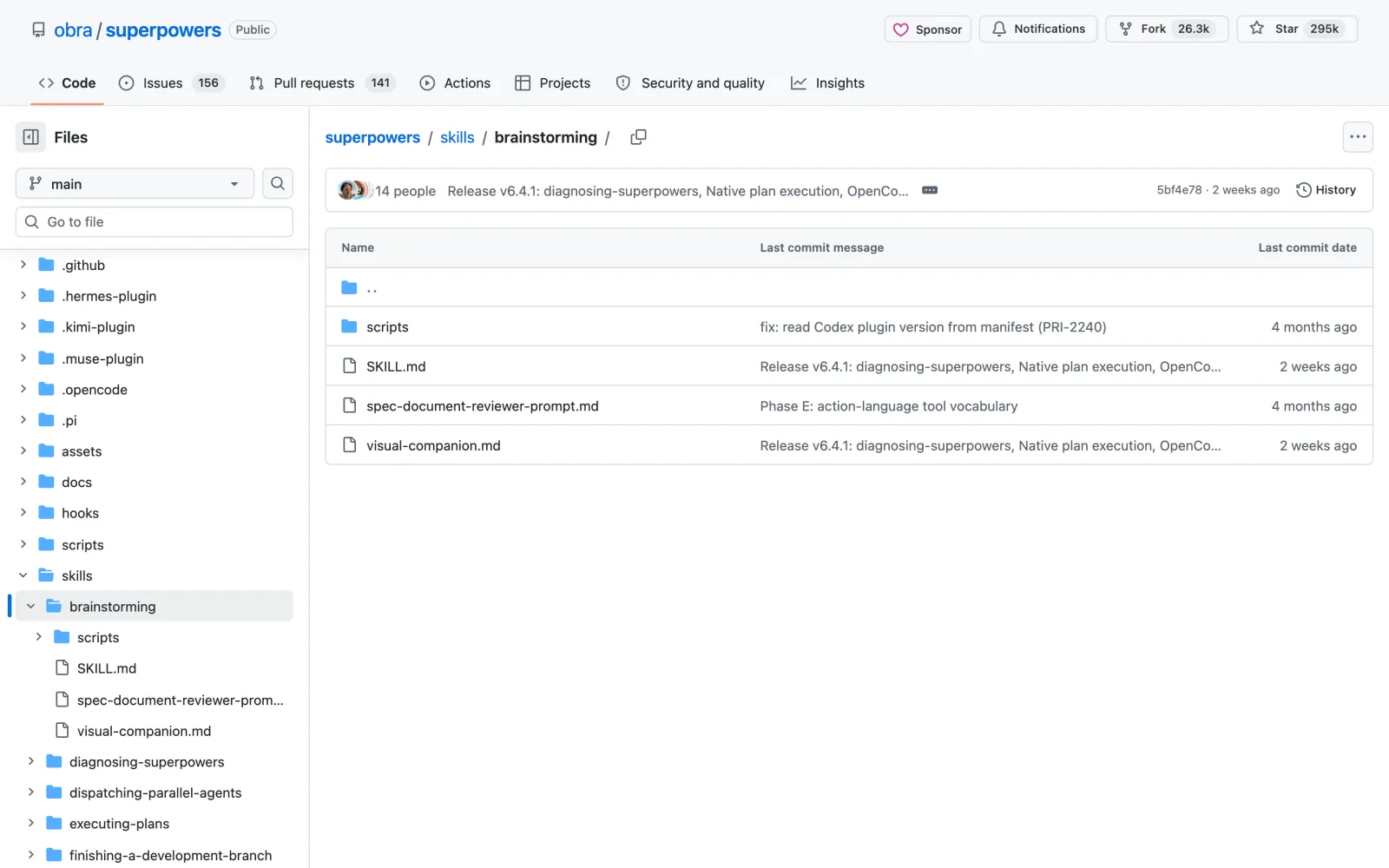
The catch: It installs as the whole Superpowers plugin, 15 skills that change how Claude handles every task. Small jobs take longer, because it always asks before it builds.
Install it
Easiest: open Claude Code, type Install this skill: and paste github.com/obra/superpowers/tree/main/skills/brainstorming
/plugin install superpowers@claude-plugins-officialStep 2 · Make it look premium
2. scroll-craft: scroll-driven sites that stand out
2.9K GitHub starsNew: Aug 2026MITFree (optional paid video generation)
Most AI-built sites share the same six sections, so visitors have seen your page before they finish scrolling it.
scroll-craft by Nate Herk builds sites where scrolling drives the story.
What it does
- Video scrubs frame by frame as you scroll, sections pin while their point plays out and headlines assemble line by line.
- Each build uses one of eight page layouts and must include one signature interaction found on no other site.
- A fingerprint check makes each new build differ from your previous ones on at least four of six points.
- A headless browser then checks every scroll position and flags dead scroll and text too faint to read.
Example: Give it product photos for a coffee brand and the page plays like a short film as visitors move down it.
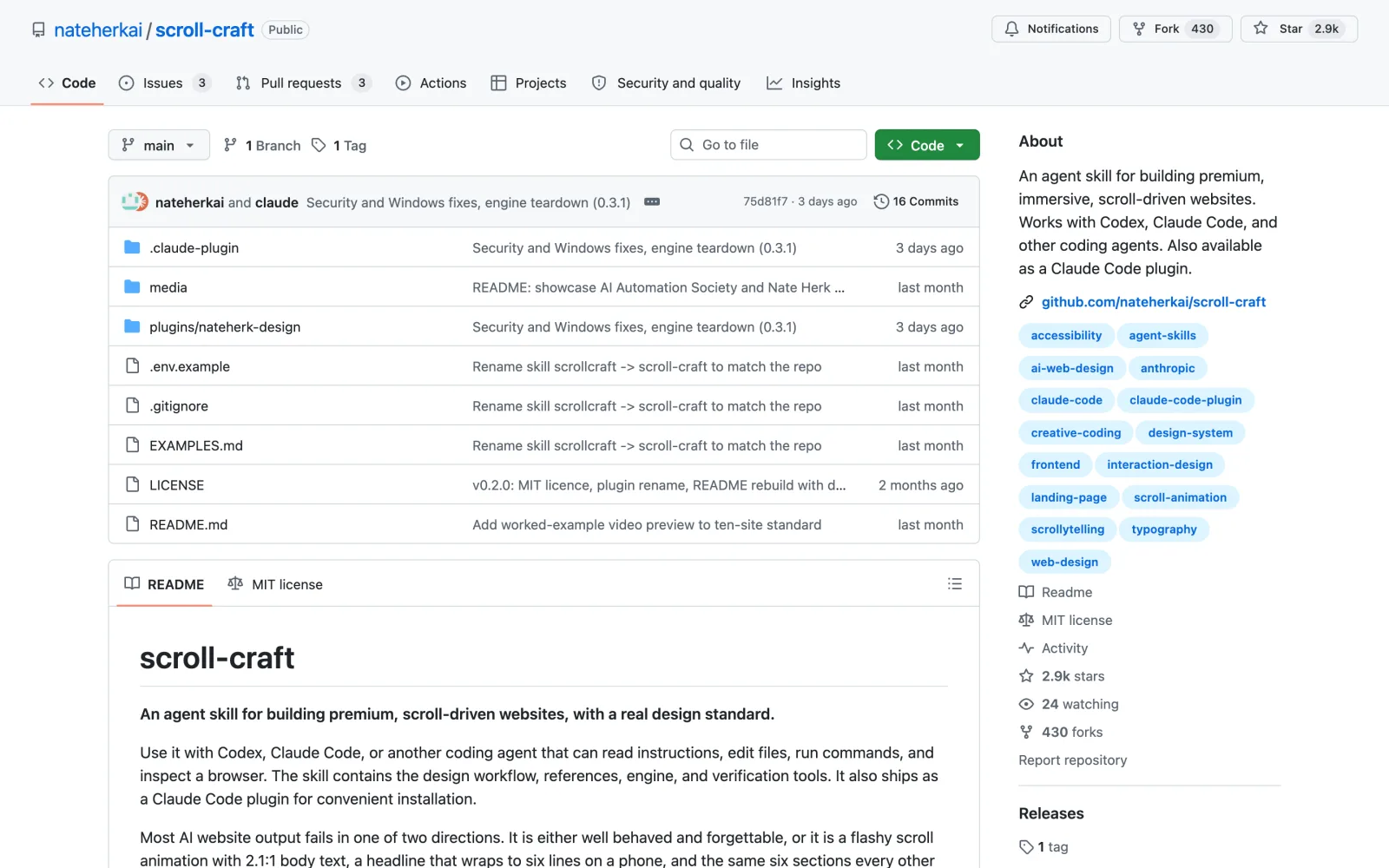
The catch: The README says it has only been run on Windows so far. Generating video costs money through Kie.ai, while pages built from your own photos and clips cost nothing.
Install it
Easiest: open Claude Code, type Install this skill: and paste github.com/nateherkai/scroll-craft
/plugin marketplace add nateherkai/scroll-craft
/plugin install nateherk-designWant the design side in more depth? My guide to Claude Code design skills covers eight more.
Step 3 · Logins and data
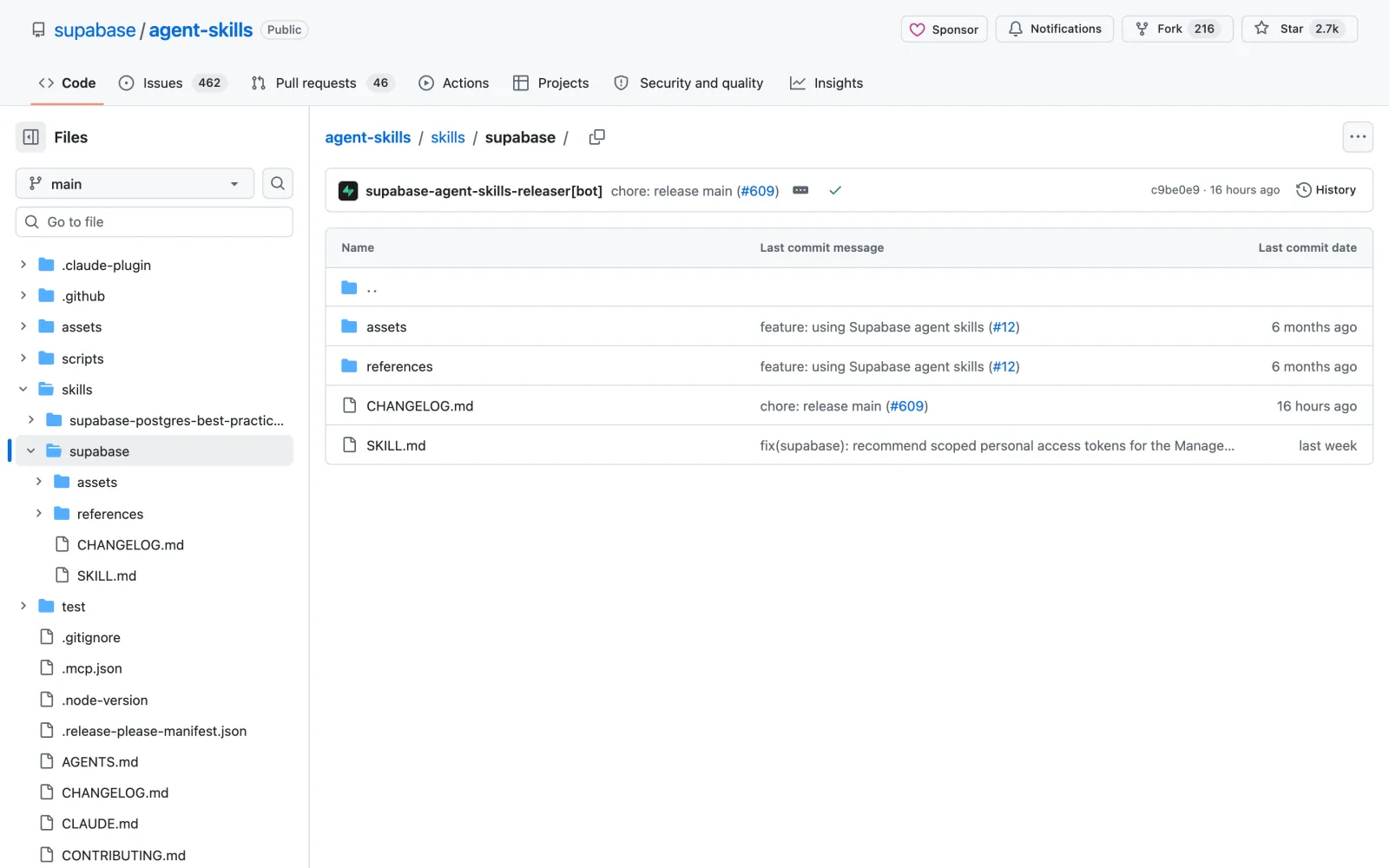
3. Supabase: accounts and a database done safely
2.7K GitHub stars305K installsMITFree plan available
Sign-ups, saved data and uploads are where quickly built sites tend to fail.
The Supabase skill is the official one from Supabase, the open source database that also handles logins and file storage.
What it does
- Before writing code, it checks Supabase’s changelog, because the tools change often.
- Row level security goes on for every table, so users can only read their own data.
- A security checklist covers traps such as a secret key that ends up in the browser.
- After each change it runs a test query to confirm the change works.
Example: Ask for member accounts on a yoga studio’s site and you get sign-up, login and a bookings table in which each member sees only their own rows.
The catch: The free plan allows two active projects and a 500 MB database, and pauses a project after a week without activity. Pro starts at $25 a month.
Install it
Easiest: open Claude Code, type Install this skill: and paste github.com/supabase/agent-skills/tree/main/skills/supabase
npx skills add https://github.com/supabase/agent-skills --skill supabaseStep 4 · Payments
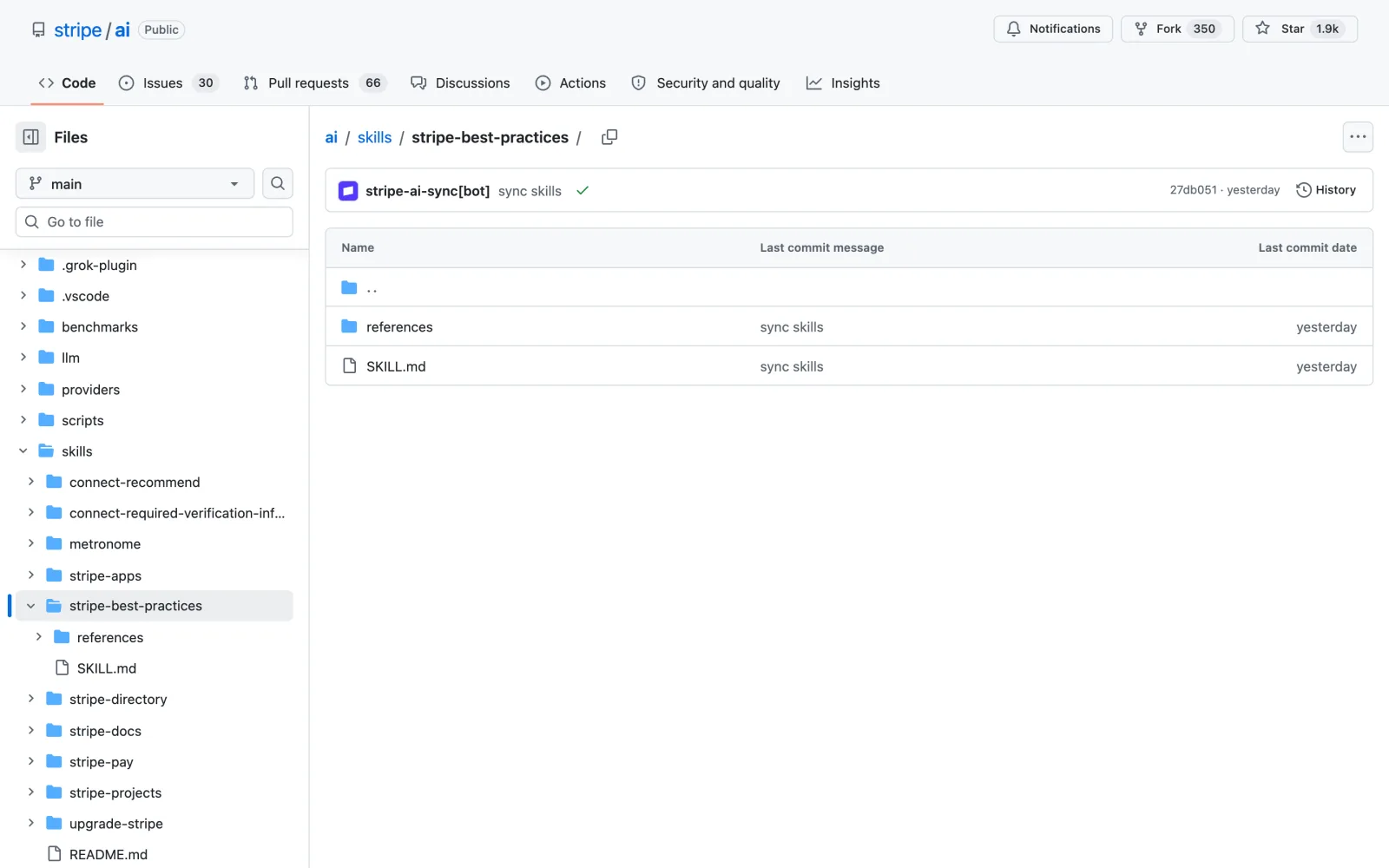
4. Stripe Best Practices: checkout and subscriptions without costly mistakes
1.9K GitHub stars27K installsMITFree (Stripe fees apply)
A small error in payment code costs real money, either yours or your customer’s.
Stripe Best Practices is Stripe’s own skill for building payments.
What it does
- It chooses the right Stripe product: Checkout for one-time payments, Billing for subscriptions and Stripe Tax for sales tax and VAT.
- For keys, it recommends a restricted key with only the permissions your site needs, in place of your full secret key.
- Webhooks are always part of the setup, so an order is fulfilled only after Stripe confirms the payment.
- Without a Stripe account, it can create a test sandbox so you can try the whole checkout first.
Example: Ask for a monthly membership for a yoga studio and you get a subscription checkout with test keys you can click through straight away.
The catch: The skill writes the integration only. Taking real money needs a verified Stripe account, and Stripe charges a fee on every payment.
Install it
Easiest: open Claude Code, type Install this skill: and paste github.com/stripe/ai/tree/main/skills/stripe-best-practices
npx skills add https://github.com/stripe/ai --skill stripe-best-practicesStep 5 · Test
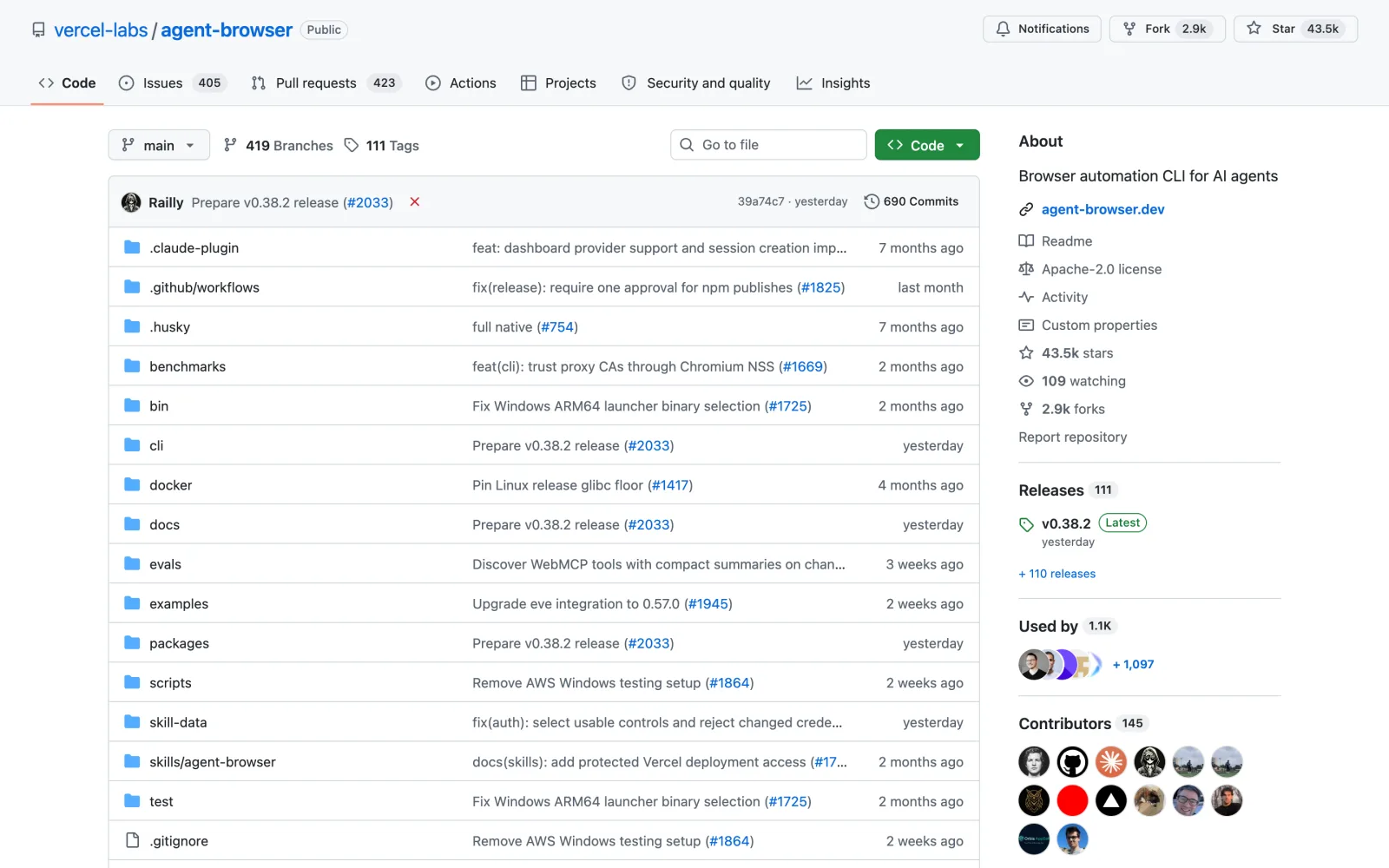
5. Agent Browser: Claude clicks through your site like a visitor
43.5K GitHub stars939K installsApache-2.0Free
You test your own site the way you built it, so you miss the bugs a first-time visitor finds in a minute.
Agent Browser from Vercel gives Claude a fast browser of its own, and its dogfood mode tests a site the way a real visitor would.
What it does
- You give it one link. It works through the menu, clicks buttons, fills forms, opens popups and tries empty or wrong input.
- It watches the browser console for errors that never show on screen.
- Each bug gets evidence: a screenshot for something visible, and a video at human speed plus numbered steps for a broken flow.
- Everything goes into one report, with the most serious issues first.
Example: Point it at the version of your site running on your laptop and you get a report of around five issues, each with the steps to reproduce it.
The catch: It aims for five to ten well-documented issues and then stops, so it does not replace a full test suite. The first run downloads its own browser.
Install it
Easiest: open Claude Code, type Install this skill: and paste github.com/vercel-labs/agent-browser
npm i -g agent-browser && agent-browser install
npx skills add https://github.com/vercel-labs/agent-browserStep 6 · Security
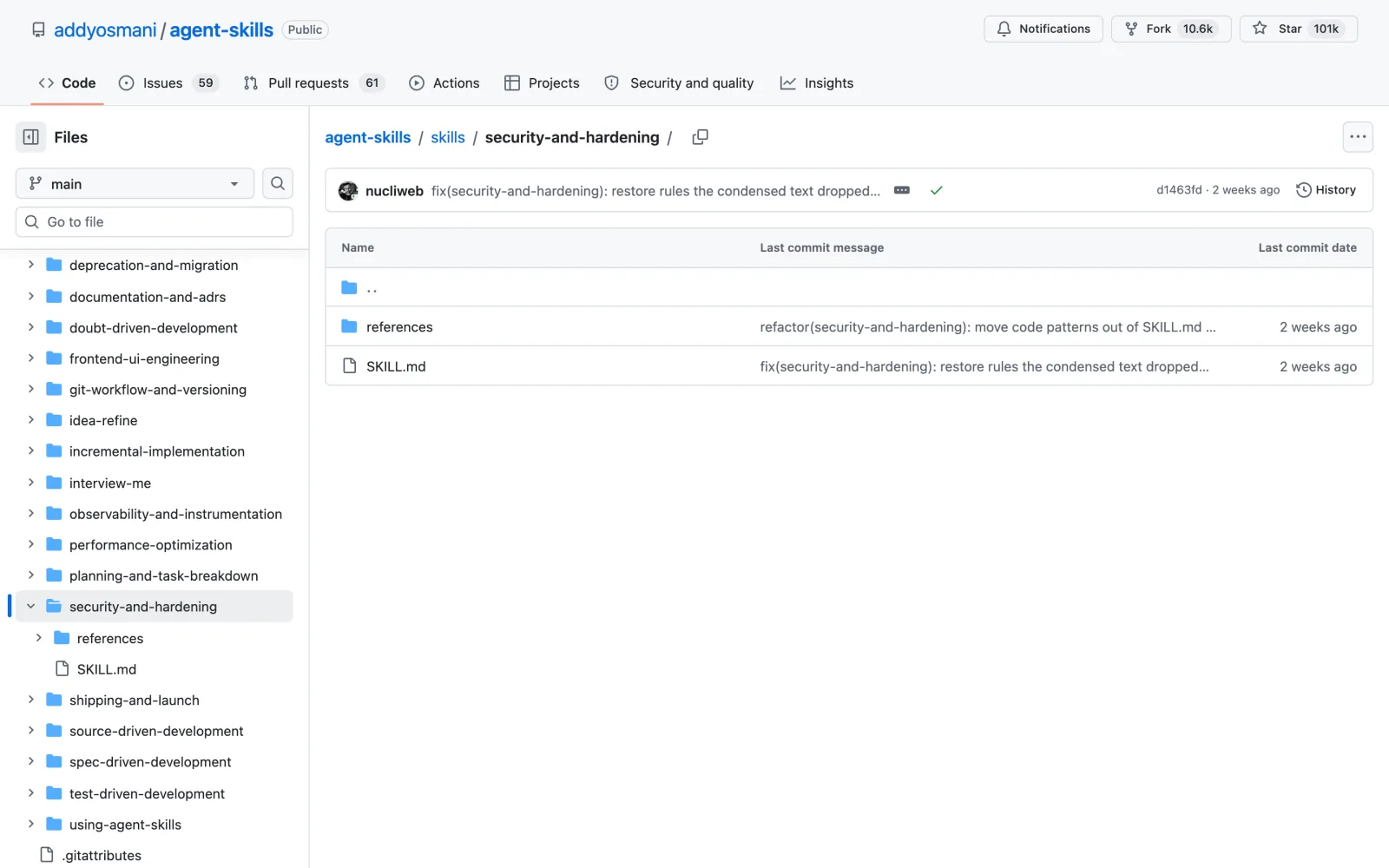
6. Security and Hardening: close the gaps before launch day
100.6K GitHub stars (pack)50K installsMITFree
A site built in a hurry can go live with secret keys sitting in its code.
Security and Hardening comes from Addy Osmani, a former director at Google.
What it does
- It starts with a threat model: who might attack the site and where untrusted data enters it.
- Its rules come in three tiers. Always: validate input, hash passwords, set security headers and audit packages before each release. Ask first: changes to logins or rate limits. Never: commit secrets, keep login tokens where the browser can read them or show error details to visitors.
- It covers the OWASP Top 10, the standard list of web attacks.
Example: Ask it to review your sign-up and payment pages and you get each gap with its fix.
The catch: It is a set of rules Claude follows while building and reviewing, so it does not scan your live site. Package audits only catch problems that are already known.
Install it
Easiest: open Claude Code, type Install this skill: and paste github.com/addyosmani/agent-skills/tree/main/skills/security-and-hardening
npx skills add https://github.com/addyosmani/agent-skills --skill security-and-hardeningFor a paid tool that focuses on site security, see my Soteria review.
Step 7 · Speed and SEO
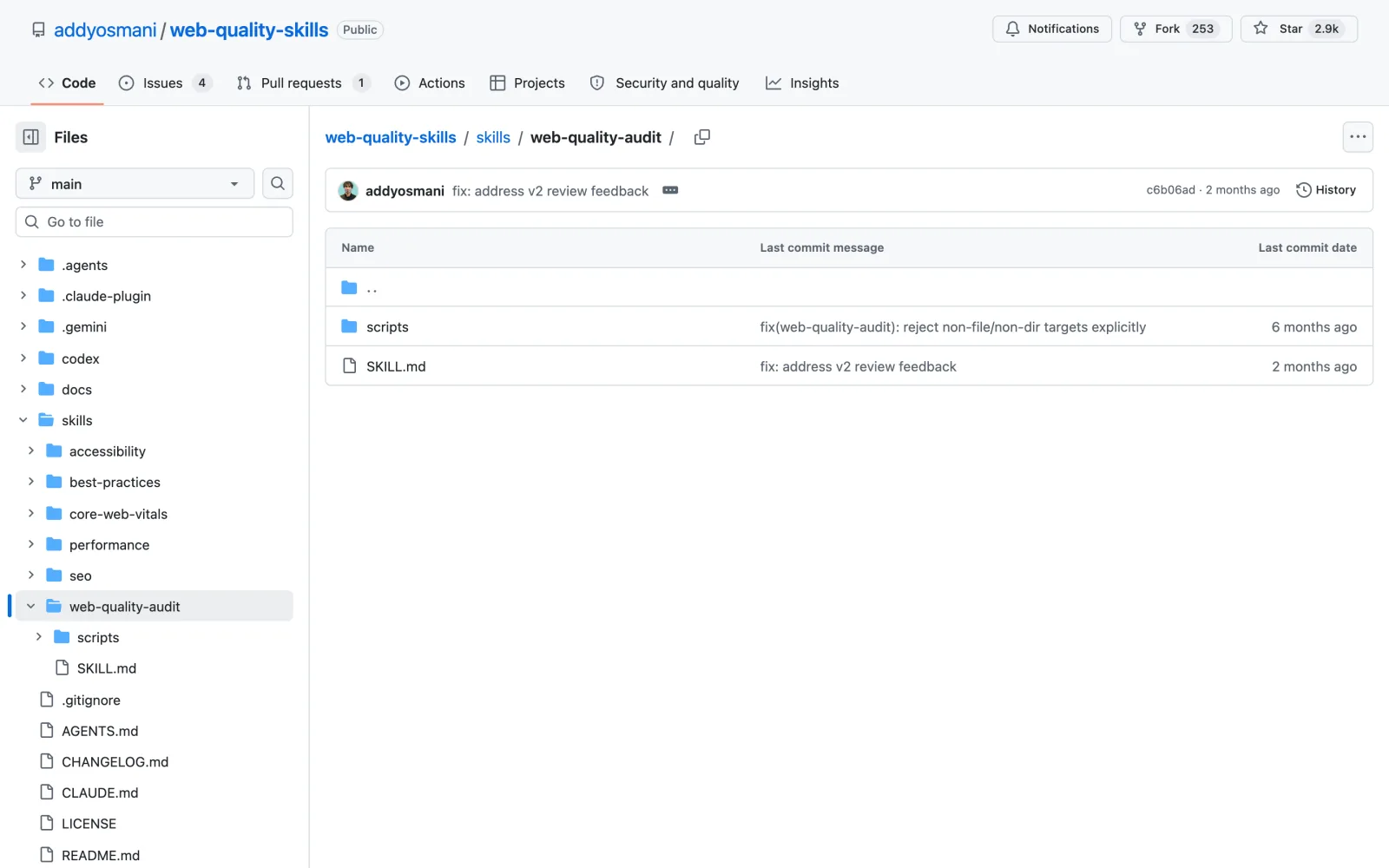
7. Web Quality Audit: a Lighthouse audit with fixes in order
2.9K GitHub stars29K installsMITFree
A slow page loses visitors before it loads, and you won’t notice it on a fast laptop.
Web Quality Audit, also from Addy Osmani, measures your site the way Google does.
What it does
- It runs a live Lighthouse audit across performance, accessibility, SEO, best practices and how well AI assistants can read and use the page.
- It checks the three Core Web Vitals: main content in under 2.5 seconds, a response to clicks in under 200 milliseconds and a layout that doesn’t jump while loading.
- Critical and high issues get fixed before launch, and the checks run again to confirm each fix.
Example: Run it on your homepage and you get the measured numbers, a list of critical issues and the fixes in priority order.
The catch: It makes no promise about Google rankings. A brand new site has no real-visitor data yet, so its speed numbers come from lab tests.
Install it
Easiest: open Claude Code, type Install this skill: and paste github.com/addyosmani/web-quality-skills/tree/main/skills/web-quality-audit
npx skills add https://github.com/addyosmani/web-quality-skills --skill web-quality-auditStep 8 · Go live
8. GoLive: hosting, database, domain, email and payments in one run
1.2K GitHub starsNew: Sept 2026MITFree (your own provider accounts)
Putting a site online means hosting, a database, a domain, email and payments: five dashboards and a lot of copied keys.
GoLive is an open source skill from the developer mikehasa that connects all of it on your own accounts.
What it does
- It keeps the tools your project already uses and asks where to host, for example Vercel or Netlify.
- Before touching anything, you see a plan of what it will create, where, and what it costs, and nothing happens until you approve.
- Then it deploys, moves your keys across without printing them in the chat, and checks what works.
- Supported services today: Supabase or Neon for the database, Porkbun or GoDaddy for the domain, Resend for email and Stripe in test mode. A teardown command removes only what it created.
Example: Say “take this app live, use test resources for now” and after a few approvals you have a live link plus a report of what was verified.
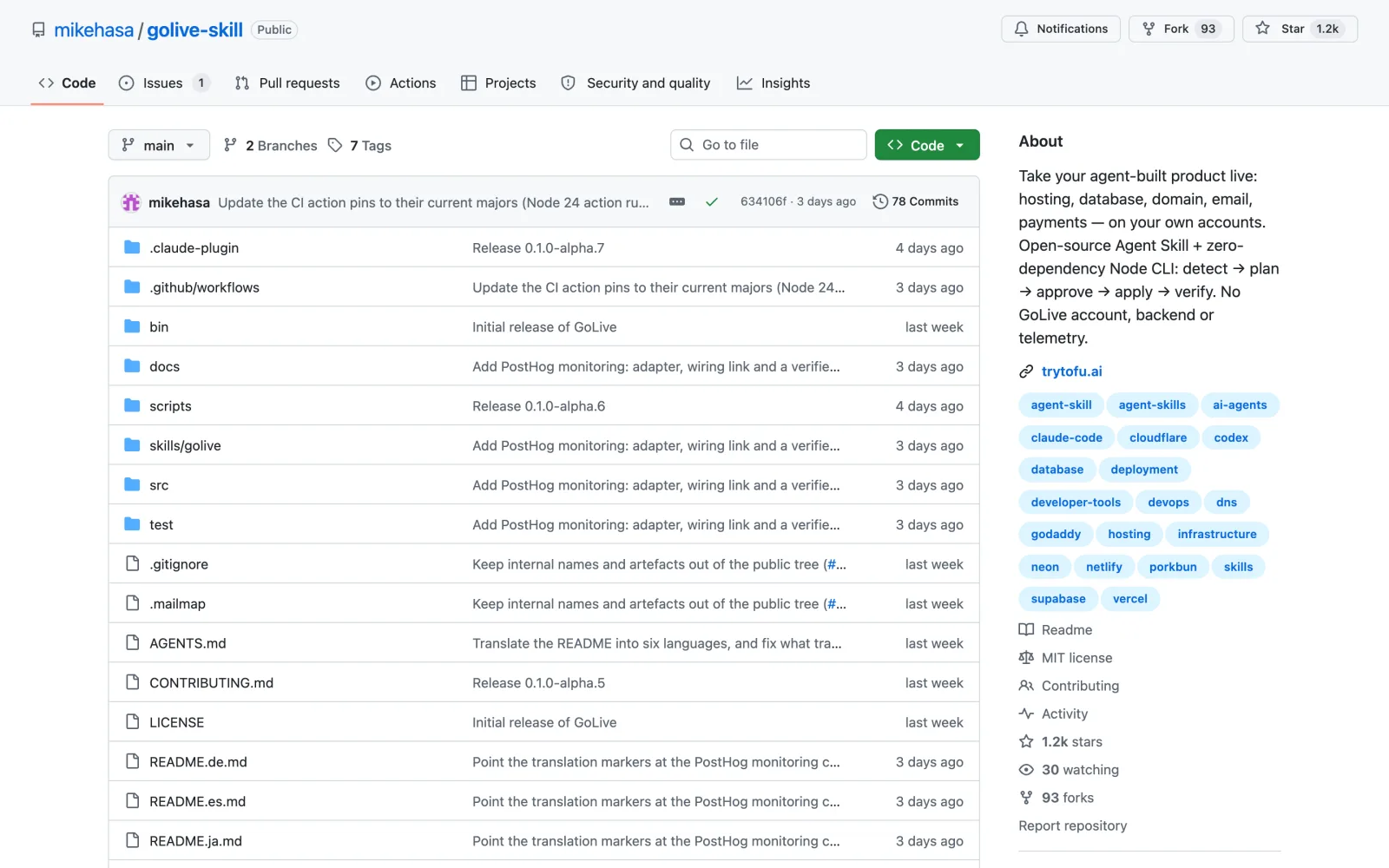
The catch: It is an early alpha, released on September 23, 2026, and its own documentation says some steps are only tested in mock runs.
Install it
Easiest: open Claude Code, type Install this skill: and paste github.com/mikehasa/golive-skill
npx skills add https://github.com/mikehasa/golive-skill --skill golive --globalNeed hosting first? I tested a budget host in my Hostley review.
How to install the skills you need to build a website with Claude Code
You can install every skill here without typing commands yourself:
- Open Claude Code in the desktop app, the terminal or your code editor.
- Type
Install this skill:and paste the skill’s GitHub link from this article. - Claude downloads it and tells you how to use it. Start a new chat so the skill loads.
- Ask for the job in plain English, for example “plan a booking site for a yoga studio”.
Each section above also shows the exact command if you prefer to install it yourself. Every skill here runs inside Claude Code, the tool you use to build a website with Claude Code.
Frequently asked questions
Can you build a website with Claude Code if you can’t code?
Yes. You describe what you want in plain English and Claude writes and runs the code. Skills like Brainstorming keep it on track, and GoLive handles the accounts and settings that usually stop people from launching.
Are the skills to build a website with Claude Code free?
All eight are free and open source under MIT or Apache licenses. Some of the services they connect to cost money once you grow: Supabase’s paid plan starts at $25 a month, Stripe charges a fee per payment, and scroll-craft charges for generated video.
What do I need installed?
Claude Code, plus Node.js for most of these skills. Agent Browser downloads its own browser, scroll-craft needs FFmpeg and Chrome, and GoLive needs Node.js 20 or newer and Git.
Where does my website get hosted?
On your own accounts. GoLive sets up hosting on Vercel or Netlify and asks for your approval before it creates anything, so you own the site and can move it later.
Which skill should I install first?
Install Brainstorming first, because a clear plan saves the most time later. If your site is already built, start with Agent Browser to find bugs and then GoLive to launch.
Final verdict: the fastest way to build a website with Claude Code
Plan with Brainstorming, build the parts that handle people and money with the official Supabase and Stripe skills, test with Agent Browser, then check security and speed before GoLive puts it online. scroll-craft is the one to add when the site needs to stand out.
Start with the step that is blocking you right now and add the rest as you go. If you also make videos about what you build, see my guide to Claude Code skills for YouTubers.