


Hi, this is Darius. Ask Claude for a sales page and the first headline often begins with “Unlock the power of”. Readers have seen that phrase so often that many stop at it.
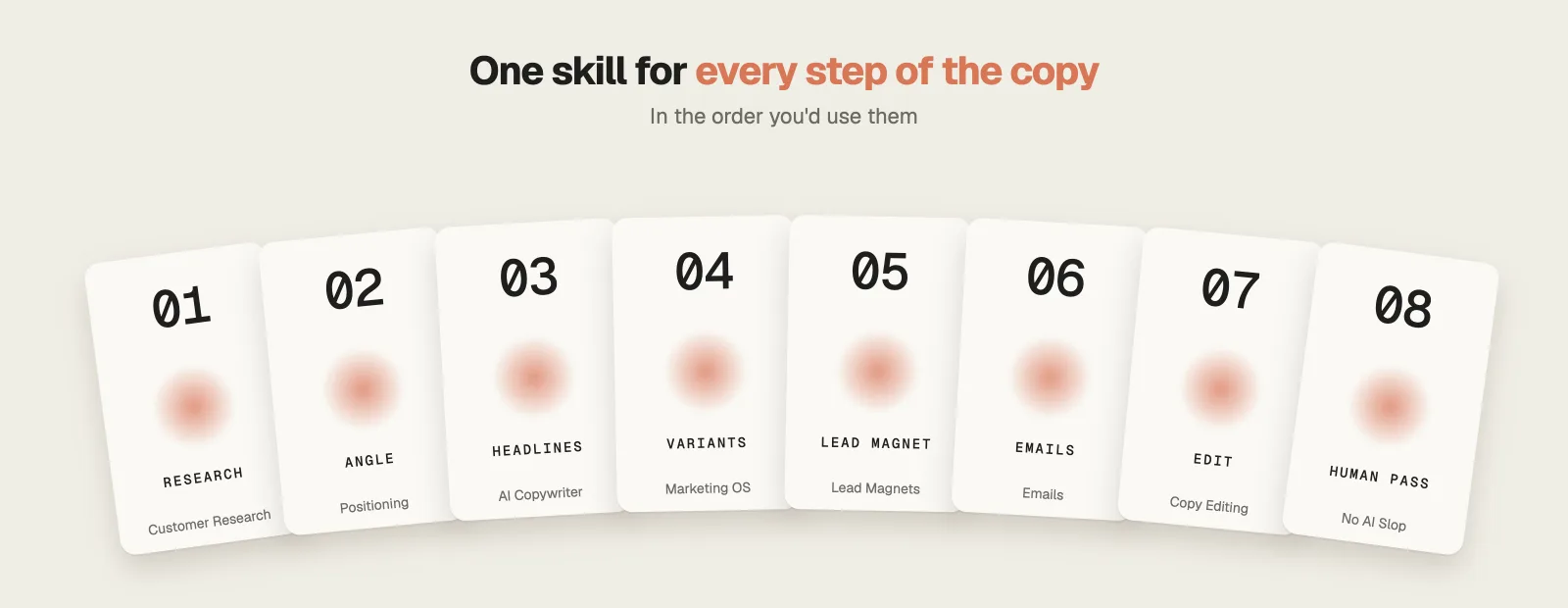
Good Claude copywriting starts earlier, with the words your customers use. These are the 8 free skills I’d use for it, in the order a copywriter works: from customer research to the final edit. Together they have over 400,000 installs. Each section covers what the skill does, an example, the cost and its main limitation.
Watch the full video: Claude Copywriting: 8 Free Skills That Write Like a Human · 12:31
How popular are these Claude copywriting skills?
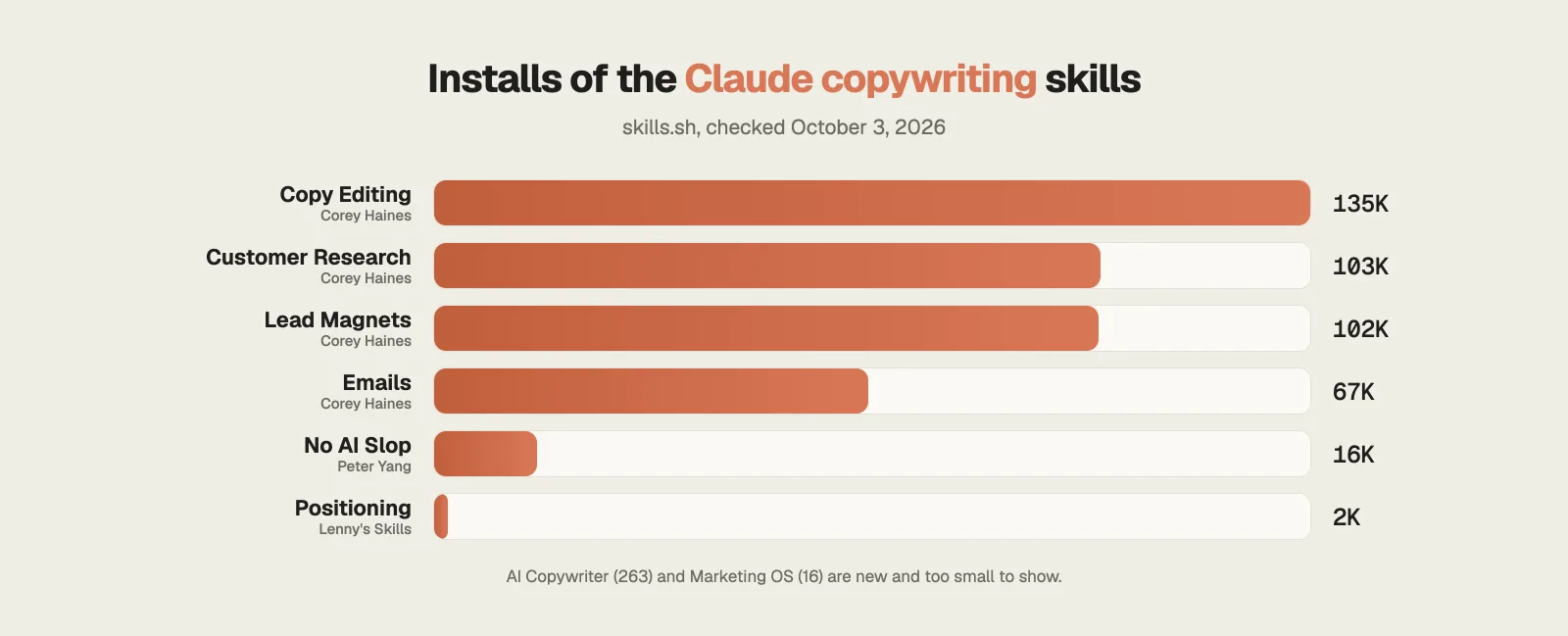
Install counts show which skills people rely on. Corey Haines’ skills lead, with Copy Editing at 135,000 installs, while No AI Slop reached 16,000 in under three months.
Step 1 · Hear the customer
1. Customer Research: copy built from your buyers’ own words
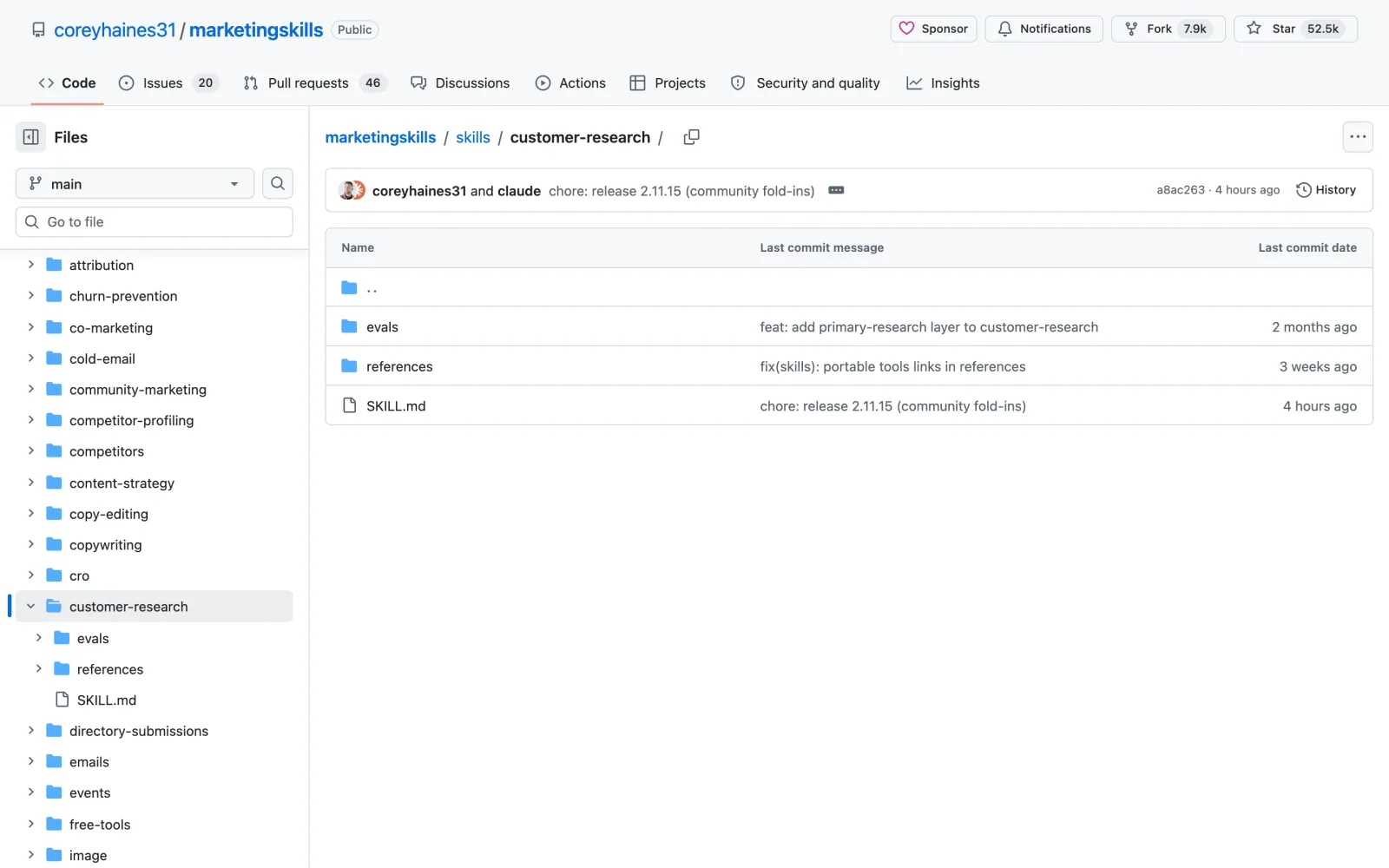
52.5K GitHub stars (pack)103K installsMITFree
You describe your product in your words, while your buyers search and decide in theirs.
Customer Research, from Corey Haines’ Marketing Skills pack, collects the words your buyers already use.
What it does
- It works from interview transcripts, survey answers or support tickets, or it reads reviews and Reddit threads about your category.
- It pulls out the job customers hire you for, their pains, what made them start looking and the exact phrases they use, so “we were drowning in spreadsheets” replaces “manual process inefficiency”.
- It groups findings into themes with five to ten verbatim quotes each.
- Every insight gets a confidence label. High means at least three independent sources mention it.
Example: Point it at the low-star reviews of your biggest competitor and you get their complaints word for word, ready for your headline to answer.
The catch: Online reviews lean toward power users and people with strong opinions, and the skill won’t build a persona from fewer than five data points.
Install it
Easiest: open Claude Code, type Install this skill: and paste github.com/coreyhaines31/marketingskills/tree/main/skills/customer-research
npx skills add https://github.com/coreyhaines31/marketingskills --skill customer-researchCorey Haines’ pack has more marketing skills. Five of them are in my guide to Claude skills for marketing.
Step 2 · Find your angle
2. Positioning: positioning advice from Lenny’s Podcast guests
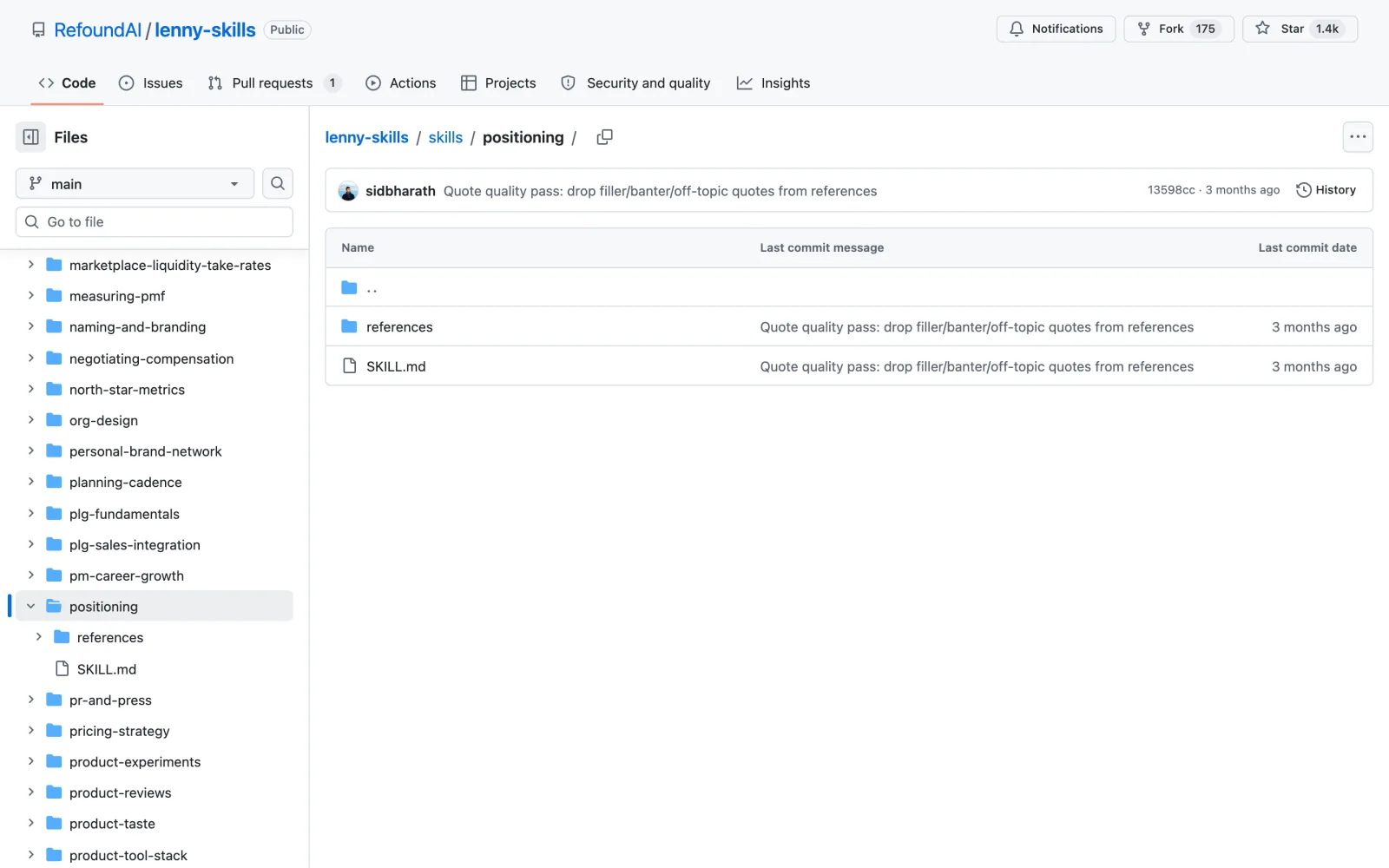
1.4K GitHub stars2.1K installsMITFree
If you can’t explain why someone should choose you over the alternative, a better headline won’t fix it.
The Positioning skill is part of Lenny’s Skills, a free pack that Refound AI built from Lenny’s Podcast and newsletter. This skill draws on 20 guests, among them positioning consultant April Dunford.
What it does
- It starts from your real competition, which is often a spreadsheet, a manual process or doing nothing.
- It asks questions like “if your product disappeared tomorrow, what would your customers use instead?”
- It links what is unique about you to outcomes customers care about, then drafts a one-line hook.
- It warns against the “better trap”: competing on slightly better features when you should be different.
Example: For booking software aimed at hair salons, the competitor to write against may be the paper appointment book rather than another app.
The catch: It is written for product teams, so most of its examples come from software startups.
Install it
Easiest: open Claude Code, type Install this skill: and paste github.com/refoundai/lenny-skills/tree/main/skills/positioning
git clone https://github.com/refoundai/lenny-skills.git
cp -r lenny-skills/skills/positioning ~/.claude/skills/Step 3 · Headlines
3. AI Copywriter: titles and subject lines that sound human
1.2K GitHub starsNew: July 2026MITFree
AI headlines tend to come out as “Unlock the ultimate guide”, and toned-down versions are too flat to click.
AI Copywriter by Mickey Haslavsky writes attention-grabbing copy and removes the AI tells in the same pass.
What it does
- Before writing, it asks who the copy is for (down to what they’d type into a search box at 11pm), which category you’re in and the story behind it.
- Titles come back as five to ten variants from different angles, with a recommended pick explained by how the reader will feel.
- It also writes subject lines, meta descriptions, buttons and error messages.
- It is built on blader’s Humanizer, so every draft is checked against 33 AI writing patterns.
Example: Paste a blog post, ask for titles and you get up to ten options plus the reasoning for the best one.
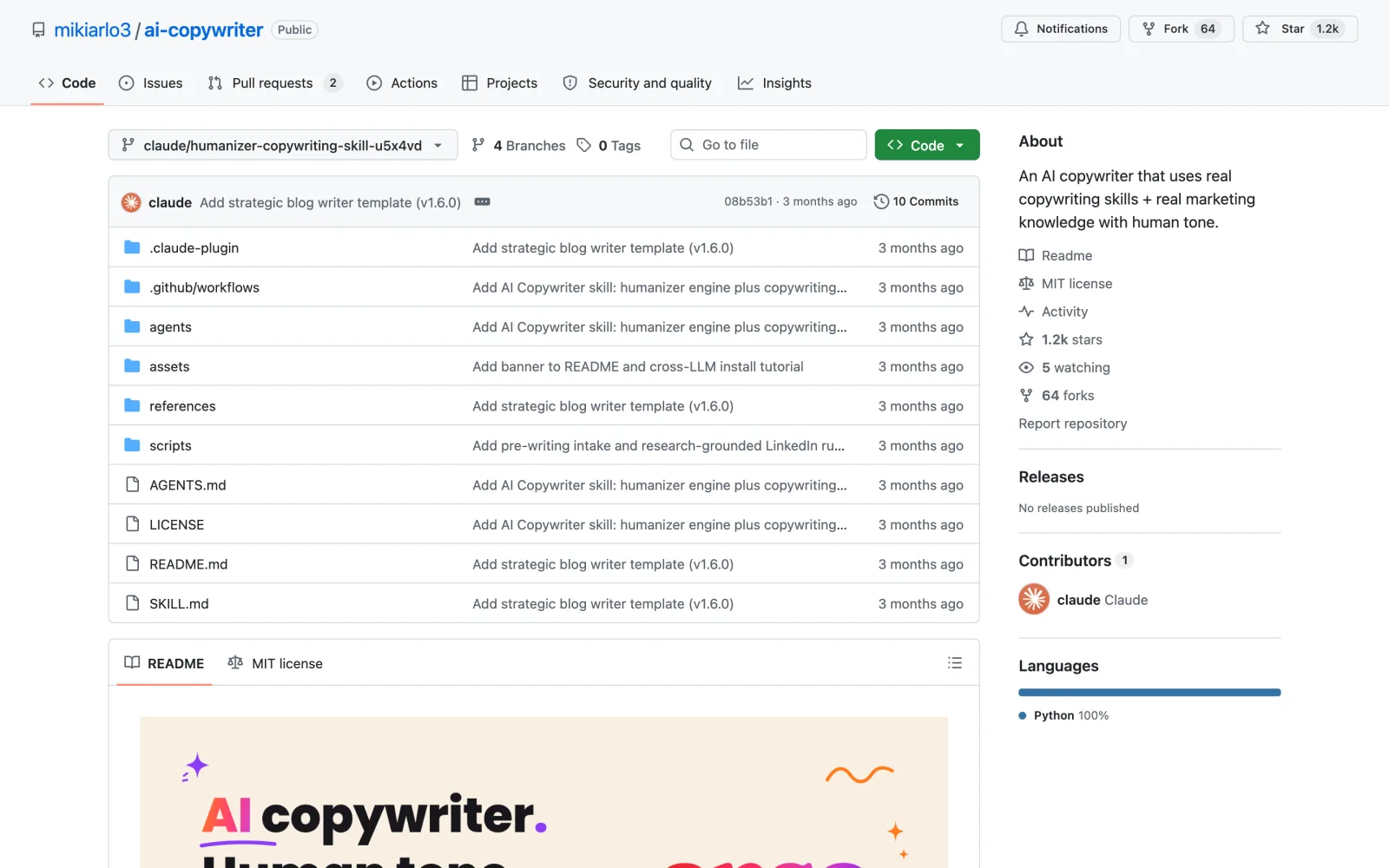
The catch: It won’t invent facts. When the strongest headline needs a number, you have to supply it.
Install it
Easiest: open Claude Code, type Install this skill: and paste github.com/mikiarlo3/ai-copywriter
npx skills add mikiarlo3/ai-copywriter --globalStep 4 · Variants and hooks
4. Marketing OS: 15 to 20 versions, scored before you choose
534 GitHub starsNew: Aug 2026MITFree
Most people write one headline, publish it and never learn whether a better one existed.
Marketing OS by Yuzzyuk is a single skill with 14 modules, two of them built for copy.
What it does
- The copy module writes 15 to 20 versions of a line and scores each out of 100 from five viewpoints: a skeptic, a stranger, a competitor, a buyer and an editor.
- Versions under 70 are dropped, and versions scoring 70 to 84 are rewritten and scored again.
- The hooks module uses 18 named tactics, such as a callout, a contrarian line or a statistic.
- Each video hook is written in three parts: what is on screen, what is said and the text overlay.
Example: Ask for hooks for a product video and you get a grid spread across at least six tactics, each tied to a real customer quote.
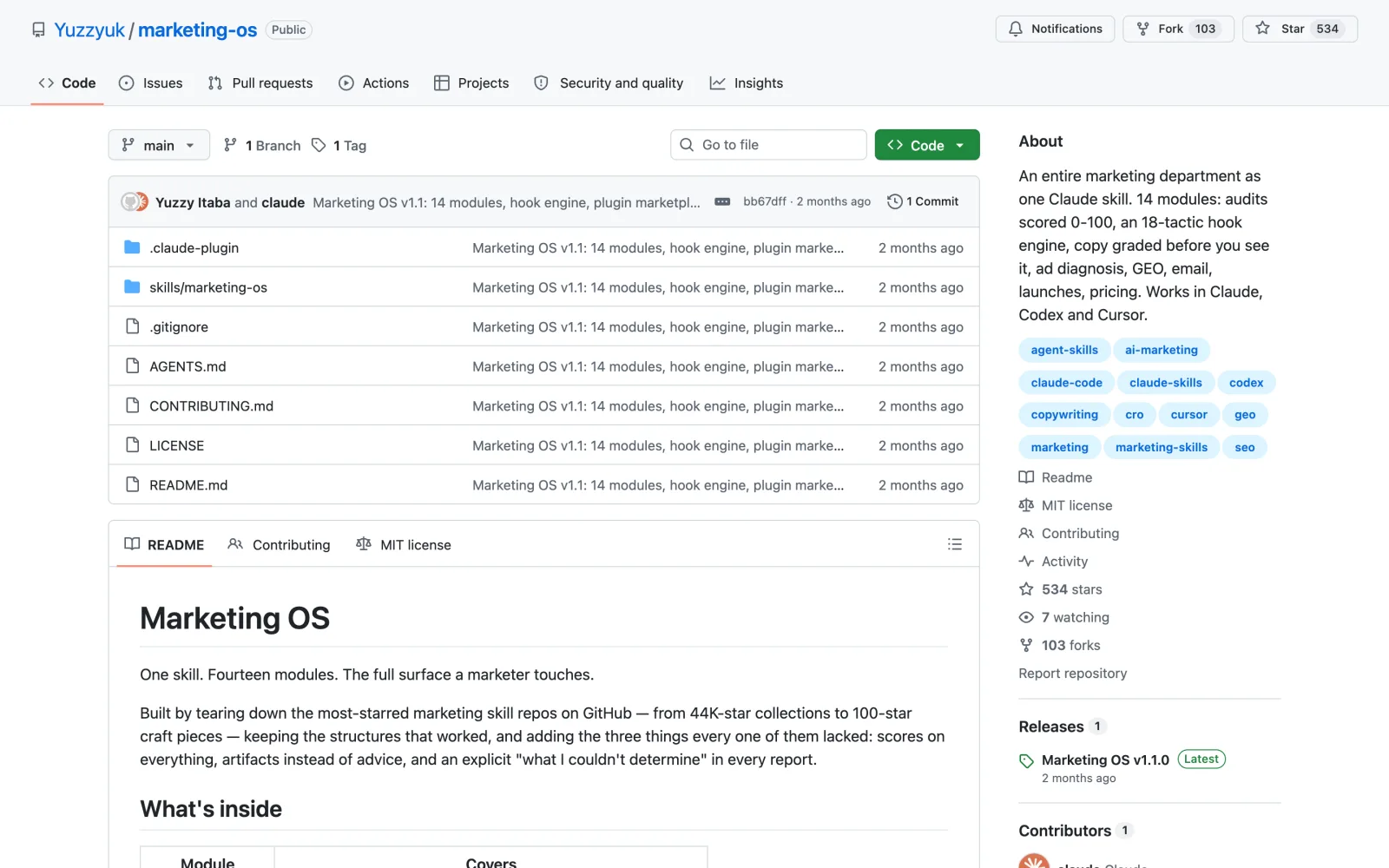
The catch: You need to fill in its brand file first. Without it, the skill itself warns that the output will be competent and interchangeable.
Install it
Easiest: open Claude Code, type Install this skill: and paste github.com/Yuzzyuk/marketing-os
/plugin marketplace add Yuzzyuk/marketing-os
/plugin install marketing-os@marketing-osStep 5 · Lead magnet
5. Lead Magnets: turn visitors into an email list
52.5K GitHub stars (pack)102K installsMITFree
Most visitors leave without buying, and without their email you can’t reach them again.
Lead Magnets, another skill from Corey Haines’ pack, plans the free resource you offer in exchange for an email address.
What it does
- It picks a format, from a checklist or cheat sheet to a template, quiz or email course, and says how long each takes to make.
- It matches the format to how ready the buyer is and keeps it short enough to finish in under 30 minutes.
- It plans a six-part landing page, from the headline to the FAQ.
- Its rule of thumb is to ask for the email only, since each extra form field cuts sign-ups by 5 to 10 percent.
Example: For a budgeting app it might propose a one-page cheat sheet, with a landing page and a thank-you page around it.
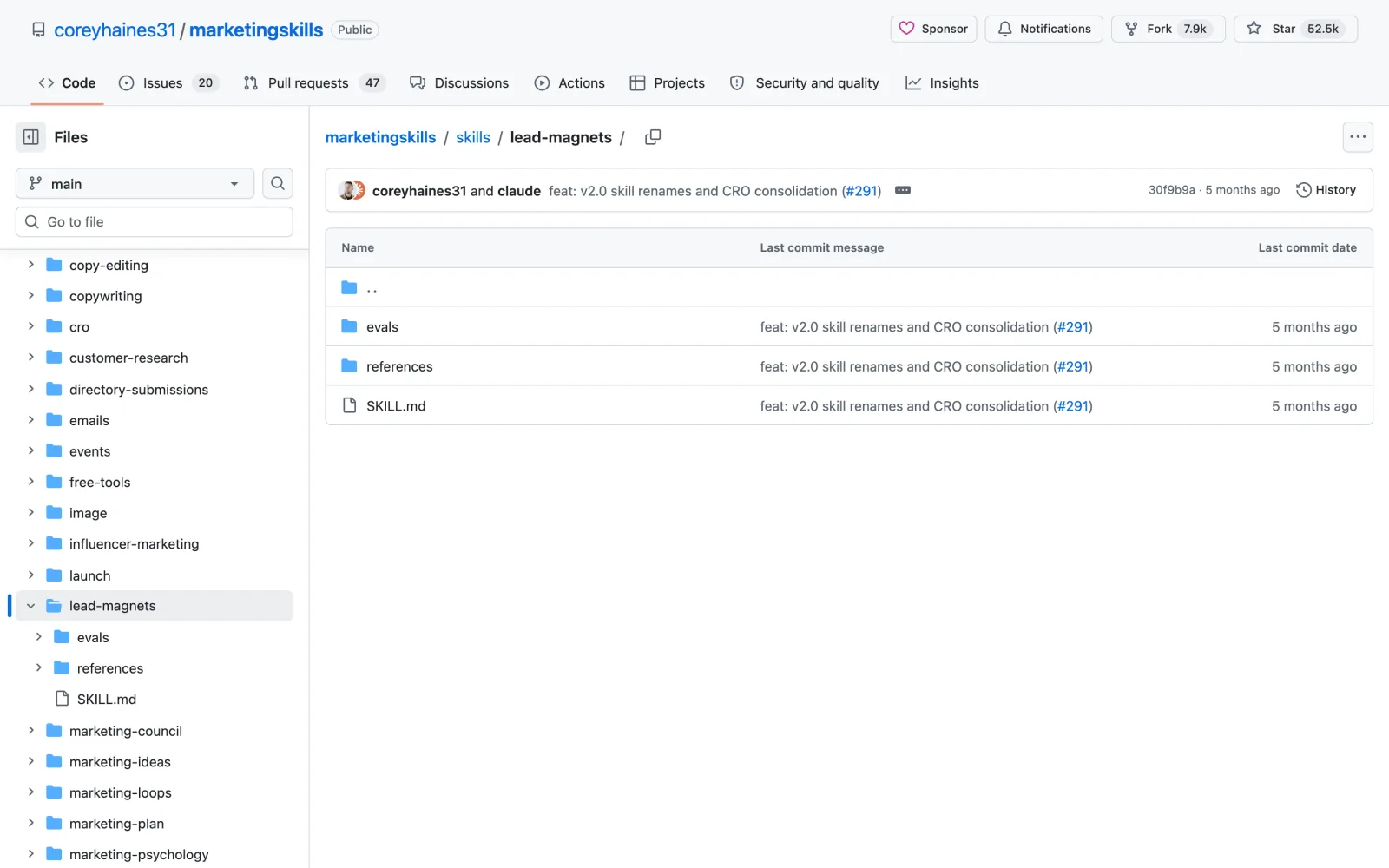
The catch: Formats vary a lot in effort. A checklist takes an hour or two, while an ebook takes one to three weeks.
Install it
Easiest: open Claude Code, type Install this skill: and paste github.com/coreyhaines31/marketingskills/tree/main/skills/lead-magnets
npx skills add https://github.com/coreyhaines31/marketingskills --skill lead-magnetsStep 6 · Email sequence
6. Emails: welcome and nurture emails, written in full
52.5K GitHub stars (pack)67K installsMITFree
New subscribers often hear nothing for weeks and forget why they signed up.
Emails is Corey Haines’ email sequence skill, and it writes the whole series.
What it does
- A welcome sequence runs five to seven emails over 12 to 14 days: the promised resource, a quick win, your story, social proof, an objection, a feature and the offer.
- A nurture sequence runs six to eight emails over two to three weeks.
- Each email has one job and one main button, and value comes before any ask.
- Subject lines aim for 40 to 60 characters, and it bans fake “Re:” subjects and openers like “I hope this email finds you well”.
Example: Tell it someone just downloaded your free cheat sheet and you get the full sequence with subject lines, preview text and send days.
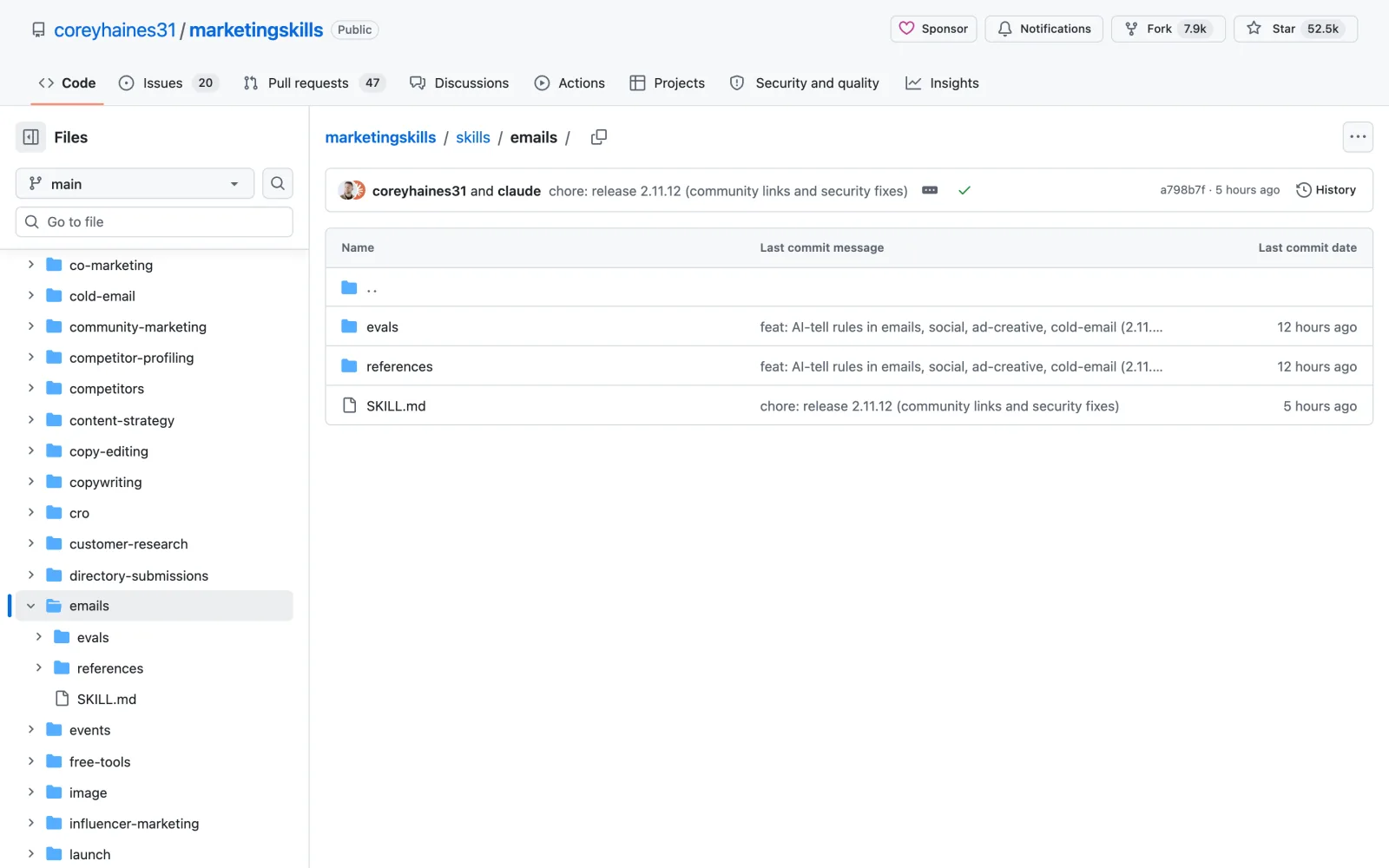
The catch: It writes the emails only. Sending them needs an email tool such as Kit, Mailchimp or Customer.io.
Install it
Easiest: open Claude Code, type Install this skill: and paste github.com/coreyhaines31/marketingskills/tree/main/skills/emails
npx skills add https://github.com/coreyhaines31/marketingskills --skill emailsPrefer a paid tool that sends the emails too? See my Email Expert AI review.
Step 7 · Edit
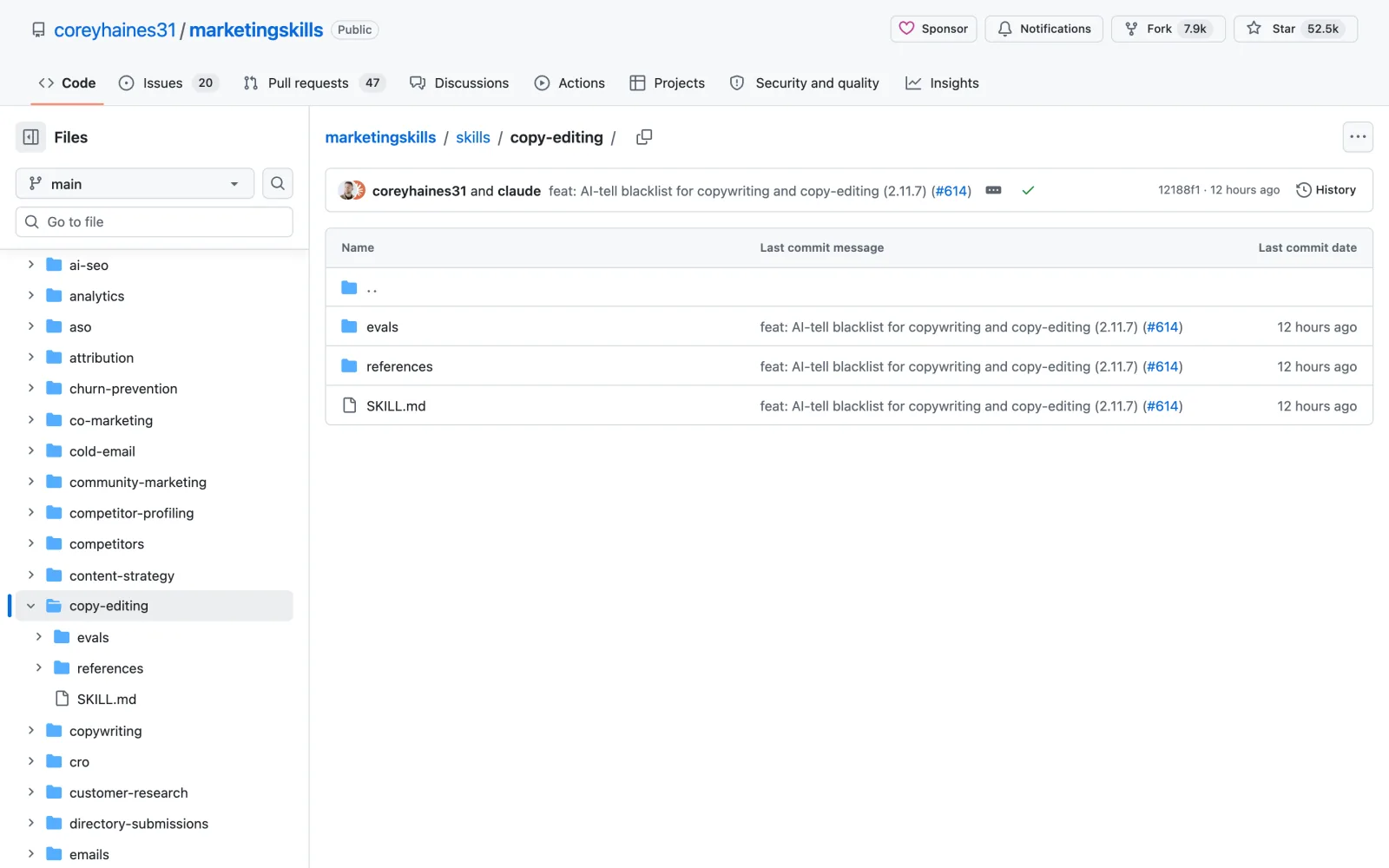
7. Copy Editing: seven passes, one focus each
52.5K GitHub stars (pack)135K installsMITFree
Editing everything at once catches the typos and misses the claim nobody believes.
Copy Editing, from Corey Haines’ pack, is the most installed skill in this guide. It edits in seven separate passes.
What it does
- The passes are clarity, voice and tone, “so what”, prove it, specificity, heightened emotion and zero risk.
- “So what” makes every claim answer why the reader should care. Zero risk looks for anything that stops a click, like a missing guarantee or a hidden cost.
- After each pass it rechecks the earlier ones, so a new fix doesn’t break an old one.
- For sales pages and launch emails it adds three to five expert personas who score the copy out of ten until each gives at least seven.
Example: Give it your sales page and you get it back with every change and the reason behind it.
The catch: It keeps your core message on purpose, so it can’t rescue an offer that is wrong to begin with.
Install it
Easiest: open Claude Code, type Install this skill: and paste github.com/coreyhaines31/marketingskills/tree/main/skills/copy-editing
npx skills add https://github.com/coreyhaines31/marketingskills --skill copy-editingStep 8 · Sound human
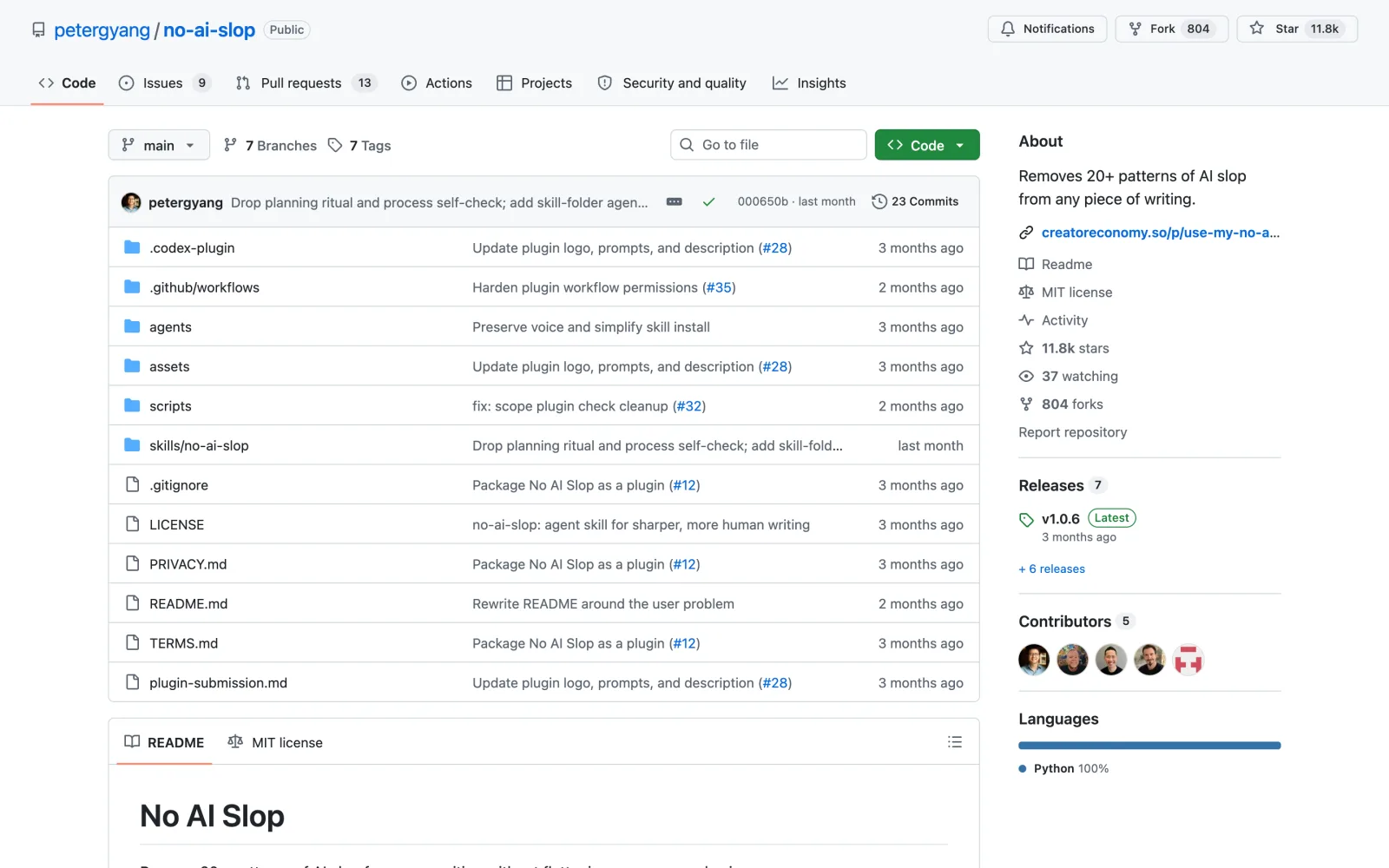
8. No AI Slop: remove AI slop and keep your voice
11.8K GitHub stars16K installsMITFree
Readers spot AI copy within a line, and then they distrust the rest.
No AI Slop comes from Peter Yang, who publishes videos and a newsletter about AI tools.
What it does
- It catches over 20 patterns, including “It’s not X. It’s Y.”, “Here’s the thing”, colon reveals and fake-profound endings.
- Words like delve, leverage and game changer get cut.
- Edits stay as small as possible, and your humor, opinions and even your swearing stay in.
- You get a list of every change, and a detect mode quotes each pattern it finds without guessing whether AI wrote the text.
Example: Paste a LinkedIn post and it comes back tighter, still in your voice, with a list of what changed.
The catch: It won’t make anything up. If a line is vague, it asks you for the missing detail.
Install it
Easiest: open Claude Code, type Install this skill: and paste github.com/petergyang/no-ai-slop
npx skills add petergyang/no-ai-slop --skill no-ai-slop --global --yesI also tested a paid app built for this job in my Authenticity Engine review.
How to install the Claude copywriting skills
You can install every skill here without typing commands yourself:
- Open Claude Code in the desktop app, the terminal or your code editor.
- Type
Install this skill:and paste the skill’s GitHub link from this article. - Claude downloads it and tells you how to use it. Start a new chat so the skill loads.
- Ask for the job in plain English, for example “write five headlines for this landing page”.
Each section above also shows the exact command. Fill in the product context file in Corey Haines’ pack first, because his skills read it before they write.
Frequently asked questions
Is Claude good for copywriting?
Claude writes clean copy, but by default it reaches for safe, generic phrasing. Skills fix that by giving it your customers’ words, a positioning angle, a scoring step and a final pass that removes AI patterns.
Are these Claude copywriting skills free?
Yes. All eight are free and MIT licensed. The only extra cost is a tool to send emails, such as Kit or Mailchimp, if you use the email sequence skill.
Do these skills work in the Claude app or only in Claude Code?
They are built for Claude Code, where they install with one command. AI Copywriter’s README also explains how to use it in a Claude project by uploading its single SKILL.md file.
Will people know the copy was written with AI?
Less likely after the last steps. No AI Slop and AI Copywriter both remove the patterns readers associate with AI, while keeping your own facts and voice.
Which Claude copywriting skill should I install first?
Start with Customer Research. Copy written from your buyers’ own words improves every step that follows.
Final verdict: the best setup for Claude copywriting
Work in the order a copywriter would, with research and positioning before any writing. Customer Research and Positioning give Claude something specific to say, AI Copywriter and Marketing OS turn it into strong options, and Copy Editing plus No AI Slop make the final version sharp and human.
All eight are free, so pick the step where your copy is weakest and start there. To make your own writing sound less like AI, see the Humanizer section in my guide to Claude Code skills for YouTubers.