


Hi, this is Darius. If you sell something without a marketing team, you know where the week goes. The homepage needs rewriting, the ads need new versions, the cold emails and LinkedIn posts are waiting, and most weeks none of it gets finished.
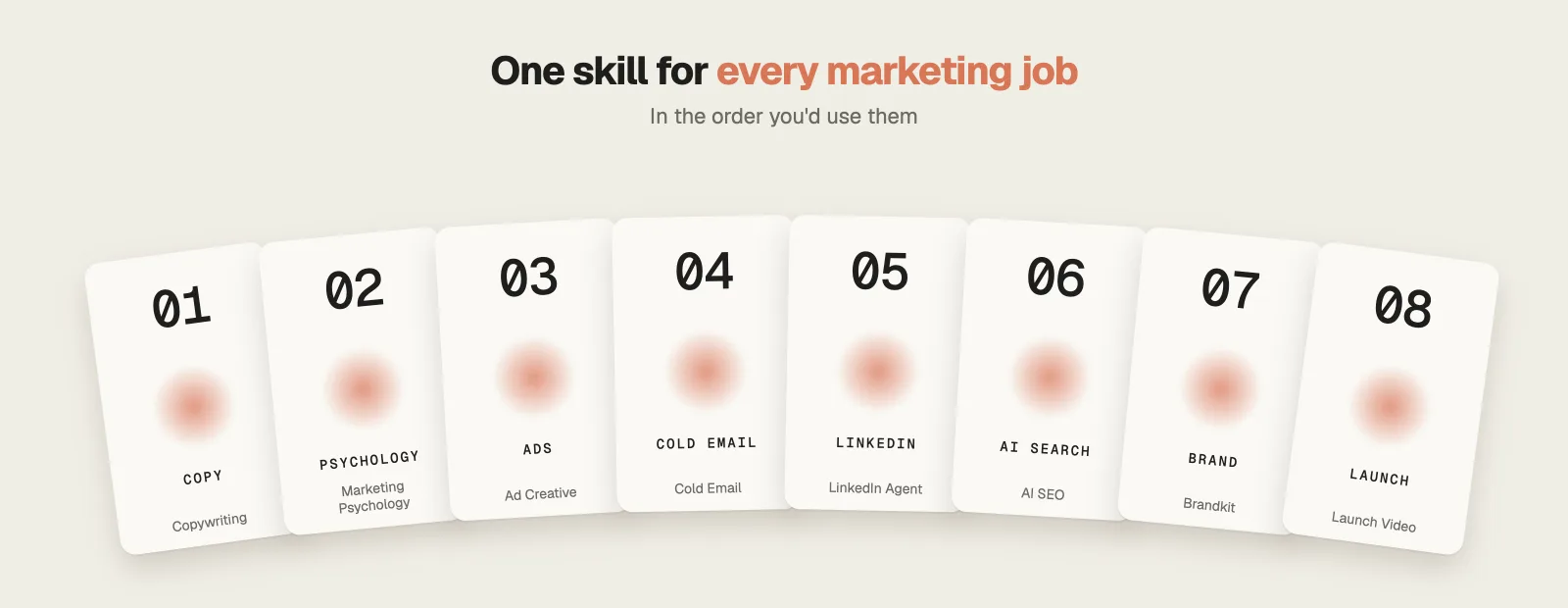
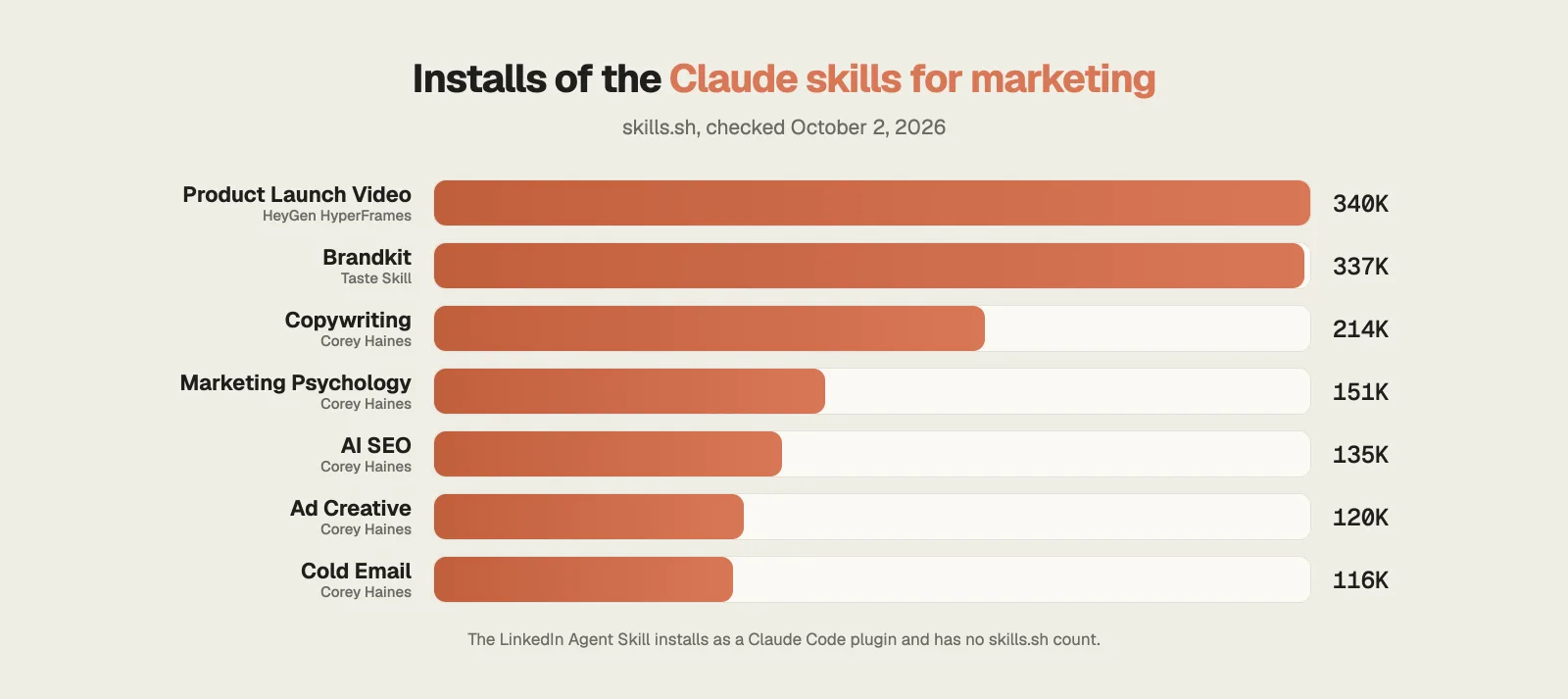
The right skills let Claude take on a large part of that list. Below are the 8 Claude skills for marketing I would install, all free and open source on GitHub, ordered from the words on your homepage to the video that launches your product. Seven of them have more than 1.4 million installs between them on skills.sh. For each one you’ll find what it does, a worked example, what it costs and its main limitation.
Watch the full video: 8 Free Claude Skills That Do Your Marketing For You (From GitHub) · 11:22
How popular are these Claude skills for marketing?
Install counts show which of these skills people use most. Five of the eight come from Corey Haines’ Marketing Skills repo, which has 52,300 stars on GitHub.
1. Copywriting: homepage copy that sells
Most homepages list features. Visitors skim past them because they came to find out what would change for them.
Copywriting comes from Corey Haines’ Marketing Skills pack, a free collection of 50 marketing skills for Claude Code.
What it does
- It interviews you before it writes anything: what the page is for, the one action a visitor should take, who the buyer is, and what makes that buyer hesitate.
- It then drafts the page in sections. You get the headline, the call to action, the proof, a how-it-works block and answers to the main objections.
- Every headline and button comes in two or three versions, each with a short note on why it might work.
- All the skills in the pack read one shared product file. You fill it in once, and Claude stops asking you to explain your product in every new chat.
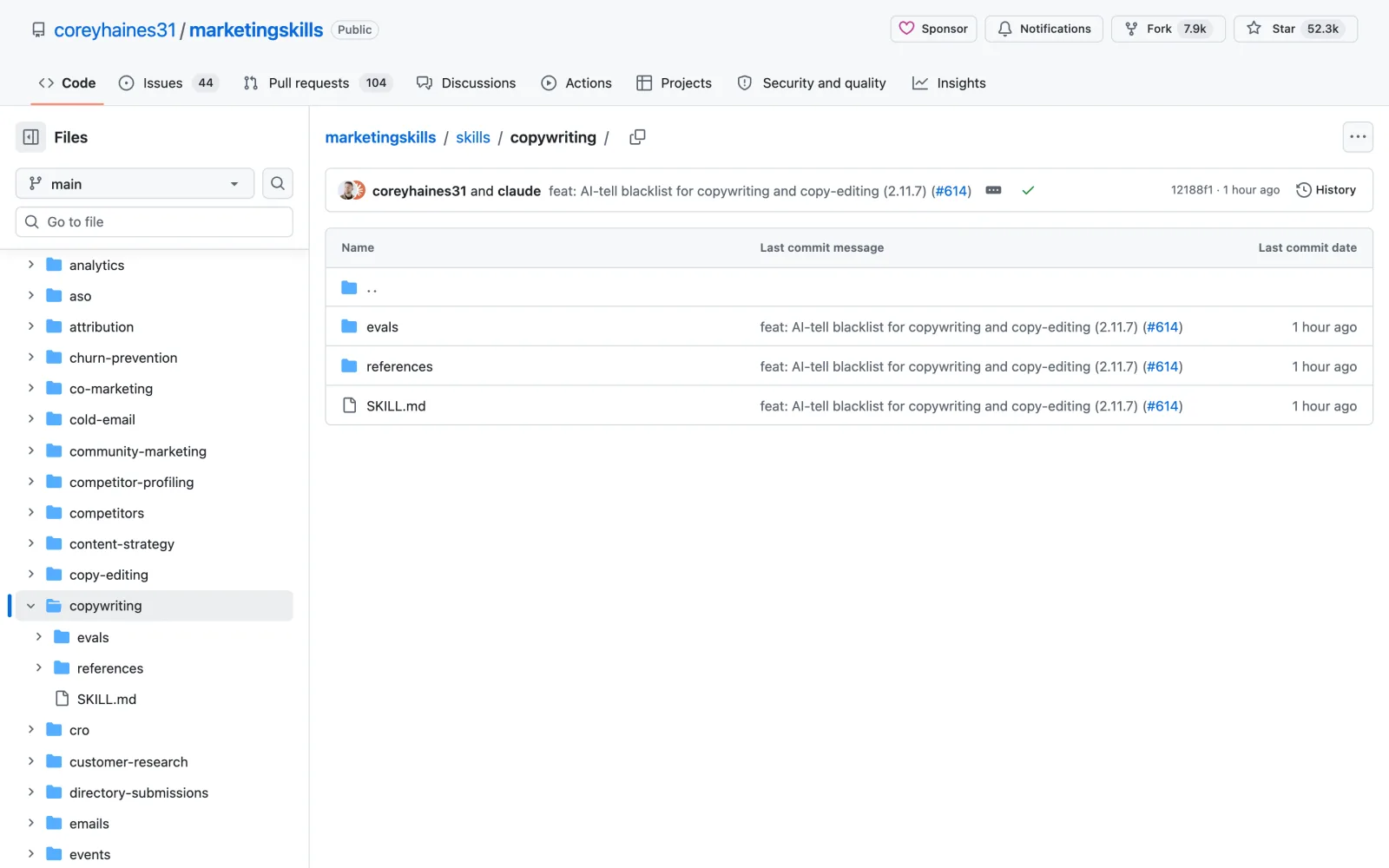
Install this skill: and paste github.com/coreyhaines31/marketingskills/tree/main/skills/copywritingnpx skills add https://github.com/coreyhaines31/marketingskills --skill copywriting
2. Marketing Psychology: 72 mental models for your offer
A clear page explains what you sell. People still need a reason to buy now instead of next month.
Marketing Psychology is the second skill from the same pack, and it is a library of 72 mental models, including anchoring, loss aversion, the decoy effect and the paradox of choice.
What it does
- You describe a page, an offer or a pricing table, and it picks the models that apply to it.
- For each model it explains why it works on people and how to use it on your page.
- Much of its advice is about pricing: lead with the higher price, cut seven plans down to three and highlight the one most buyers should choose.
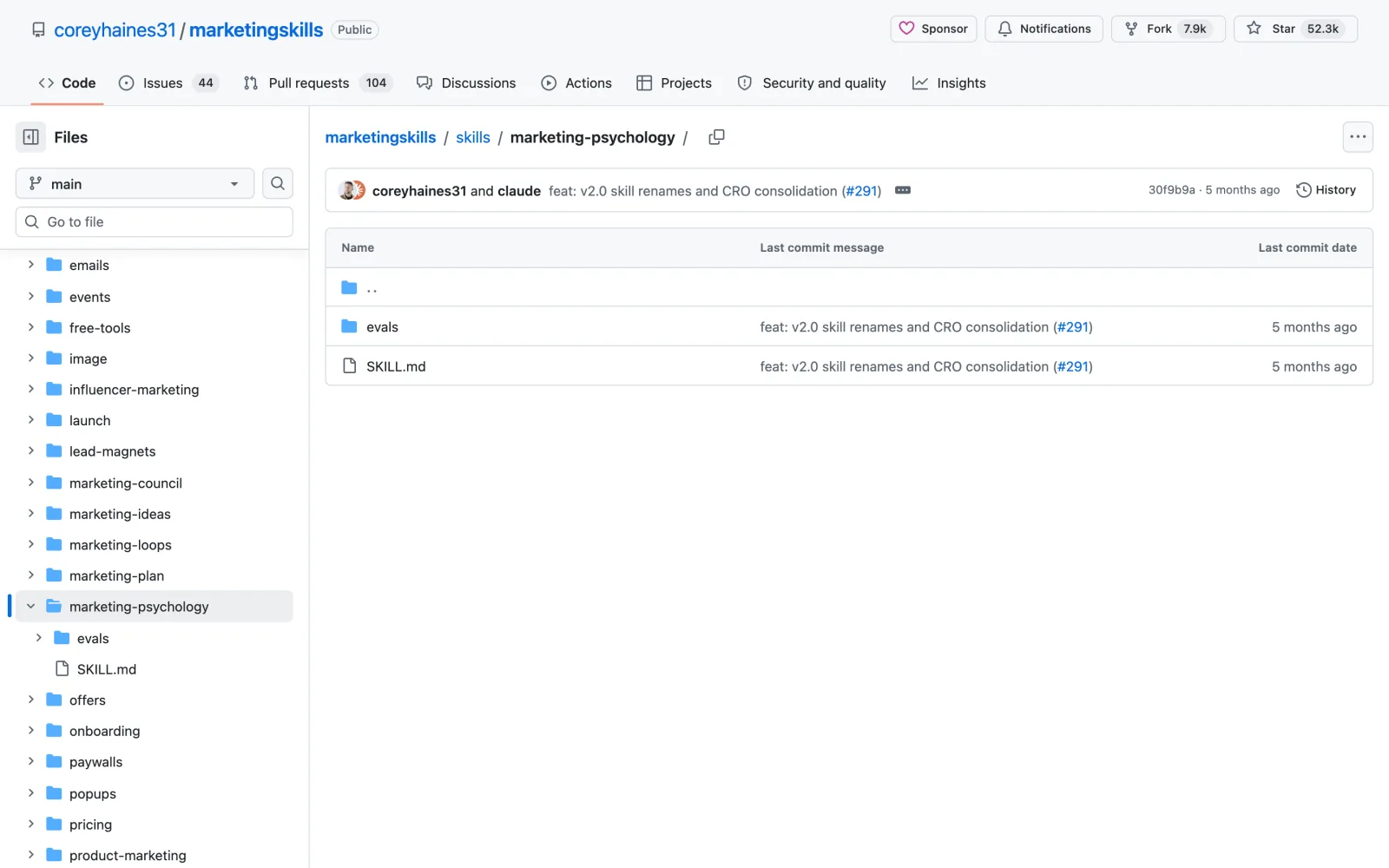
Install this skill: and paste github.com/coreyhaines31/marketingskills/tree/main/skills/marketing-psychologynpx skills add https://github.com/coreyhaines31/marketingskills --skill marketing-psychology
3. Ad Creative: ad variations that fit every platform
Paid ads bring visitors fastest. Writing ten versions of the same ad is tedious, so most people write two and hope one of them works.
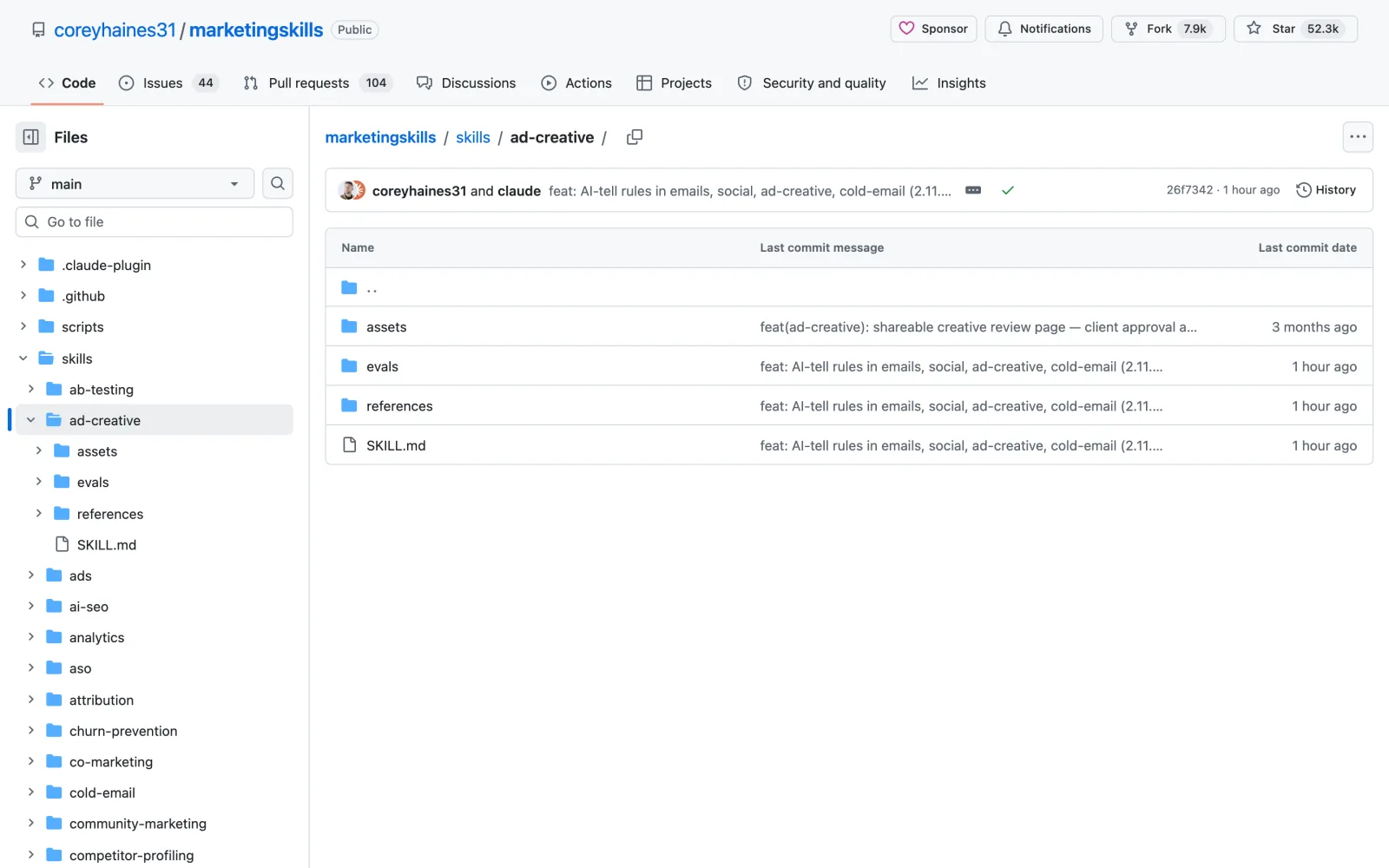
Ad Creative, also from Corey Haines’ pack, writes ad copy in bulk and checks it against each platform’s rules.
What it does
- It begins with three to five angles, such as a pain point, an outcome or a comparison with an alternative, then writes variations for each angle.
- Every line is checked against the platform’s character limits. A Google headline allows 30 characters and a responsive search ad holds up to 15 headlines. Meta, LinkedIn, TikTok and X each have their own limits, and any line that runs long comes back shortened.
- You get a file you can upload straight into the ad manager.
- Feed it last month’s results and it picks out the winners and writes the next round based on them.
Install this skill: and paste github.com/coreyhaines31/marketingskills/tree/main/skills/ad-creativenpx skills add https://github.com/coreyhaines31/marketingskills --skill ad-creative
Prefer a paid tool that writes the ads for you? I tested one in my AdStorm review.
4. Cold Email: cold emails that read like a peer wrote them
Every ad click costs money, while a cold email costs nothing to send. Most cold emails still go unanswered because they read like a template.
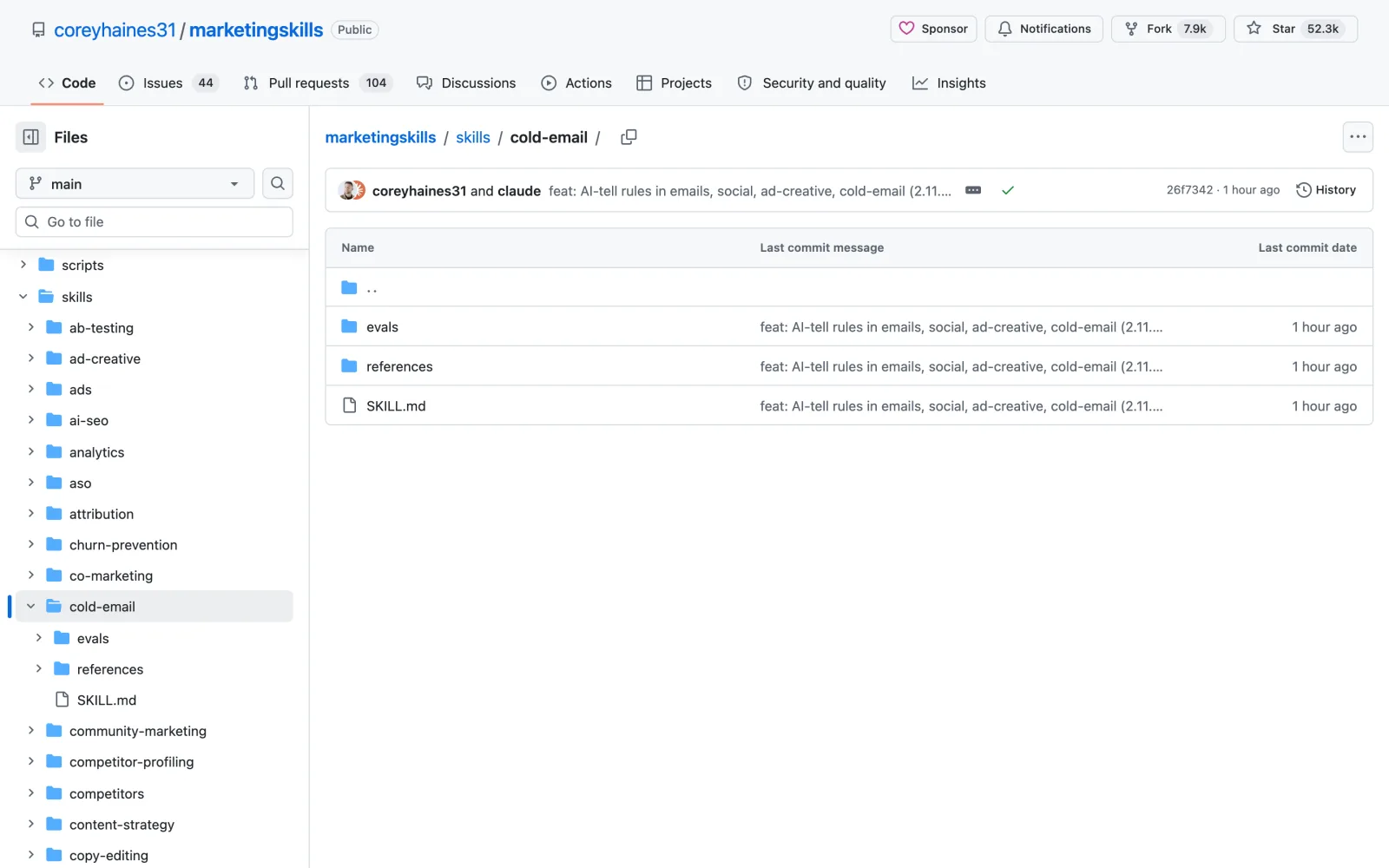
Cold Email is the fourth skill from the pack, and it writes outreach that sounds like one person writing to another.
What it does
- It asks who you are writing to, what you want from them and what proof you can show. It also asks for a trigger, such as a company that just raised money or started hiring.
- Subject lines are two to four lowercase words, so the email looks like it came from a colleague.
- The ask stays small. You get a line like “worth a look?” in place of a request for a 30 minute call.
- Follow-ups come as a sequence of three to five emails, and each one adds something new, so you never send a bare “just checking in”.
Install this skill: and paste github.com/coreyhaines31/marketingskills/tree/main/skills/cold-emailnpx skills add https://github.com/coreyhaines31/marketingskills --skill cold-email
5. LinkedIn Agent Skill: a week of posts from one idea
One good idea usually becomes one post, and then the account goes quiet until you find time again.
The LinkedIn Agent Skill by Jake Schincariol bundles 11 LinkedIn skills in one free repo. It was released in September 2026 and passed 1,000 stars within weeks.
What it does
/li-postturns an idea into a post and offers three hooks built from 21 hook formulas./li-profilescores your profile out of 100 against a 12-part checklist, then rewrites the weakest sections first./li-repurposeturns one video or newsletter into a week of posts that each make sense on their own.- Every draft first goes through its built-in humanizer, which removes em dashes, 113 stock AI phrases and the invisible characters AI text tends to carry, then scores the result on five checks.
/li-repurpose and you get five posts for Monday to Friday, each with its own hook.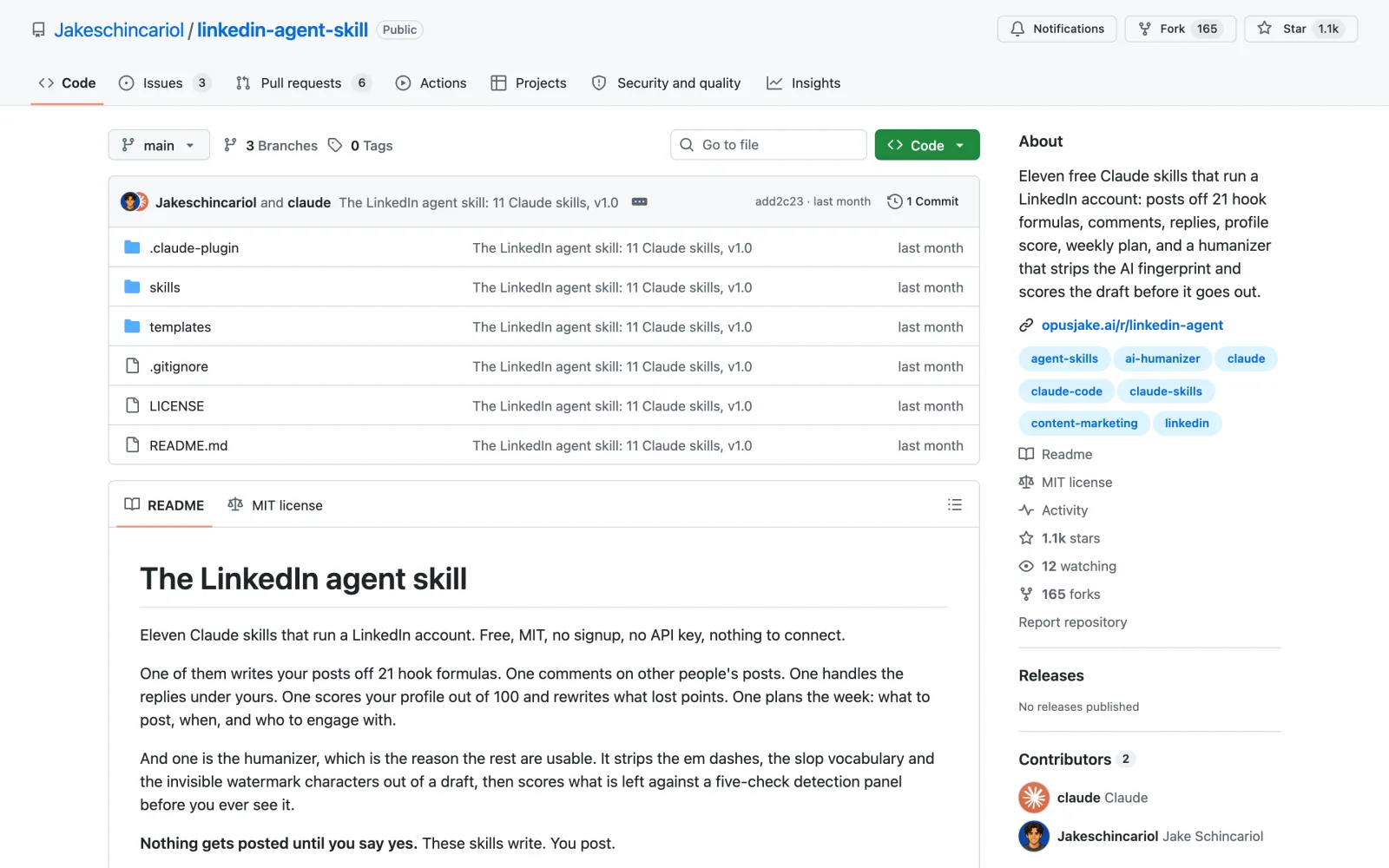
Install this skill: and paste github.com/Jakeschincariol/linkedin-agent-skill/plugin marketplace add Jakeschincariol/linkedin-agent-skill /plugin install linkedin-agent
6. AI SEO: show up in ChatGPT and AI Overviews
More buyers now ask ChatGPT what to buy, and the answer is a short paragraph with a few names in it instead of ten blue links.
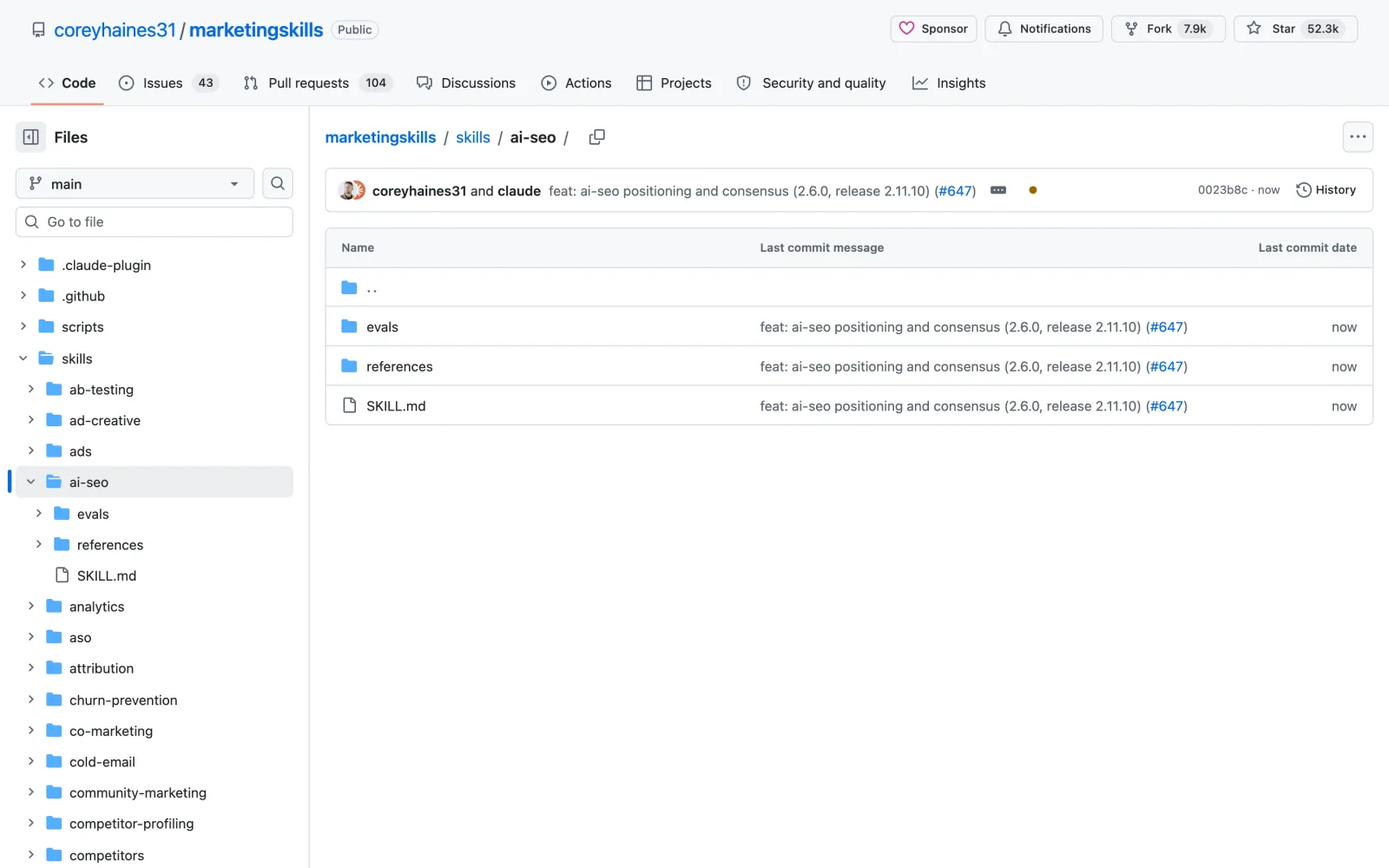
AI SEO from Corey Haines’ pack works on getting your site cited when someone asks ChatGPT, Perplexity or Google’s AI Overviews about your category.
What it does
- It starts with an audit. It runs 10 to 20 of your key questions through those engines and records who gets cited for each.
- A robots.txt check shows whether you block the crawlers from OpenAI, Perplexity and Anthropic, since a blocked crawler cannot cite you.
- It reviews each page against ten checks, such as a direct answer in the first paragraph, an FAQ section and an update within the last six months.
- Part of the method comes from a Princeton study, where adding sources and statistics to a page made AI engines show it up to 40% more often.
Install this skill: and paste github.com/coreyhaines31/marketingskills/tree/main/skills/ai-seonpx skills add https://github.com/coreyhaines31/marketingskills --skill ai-seo
For a paid take on AI search visibility, see my SerpSling AI review.
7. Brandkit: a full brand board from one brief
Once people can find you, the brand has to look like the same company on the site, in the ads and on LinkedIn.
Brandkit lives in Leon Lin’s Taste Skill repo, a design skill collection with 92,000 stars on GitHub.
What it does
- It works out the brand strategy first, then the logo, using one of five methods such as a monogram, a visual metaphor or a shape hidden in negative space.
- The output is one brand board, by default a grid of nine panels: the logo, how it is constructed, the colors, the type, an app screen, a physical item like packaging, the image style and close-up details.
- It has eight visual modes that range from dark developer tools to luxury and light editorial.
- You can then hand the board to Claude as the reference for building your website, so the site matches the brand.
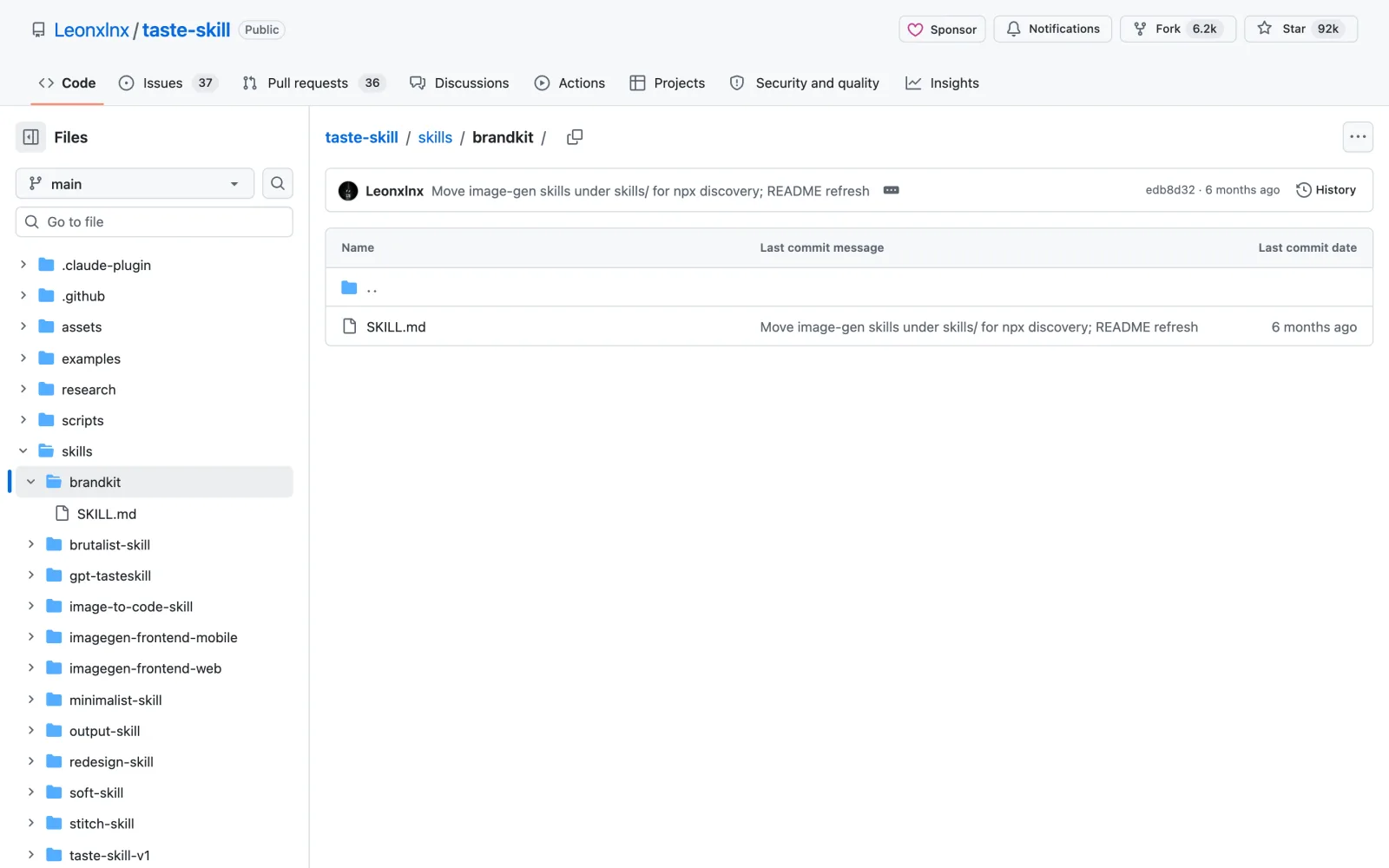
Install this skill: and paste github.com/Leonxlnx/taste-skill/tree/main/skills/brandkitnpx skills add https://github.com/Leonxlnx/taste-skill --skill brandkit
8. Product Launch Video: a launch video from your website
A launch needs a video, and a launch video usually means hiring someone or losing a week in an editor.
Product Launch Video is part of HeyGen’s open source HyperFrames project, which renders video from web code.
What it does
- You give it your website. It visits the site and pulls your colors, fonts and images.
- It picks a design preset, recolors it with your brand colors and writes a storyboard and a script, then waits for your approval.
- Once you approve, it adds a voiceover and music, builds the video frame by frame and renders it in 16:9, 9:16 or square.
- You get three check-ins: after the brief, after the storyboard and at the final preview.
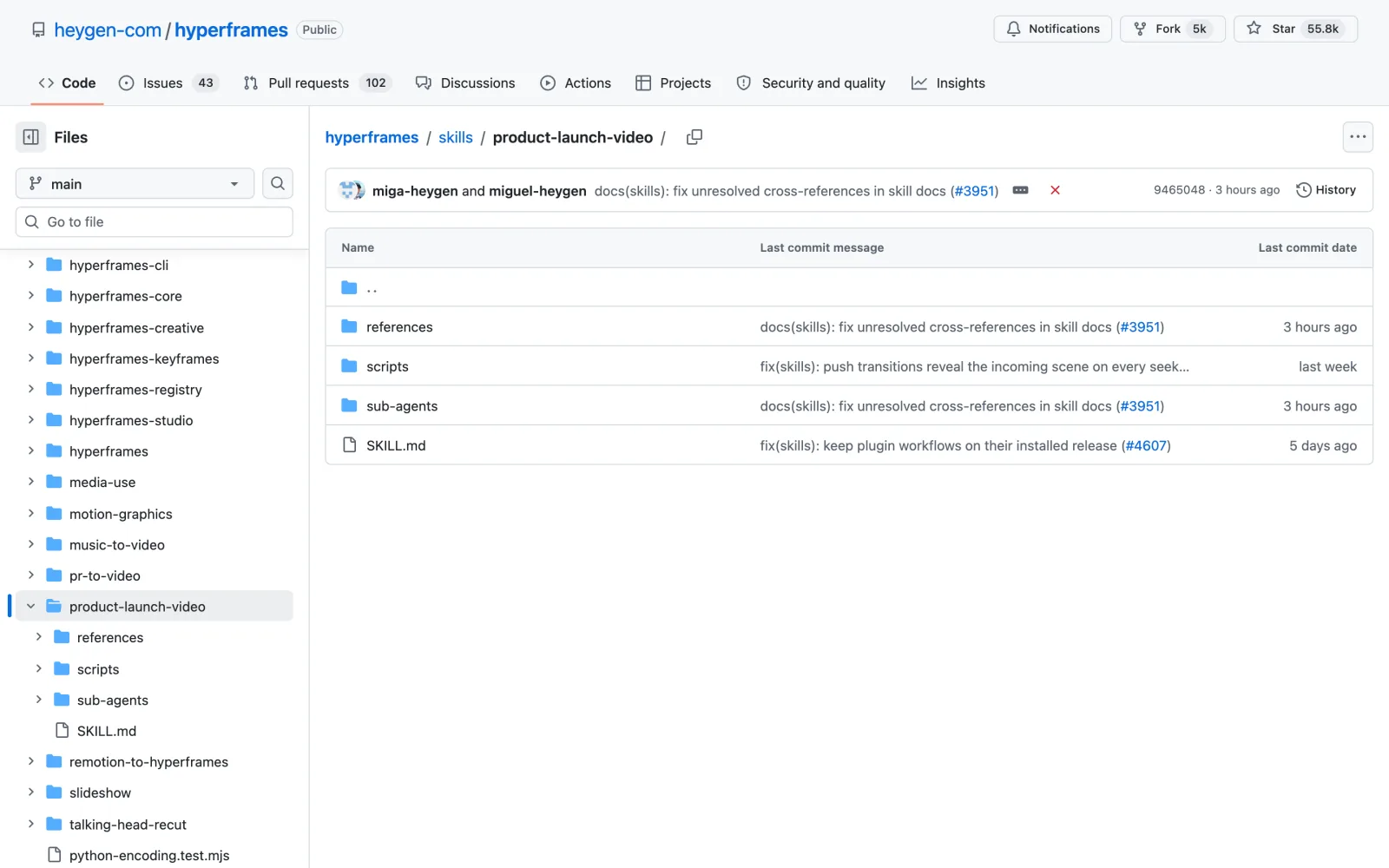
Install this skill: and paste github.com/heygen-com/hyperframes/tree/main/skills/product-launch-videonpx skills add https://github.com/heygen-com/hyperframes --skill product-launch-video
The same HyperFrames project also edits YouTube videos. It is the last step in my guide to Claude Code skills for YouTubers.
How to install Claude skills for marketing
You don’t need to use a terminal. This method works for every skill on this list:
- Open Claude Code in the desktop app, the terminal or your code editor.
- Type
Install this skill:and paste the skill’s GitHub link from this article. - Claude downloads the skill, puts it in the right folder and explains how to use it. Start a new chat so the skill loads.
- Ask for the job in plain English, such as “rewrite my homepage”, or use the skill’s slash command.
If you prefer commands, each section above lists the exact one. Fill in the shared product file in Corey Haines’ pack before anything else, because five of these Claude skills for marketing read it.
Frequently asked questions
What are Claude skills for marketing?
They are folders of instructions and scripts that teach Claude one marketing job, such as writing a landing page or planning a cold email sequence. Claude loads a skill when your request matches it, or you can call it with a slash command.
Are these Claude skills for marketing free?
Yes. All eight are free and open source on GitHub, and every license allows paid client work. Two of them can use paid services: Brandkit needs an image model to draw the board, and Product Launch Video can use a HeyGen account, though it also runs without one.
Do these skills work in Claude.ai or only in Claude Code?
They are written for Claude Code, where they install with one command. Skills that only produce text, such as Copywriting or Cold Email, can also be uploaded as skills in the Claude apps. Product Launch Video renders on your computer, so it needs Claude Code.
Will Claude send my emails or post on LinkedIn for me?
No. Cold Email only writes the emails, and the LinkedIn Agent Skill only writes posts and profile copy. You send and post them yourself. Automating a personal LinkedIn profile breaks LinkedIn’s user agreement.
Which of these Claude skills for marketing should I install first?
Start where you lose the most sales. If visitors arrive and leave, install Copywriting and Marketing Psychology. If nobody arrives, start with Ad Creative or Cold Email.
Final verdict: which Claude skills for marketing are worth it?
All eight Claude skills for marketing are free, and each one covers a job you would otherwise do by hand or pay for. Corey Haines’ pack is the obvious base: install it once and you get Copywriting, Marketing Psychology, Ad Creative, Cold Email and AI SEO, all reading the same product file. Add the LinkedIn Agent Skill if LinkedIn is where your buyers are, and Brandkit and Product Launch Video when you are ready to launch.
Pick the job that costs you the most time this week, install that one skill and use it on real work before you add the next. If you also make videos, my guide to Claude Code skills for YouTubers covers the production side.